7 Best RMM Software for Small Business in 2026
Small businesses run on tight margins. When a server goes down or ransomware hits, there is no IT department to call. That is where RMM software comes in. It monitors your devices, patches your software, and lets someone fix problems remotely, all without the $80K salary of a full-time technician.
But here is the thing: most RMM platforms were built for MSPs managing hundreds of clients, not for a 25-person company with 40 endpoints. The wrong choice means paying for complexity you do not need, or worse, buying a tool so stripped down that it cannot grow with you.
We tested seven RMM platforms that actually work for small businesses in 2026. These are not the enterprise giants that require a certification to deploy. They are tools you can set up this week, priced for businesses that count every dollar.
What small businesses actually need from RMM software
Before comparing vendors, let us be clear about what matters when you are not running an MSP with 50 clients.
Remote access that just works. When an employee cannot print at 2 PM on a Tuesday, you need to see their screen and fix it. Not open a ticket. Not schedule a visit. Fix it now.
Patch management without the babysitting. Windows updates, Adobe patches, browser security fixes. These should happen automatically, with reports showing what got updated and what needs attention.
Monitoring that catches problems early. Disk space running low. Antivirus disabled. Backup failed. You want alerts before these become emergencies.
Pricing that scales down. Per-device pricing is fine when you have 500 endpoints. When you have 30, a flat monthly rate usually makes more sense.
PSA integration (or built-in functionality). Whether you use an external IT consultant or handle things internally, someone needs to track tickets, time, and billing. RMM automation can eliminate repetitive tasks and free up your team for higher-value work.
Quick comparison: 7 best RMM software for small business
| Platform | Pricing Model | Starting Price | Best For | Deployment |
|---|---|---|---|---|
| NinjaOne | Per device | ~$3.50/endpoint | Growing businesses wanting simplicity | Cloud, agents in minutes |
| Atera | Per technician | $129/user/month | Budget-conscious teams with many devices | Cloud, instant setup |
| Syncro | Per technician | $129/user/month | MSPs wanting integrated PSA/RMM | Cloud, unified platform |
| Datto RMM | Per device | Custom quote | Security-focused organizations | Cloud + local collectors |
| ConnectWise Automate | Per device | Custom quote | Teams needing deep automation | On-premise or cloud |
| N-able N-sight | Per device | ~$2/endpoint | Entry-level monitoring | Cloud or on-premise |
| SuperOps | Per technician | $99/user/month | Modern MSPs wanting AI features | Cloud-native |
NinjaOne: Best for growing small businesses
NinjaOne started in 2013 and has quietly become the RMM that technicians actually like using. The interface is clean. Policies are logical. Scripts run without drama.
What makes it good for small business:
NinjaOne does not force you into a pricing model that punishes growth. The per-device pricing means you pay for what you use, and the platform scales from 10 devices to 10,000 without requiring a migration.
The policy engine is where NinjaOne shines. You create a policy once ("Standard Workstation"), and it handles patching, monitoring, alerting, and software deployment automatically. New devices inherit the policy as soon as the agent installs.
Remote access is built on Splashtop, which is faster and more reliable than the VNC-based tools some competitors use. Technicians can connect to a device, fix the issue, and disconnect without the lag that makes remote support painful.
Pricing:
| Plan | Price | Includes |
|---|---|---|
| Essentials | ~$3.50/endpoint | Core monitoring, patching, remote access |
| Pro | ~$5/endpoint | Advanced scripting, reporting, integrations |
| Enterprise | Custom | Unlimited devices, dedicated support |
Where it falls short:
NinjaOne does not include PSA functionality. You will need a separate tool (or paper) for ticketing and billing. For small businesses using an external IT provider, this is fine. For internal IT teams, it means managing another system.
Atera: Best budget option with unlimited devices
Atera flipped the RMM pricing model on its head. Instead of charging per device, they charge per technician. For small businesses with lots of endpoints (think design firms with 50 workstations), this can cut costs by 60% or more.
What makes it good for small business:
The all-in-one approach combines RMM, PSA, and remote access in a single platform. You get ticketing, time tracking, billing, and device management without integrating separate tools. For a one-person IT shop supporting a small business, this eliminates the integration headaches that eat up evenings.
Atera is entirely cloud-based. No servers to maintain, no databases to back up. You log in through a browser and start working. Most users report being operational within 24 hours of signing up.
The AI-powered features are actually useful, not just marketing fluff. Atera's AI suggests fixes for common alerts, writes scripts on demand, and helps prioritize tickets based on urgency.
Pricing:
| Plan | Price | Device Limit |
|---|---|---|
| Pro | $129/technician/month | Unlimited |
| Growth | $179/technician/month | Unlimited + advanced reporting |
| Power | $209/technician/month | Unlimited + enterprise features |
Where it falls short:
The remote access tool (Splashtop SOS) requires an additional subscription for full functionality. At $200/year per technician, this erodes some of the cost savings. The scripting engine is also less powerful than NinjaOne's, which limits complex automation.
Syncro: Best integrated PSA and RMM
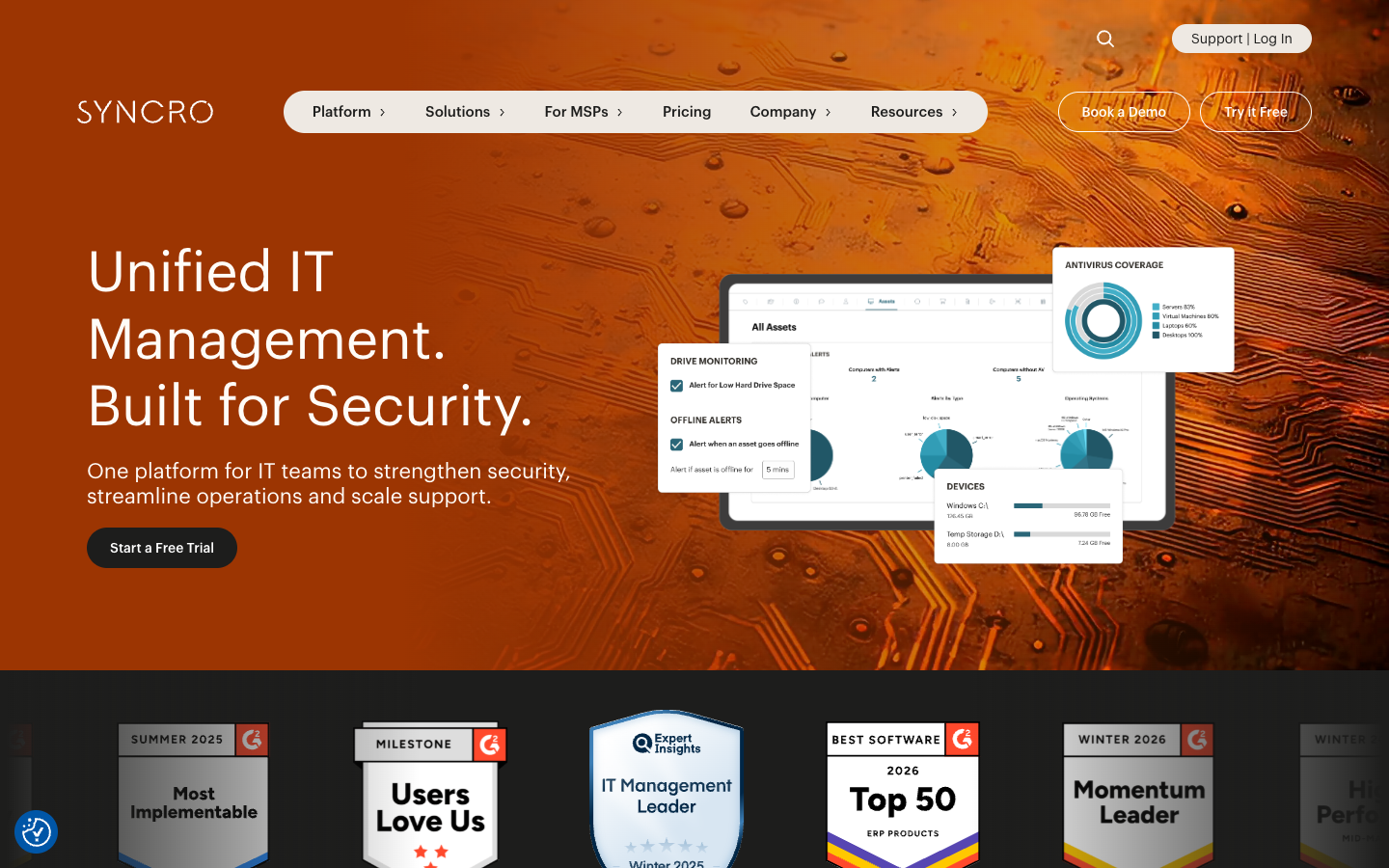
Syncro was built from the ground up as a unified platform. Unlike competitors that acquired PSA tools and bolted them together, Syncro's RMM and PSA share the same database, interface, and workflow logic.
What makes it good for small business:
The integration depth matters more than you think. When an alert fires, Syncro automatically creates a ticket, assigns it based on rules, starts a timer, and links the asset history. No data entry. No context switching. No tickets falling through cracks.
The scripting engine uses PowerShell and includes a library of pre-built scripts for common tasks. You can deploy software, reset passwords, or clean temp files across hundreds of devices with a few clicks.
Syncro's customer portal lets end users submit tickets, check status, and approve quotes without calling you. For small businesses with limited IT staff, this deflects the "hey, quick question" interruptions that kill productivity.
Pricing:
| Plan | Price | Includes |
|---|---|---|
| Standard | $129/technician/month | Full RMM + PSA, unlimited devices |
| Enterprise | Custom | API access, dedicated support, onboarding |
Where it falls short:
Syncro's reporting is functional but basic. If you need executive dashboards or custom analytics, you will export to Excel or use a third-party BI tool. The mobile app is also limited compared to the desktop experience.
Datto RMM: Best for security-conscious organizations
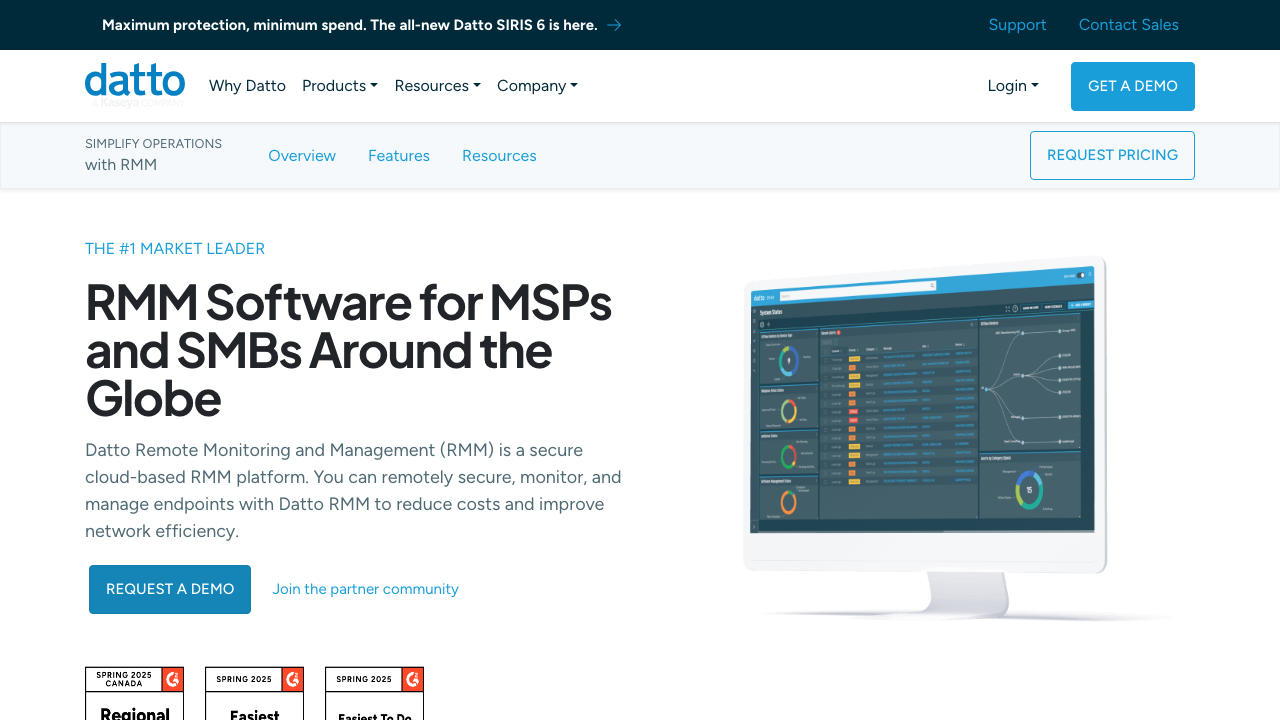
Datto built its reputation on backup and disaster recovery. When they acquired Autotask RMM in 2018, they applied the same security-first thinking to remote monitoring.
What makes it good for small business:
Datto RMM includes security monitoring that competitors charge extra for. It detects ransomware behavior, flags unauthorized software installations, and monitors for suspicious login patterns. For small businesses handling sensitive data (law firms, medical practices, financial services), this built-in protection reduces the need for separate security tools.
The policy-based automation is sophisticated without being overwhelming. You define what "healthy" looks like for your environment, and Datto maintains that state automatically.
Datto's backup integration is unique among RMM platforms. If a device fails, you can restore directly from the RMM console without switching tools.
Pricing:
Datto does not publish pricing. Based on industry reports, expect $3-6 per endpoint depending on contract length and included features. Minimums may apply.
Where it falls short:
Datto RMM is overkill if you just need basic monitoring and patching. The security features add complexity that smaller shops may not need. The interface also shows its age compared to newer cloud-native platforms.
ConnectWise Automate: Best for deep automation
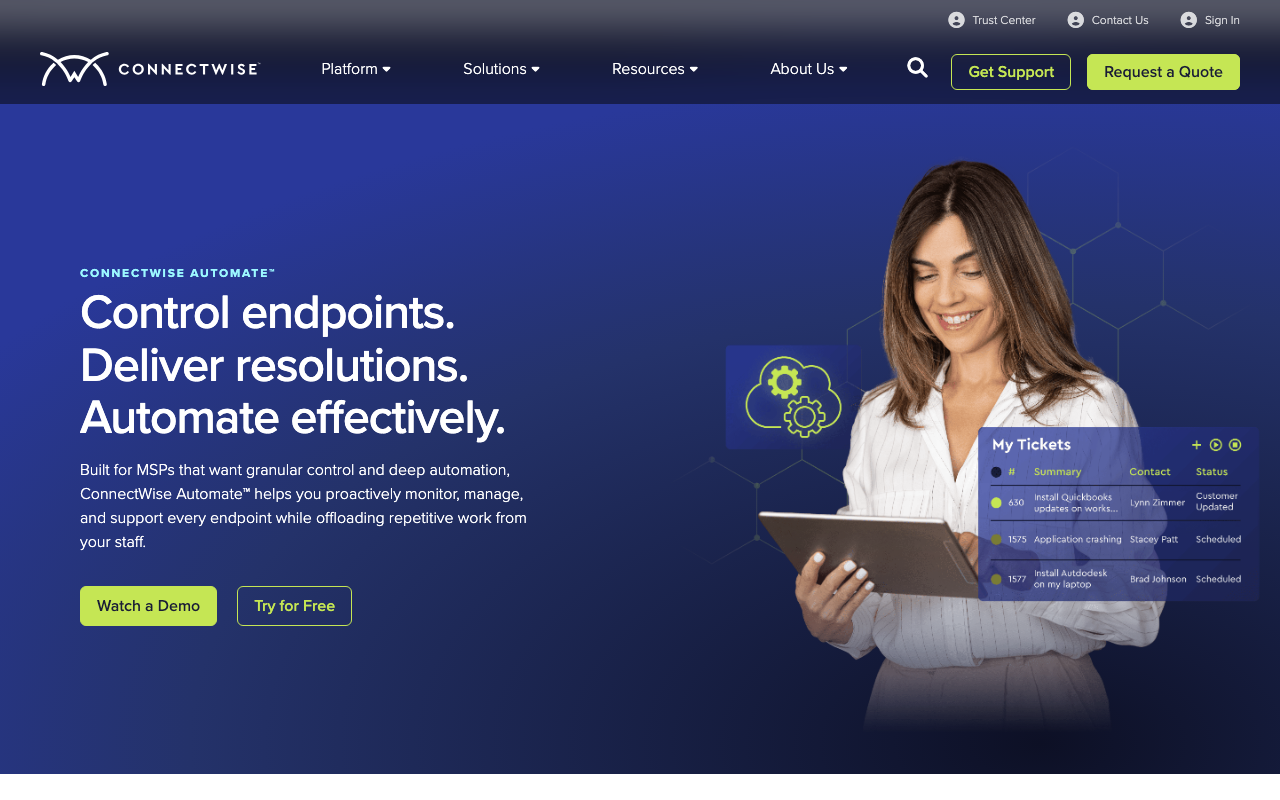
ConnectWise Automate (formerly LabTech) is the power user's RMM. It has been around since 2004 and has more features than most teams will ever use.
What makes it good for small business:
If you have complex environments (mixed Mac/Windows/Linux, multiple locations, specialized line-of-business applications), Automate can handle it. The scripting engine is the most capable in the industry. You can automate virtually any IT task given enough time and expertise.
The plugin ecosystem extends functionality without custom development. Integrations with security tools, backup platforms, and documentation systems are mature and well-supported.
ConnectWise's peer community is massive. Whatever problem you encounter, someone has solved it and posted the solution.
Pricing:
ConnectWise does not publish pricing. Industry sources suggest $3-8 per endpoint with significant discounts for annual commitments. Implementation costs can add $5,000-15,000 for setup and training.
Where it falls short:
Automate requires a dedicated administrator. The learning curve is steep enough that ConnectWise offers certification programs. For small businesses without IT expertise, this is a non-starter. The on-premise deployment option (still popular among security-conscious firms) requires server maintenance and backup management.
N-able N-sight: Best entry-level option
N-able (formerly SolarWinds MSP) offers two RMM products: N-central for enterprises and N-sight for smaller environments. N-sight strips away the complexity while keeping the core monitoring and management capabilities.
What makes it good for small business:
N-sight is the most affordable option on this list. At around $2 per endpoint, it undercuts competitors by 30-50%. For a 30-device business, that is the difference between $60 and $105 monthly.
The interface is straightforward. You see device status, active alerts, and recent activity on a single dashboard. Training new technicians takes hours, not weeks.
N-sight includes Take Control remote access at no extra charge. The tool is fast, supports file transfer, and works through most firewalls without configuration.
Pricing:
| Plan | Price | Includes |
|---|---|---|
| N-sight | ~$2/endpoint | Core monitoring, patching, remote access |
| N-central | Custom quote | Enterprise features, advanced automation |
Where it falls short:
N-sight's automation is limited compared to NinjaOne or Automate. You get basic patch management and monitoring, but complex scripting requires upgrading to N-central. The reporting is also minimal, with few customization options.
SuperOps: Best modern alternative
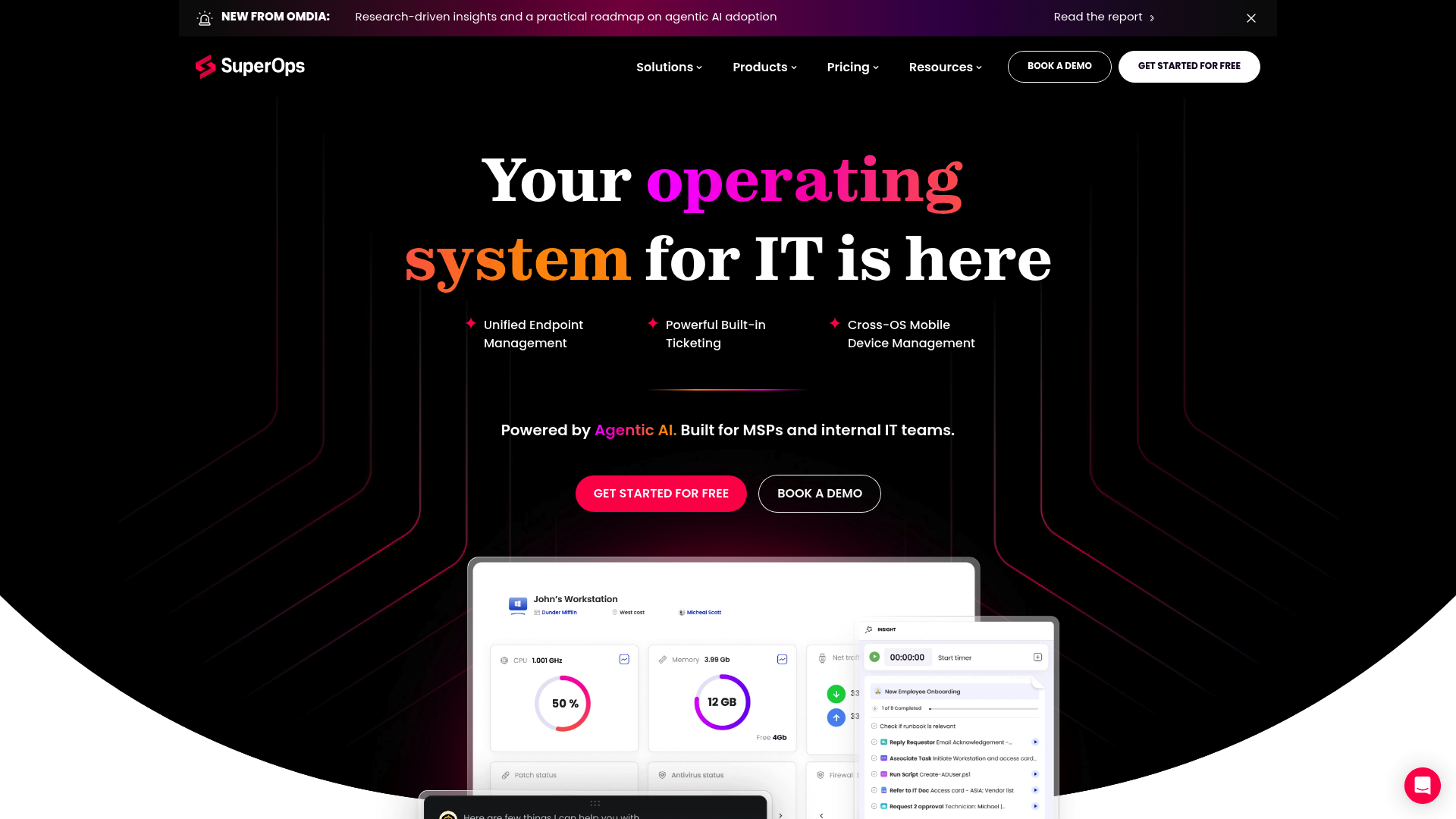
SuperOps launched in 2020 with a simple thesis: RMM software should not require a certification to use. The platform is cloud-native, mobile-first, and incorporates AI throughout.
What makes it good for small business:
SuperOps includes both RMM and PSA functionality at a lower price point than Atera or Syncro. The $99/technician starting price undercuts competitors by 20-30%.
The AI assistant is genuinely helpful. It categorizes tickets, suggests responses, and can even execute common fixes automatically. For small businesses where the owner handles IT support, this reduces the time spent on repetitive issues.
The mobile app is the best in the category. You can resolve alerts, run scripts, and access devices from a phone without pinching and zooming through a desktop interface.
Pricing:
| Plan | Price | Includes |
|---|---|---|
| Starter | $99/technician/month | Core RMM + PSA, 100 endpoints |
| Growth | $129/technician/month | Unlimited endpoints, advanced features |
| Enterprise | $169/technician/month | Full feature set, priority support |
Where it falls short:
SuperOps is newer than competitors, so some integrations are still maturing. The scripting library is smaller, and third-party plugin support is limited compared to ConnectWise or Datto. For basic monitoring and management, this is fine. For complex automation, you may hit walls.
How to choose the right RMM for your small business
With seven solid options, the choice comes down to your specific situation:
Choose NinjaOne if: You want simple, per-device pricing and plan to grow. The policy engine is the best in the industry for maintaining consistency as you scale.
Choose Atera if: You have many devices and limited budget. The per-technician model saves money when supporting device-heavy environments.
Choose Syncro if: You need integrated PSA functionality and want everything in one platform. The workflow automation between RMM and PSA is unmatched.
Choose Datto RMM if: Security is your top priority. The built-in threat detection and backup integration justify the premium for sensitive industries.
Choose ConnectWise Automate if: You have complex environments and dedicated IT staff. The automation capabilities are unmatched, but only if you have expertise to use them.
Choose N-able N-sight if: Budget is tight and you need basic monitoring without bells and whistles. The $2/endpoint pricing is hard to beat.
Choose SuperOps if: You want a modern, mobile-friendly platform with AI assistance. The interface feels current where competitors show their age.
Implementation tips for small businesses
Whatever platform you choose, follow these principles to avoid common pitfalls:
Start with monitoring only. Deploy agents and watch your environment for two weeks before enabling automated patching or scripting. You need to understand normal before you can detect abnormal.
Create device groups early. Organize endpoints by function (workstations, servers, laptops) and criticality. This makes policy application and alerting manageable as you grow.
Set up proper alerting thresholds. Out-of-the-box alerts often create noise. Tune disk space warnings (80% full, not 95%), define business hours for reboots, and create escalation rules so critical alerts reach you immediately.
Document everything. RMM platforms are powerful, but they are not self-documenting. Track what scripts do, why policies exist, and how alerts should be handled. Future you (or the next IT person) will thank present you.
Integrate with your PSA from day one. If you are using a separate PSA tool, connect it immediately. The longer you wait, the more historical data you lose and the harder the integration becomes. PSA software helps streamline your IT operations and service delivery.
The bottom line
RMM software is not just for MSPs anymore. Small businesses with 20-100 devices can justify the cost through reduced downtime, faster issue resolution, and the ability to support remote workers without on-site visits.
The key is choosing a platform that matches your complexity and budget. Do not pay for enterprise features you will never use, but do not choose a stripped-down tool that you will outgrow in 18 months.
For most small businesses in 2026, NinjaOne or Atera hit the sweet spot. They are powerful enough to handle real IT management, simple enough to deploy without consultants, and priced for businesses that watch every dollar.
Whatever you choose, deploy it properly. An RMM with misconfigured alerts or missing patches is worse than no RMM at all, because it gives you false confidence while problems go unnoticed.
Frequently Asked Questions
What's the best RMM software for a one-person IT team?
For solo operators, Level or Atera make the most sense. Level's free tier covers your first 10 devices, and Atera's AI features effectively give you a second pair of hands for routine tasks.
Do I need PSA features in my RMM?
If you invoice for IT services or track billable hours, yes. PSA handles ticketing, billing, and contract management. If you're internal IT only, you can skip PSA and use a pure RMM like Level or NinjaOne.
Can I switch RMM platforms easily?
Switching RMMs requires reinstalling agents on all devices, which is disruptive but not technically difficult. Most platforms offer migration tools. Plan for 2-4 weeks of transition time.
Is per-device or per-tech pricing better?
It depends on your ratio. If you have few technicians managing many devices, per-tech pricing usually wins. If you have many technicians or few devices, per-device pricing may be cheaper.
What security certifications should I look for?
At minimum, look for SOC 2 Type II compliance. If you handle healthcare data, you need HIPAA compliance. Government contractors should prioritize FedRAMP.
Can RMM software help with compliance?
Yes. RMM tools generate audit logs, track asset inventory, and enforce patch policies. All of this documentation helps with SOC 2, HIPAA, and PCI-DSS audits.