MSP documentation: A practical guide for IT service providers
Every MSP has that one technician. The one who knows where all the bodies are buried, which firewall needs a specific firmware version, and why the client's VPN only works on Tuesdays. They're invaluable, right up until they quit, get sick, or take a two-week vacation in the mountains with no cell service.
That's when you realize documentation isn't overhead. It's insurance.
MSP documentation is the structured record of your technical, operational, and client information. It captures the "how," "what," and "where" so knowledge doesn't walk out the door when staff leave. Done right, it turns tribal knowledge into institutional memory.
What is MSP documentation?
At its core, MSP documentation is the operational memory of your IT service business. It's the written record of everything your team needs to know to deliver consistent service, from network diagrams to password vaults to troubleshooting checklists.
Documentation falls into three main categories:
Internal documentation is what your team uses to do their jobs. Standard operating procedures, network diagrams, passwords and credentials, troubleshooting guides, and change management procedures. This is the stuff that lets any technician pick up any ticket and know what they're looking at.
Client-facing documentation helps your customers help themselves. Knowledge base articles, how-to guides, service level agreements, and FAQ pages. Good client documentation reduces ticket volume and keeps customers happier because they can solve simple problems without calling you.
Technical documentation covers the deep details. Script comments and automation documentation, configuration records, asset tracking, and vendor contacts. This is what saves you when something breaks at 2 AM and the person who built it isn't answering their phone.
The principle is simple: if it's only in someone's head, it doesn't exist.
Why MSP documentation matters
Documentation isn't glamorous. No client ever said "we chose this MSP because their SOPs are beautiful." But it underpins everything that makes an MSP profitable and scalable.
Consistency is the obvious benefit. When every technician follows the same documented workflow, you get uniform service quality across all clients. No more "how did Steve configure that VPN again?" moments. No more guessing why one client's setup differs from another's.
Efficiency shows up in your ticket resolution times. When information is centralized and searchable, technicians spend less time hunting for passwords or reverse-engineering network layouts. According to ChannelPro Network, effective IT documentation is "a cornerstone of efficient service delivery and long-term success."
Scalability is where documentation becomes non-negotiable. New technicians can get up to speed in days instead of months when processes are written down. Without documentation, growth means chaos. Every new hire becomes a drain on senior staff who have to explain the same things over and over.
Business continuity is the insurance policy. When your senior tech is on vacation or leaves the company, documentation ensures the business keeps running. One MSP owner shared their experience of growing from a one-person shop to 16 staff, noting that documentation was the only way to share knowledge properly across the team.
Security and compliance requirements make documentation mandatory, not optional. Audit trails, access controls, and documented procedures are essential for HIPAA, SOC 2, NIS2, and other frameworks. You can't prove you're following procedures if those procedures aren't written down.
As Wade Yeaman, founder of Fluid IT Services, put it: "Documentation software is likely one that will not get attention until the MSP reaches a certain size where living without it is more painful and costly than having it."
The real problem: getting your team to actually document
Here's the uncomfortable truth: your technicians hate writing documentation. They've always hated it. They will continue to hate it.
"I've been in IT over 30 years and there has been one constant regardless of technology advancements – technical staff despise documenting, are poor at it, and will avoid it at all costs." Wade Yeaman, Fluid IT Services
This isn't a character flaw. It's rational behavior given the incentives:
- Documentation feels like overhead, not value
- Urgent tickets always take priority
- There's no immediate reward for documenting
- People fear looking wrong or incomplete
Most MSPs try to solve this with nagging. "Don't forget to document!" emails, documentation sprints, pleading in team meetings. It doesn't work because it doesn't change the underlying incentives.
Solutions that actually work:
Make documentation billable. Bundle documentation time into every ticket and project. When clients pay for it, it becomes part of the job, not an afterthought. One MSP owner found success by including documentation time in every quote: "Part of the value of a really good MSP is how good their internal and customer-facing documentation is."
Use checklists in your PSA. Configure tickets so they can't be closed without documentation being checked off. Better yet, use automation to enforce these workflows so technicians can't accidentally skip the step.
Start with 80%. Perfect documentation is the enemy of good documentation. Something incomplete is better than nothing. Teams can improve it over time. As one expert noted: "You will never get it right. Settle for 80% because truthfully that last 20% will never or hardly ever be used."
Assign documentation hours. Give engineers 4 hours per week specifically for documenting their assigned clients. Make it a scheduled task, not something they fit in "when they have time" (which is never).
What to document in your MSP
You can't document everything. Well, you could, but you'd never finish. Focus on the high-impact areas first.
Network and infrastructure documentation
- Network diagrams (physical and logical)
- IP address schemes and VLAN configurations
- Hardware inventory with warranty dates
- Internet connections and ISP contact info
This is your map. When something breaks, you need to know how the pieces connect without having to trace cables or run discovery scans.
Security and credentials
- Password vault with MFA support
- License keys and software subscriptions
- SSL certificate expiration dates
- Security policy documentation
Password management deserves special attention. IT Glue includes password vault features with one-time password generators, audit logs, and at-risk password reports. Hudu offers similar capabilities with MFA token support and browser extension access.
Standard operating procedures
- New user onboarding checklists
- Offboarding procedures
- Common troubleshooting workflows
- Change management processes
SOPs are your playbook. They ensure every technician handles the same situation the same way. They also make training new hires dramatically easier.
Client-specific information
- Key contacts and escalation paths
- Business-critical systems and dependencies
- Custom configurations or exceptions
- Vendor relationships and support contracts
Every client has quirks. The firewall that needs a specific firmware version. The server that can't be rebooted during business hours. The CEO who wants to be called directly for any outage over 15 minutes. Document these or they become expensive surprises.
When your documentation is solid, tools like Rallied can pull from IT Glue and Hudu during ticket triage to give technicians instant context without them having to search across multiple systems.
Choosing MSP documentation software
The market has consolidated around a few major players. Here's what to look for and how the options compare.
Essential features for any MSP documentation platform:
- Access control: Granular permissions so technicians only see what they need
- Integrations: Sync with your PSA, RMM, and other tools
- Relationship mapping: Link assets, passwords, and procedures together
- Searchability: Fast search with tagging and filters
- Versioning: Track who changed what and when
IT Glue
IT Glue is the established leader in MSP documentation. Acquired by Kaseya, it offers extensive PSA and RMM integrations along with a mature feature set.
Key capabilities include AI-driven relationship mapping that automatically discovers connections between assets, comprehensive password management with expiration tracking, and GlueConnect for secure collaboration with contractors and NOC providers. IT Glue also offers offline access through runbooks and mobile apps.
The Kaseya ownership creates both advantages and concerns. Deep integration with ConnectWise and other Kaseya products is a plus. Some MSPs worry about vendor lock-in within the Kaseya ecosystem.
IT Glue does not publish transparent pricing. You'll need to contact sales or request a demo for pricing information.
Hudu
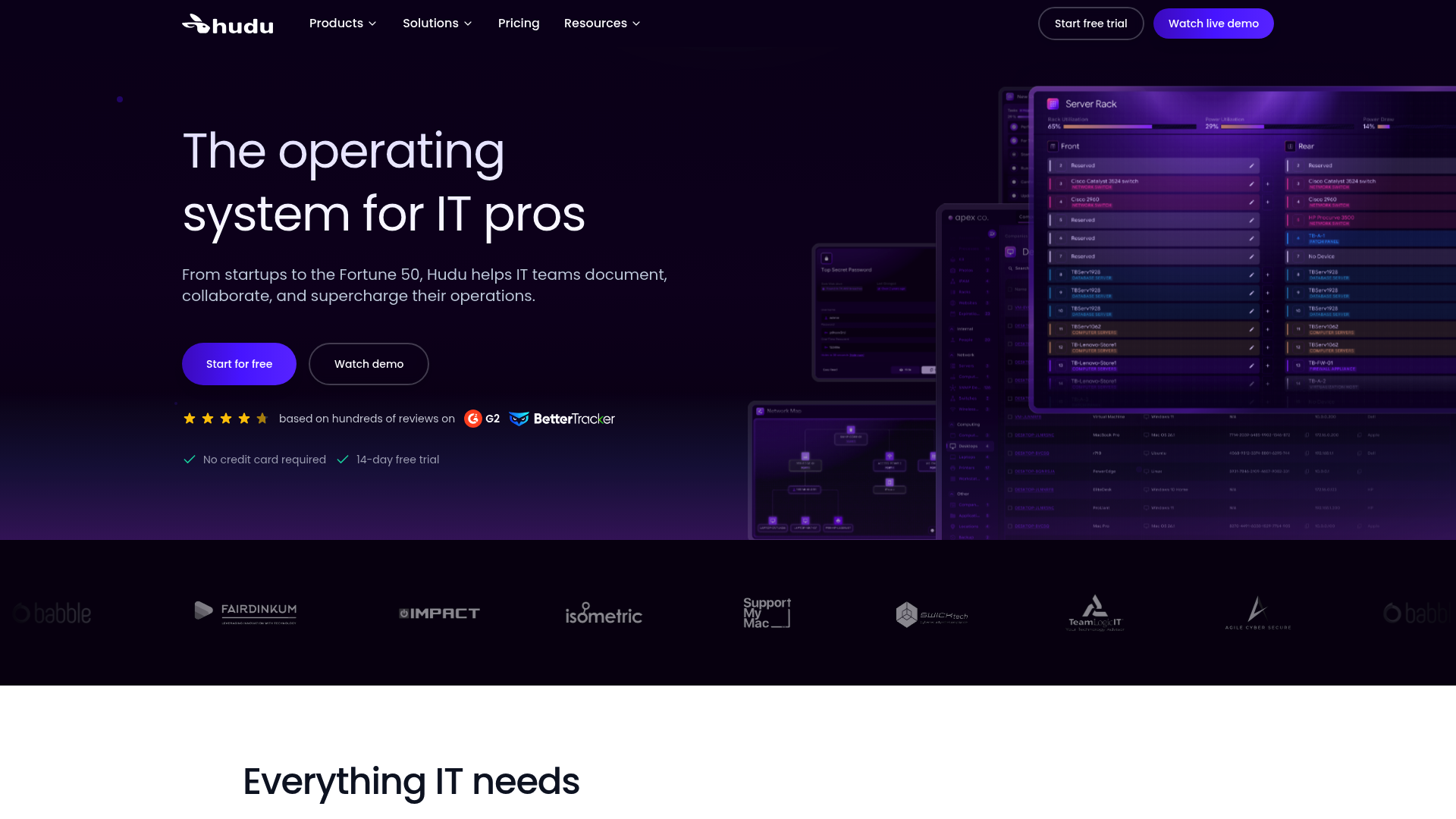
Hudu is the newer competitor focused on MSP-specific workflows. It emphasizes a cleaner interface and faster implementation compared to legacy tools.
Hudu offers client-specific workspaces with isolated permissions, custom asset layouts with consistent templates, and broad integration support including newer tools like CIPP for Microsoft 365 management. The platform includes relationship mapping, global search with filters, and granular permissions with audit logging.
Integrations include ConnectWise PSA, Autotask, Atera, Addigy, NinjaOne, Datto, Auvik, Cisco Meraki, and Cloudflare, among others.
Like IT Glue, Hudu does not publish public pricing. A free trial is available.
Other options
Scribe auto-generates step-by-step guides from screen recordings. Useful for quickly creating SOPs without writing everything from scratch.
Notion or Confluence work for smaller MSPs but most outgrow them as they scale. They lack MSP-specific features like PSA integrations and relationship mapping.
IT Boost is part of the ConnectWise ecosystem. Good choice if you're already deep in ConnectWise products.
The best tool is the one your team will actually use. Fancy features don't matter without adoption. As one expert noted: "Having any documentation software will not matter if your team will not use it."
Building a documentation culture
Software alone won't solve your documentation problem. You need to build a culture where documentation is expected, not optional.
Start with a baseline audit. What do you have? Where are the gaps? Don't try to document everything at once. Pick the highest-impact areas and get those solid first.
Pick documentation champions. Find one or two team members who understand the value and can help others. They don't need to be senior engineers. Often the best champions are organized people who naturally like structure.
Standardize templates. Consistent formats make documentation faster to create and easier to read. Every SOP should have the same sections. Every network diagram should use the same symbols. Consistency reduces friction.
Train and reinforce. Make documentation a habit, not an afterthought. Include it in performance reviews. Recognize people who document well. What gets measured gets done.
Measure usage. Most platforms have reporting to show who's creating and using documentation. Use this data to identify who's struggling and who needs recognition.
Lead from the top. If management doesn't prioritize documentation, neither will the team. This means you need to document too. Nothing kills a documentation initiative faster than "do as I say, not as I do."
When you automate repetitive tasks with Rallied, your technicians have more time for documentation and higher-value work. The math is simple: every hour saved on password resets and account unlocks is an hour that can go toward building your knowledge base.
Frequently Asked Questions
How do you get technicians to actually write MSP documentation?
Make documentation billable time bundled into tickets and projects. Use PSA checklists that prevent ticket closure without documentation. Start with 80% complete rather than aiming for perfection. Assign dedicated documentation hours each week.
What should an MSP document first?
Start with passwords and network diagrams. These are the highest-impact items that save the most time during emergencies. Then move to SOPs for common tasks like onboarding and offboarding.
Is IT Glue or Hudu better for MSP documentation?
IT Glue has deeper integrations and more mature features, particularly for MSPs already using Kaseya products. Hudu offers a cleaner interface and faster implementation. Both require contacting sales for pricing. The best choice depends on your existing stack and team preferences.
How much does MSP documentation software cost?
Neither IT Glue nor Hudu publish transparent pricing. Both use per-technician pricing models that require contacting sales. Most MSPs should budget for a significant operational expense, but one that pays for itself in efficiency gains.
Can you use general tools like Notion for MSP documentation?
Smaller MSPs can start with Notion or Confluence, but most outgrow them as they scale. General tools lack MSP-specific features like PSA integrations, relationship mapping, and granular access controls designed for client data separation.
How long does it take to implement MSP documentation software?
Implementation time varies by platform and existing documentation state. Hudu emphasizes fast implementation. IT Glue has a steeper learning curve but offers more features. Plan for several weeks of migration and team training regardless of platform.