Pia AI review (2026): What MSPs should know before buying
This is not a review of PIA VPN (Private Internet Access). If you're looking for a VPN service, you're in the wrong place. This is a review of Pia AI, also known as Pia aiDesk, an AI-powered help desk automation platform built specifically for Managed Service Providers.
Pia promises to slash your SLAs, close tickets faster, and help you scale without hiring more technicians. Those are big claims. After digging into their features, pricing, and real user feedback, here's what you actually get for your money and whether it's worth the investment for your MSP.
If you're evaluating automation options, you might also want to see how we approach MSP automation at Rallied as a point of comparison.
What Pia AI does
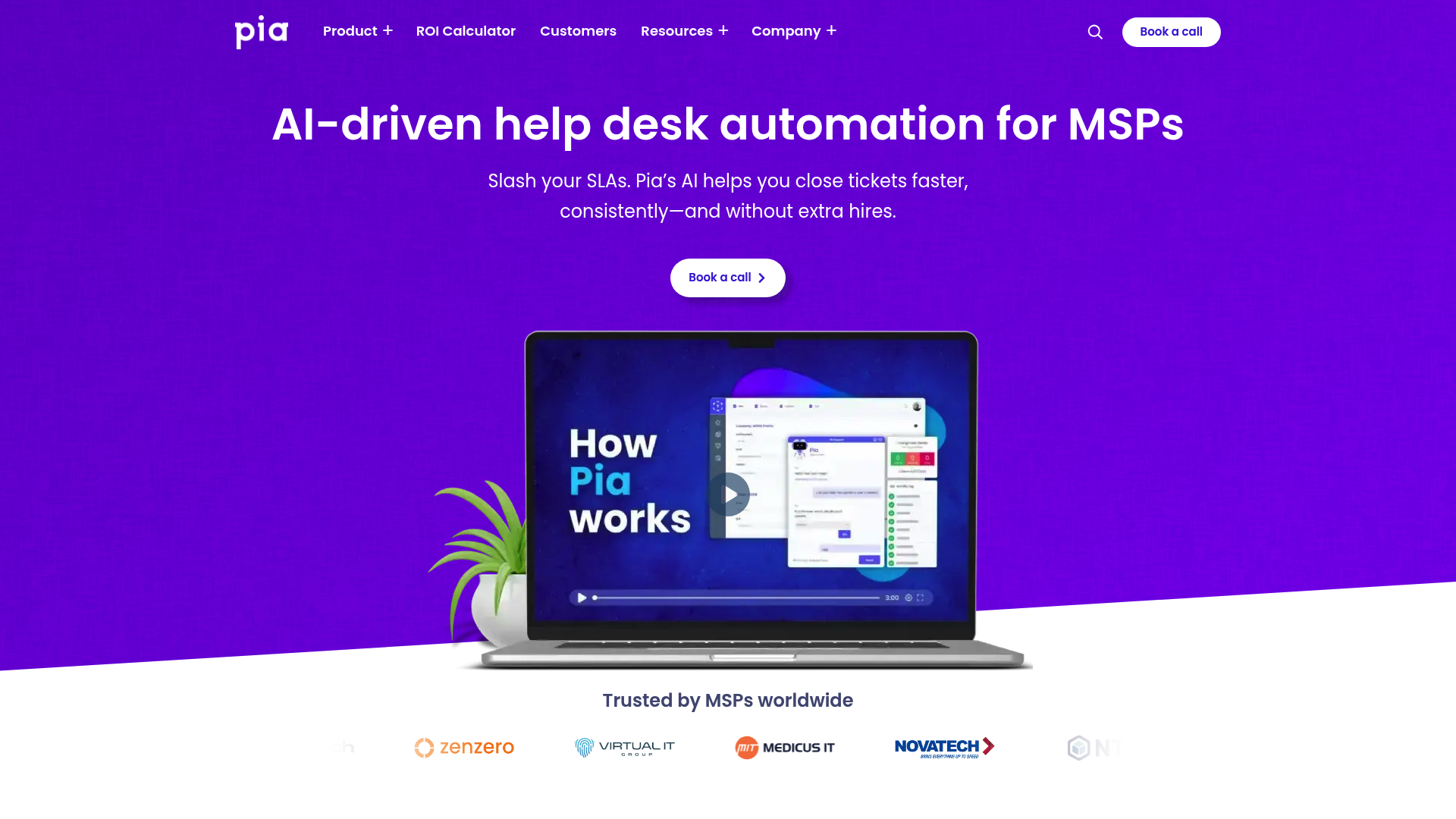
Pia AI is an AI-driven service delivery platform that focuses on automating the repetitive, time-consuming tasks that bog down MSP help desks. The core pitch is simple: let AI handle ticket triage and routine resolutions so your technicians can focus on complex issues that actually require human expertise.
The platform integrates directly with your existing PSA (Professional Services Automation) tools like ConnectWise, Autotask, and Halo PSA. It doesn't try to replace your ticketing system. Instead, it sits on top and automates the workflows within it.
AutoTriage and AutoStart
The flagship features are AutoTriage and AutoStart. Here's how they work:
AutoTriage uses AI to automatically categorize and route incoming tickets. Instead of a technician manually reading each ticket, deciding which board it belongs on, and assigning priority, Pia does this instantly. As Pia's COO Terry Irons put it: "If you ask 10 technicians to categorize the same ticket, you'll get 10 different answers, whereas the AI can do that consistently and instantaneously every time."
AutoStart takes it a step further by automatically initiating resolution workflows. For common issues like password resets or account unlocks, Pia can start the fix before a technician even sees the ticket.
The platform also includes Auto Time Logging (to ensure you're billing accurately for automated work) and Auto Close (to prevent resolved tickets from sitting in queues).
SmartForms and client self-service
Pia's SmartForms add-on lets clients self-trigger automations without creating tickets that hit your technician queue. A client fills out a form requesting a password reset or new user setup, and Pia handles the rest. No technician involvement required.
This reduces inbound volume and eliminates the back-and-forth emails that typically accompany these requests. Clients get faster resolution, and your team gets fewer interruptions.
Pre-built automation library
Pia offers 60+ pre-built automations covering the most common MSP tasks: user onboarding/offboarding, mailbox management, group membership changes, VPN troubleshooting, and more. These aren't just templates, they're fully functional workflows you can deploy immediately.
For MSPs with specific needs, Pia also supports custom automation development using PowerShell. This lets you build workflows tailored to your environment without hiring dedicated automation engineers.
Pia AI pricing: What you'll actually pay
Here's where things get murky. Pia does not publish pricing. There are no standard tiers, no self-serve signup, and no "starts at $X/month" on their website. You have to book a demo and talk to sales to get a quote.
Based on SelectHub's analysis, pricing appears to start in the $10-$100 range per month, but scales based on usage, number of technicians, or endpoints managed. The model is likely usage-based or per-technician.
| Plan | Price | Best For |
|---|---|---|
| Custom Quote | Contact sales | MSPs of all sizes |
This pricing opacity makes budgeting difficult, especially for smaller MSPs. You can't quickly calculate ROI or compare costs against alternatives without going through a sales process. For some, that's a minor inconvenience. For others, it's a red flag.
What users actually say about Pia AI
User feedback on Pia is mixed but generally positive, with some important caveats. Here's the honest breakdown.
The positives
Pia scores well on review platforms:
Users consistently praise AutoTriage for reducing the mental load on technicians. Instead of constantly context-switching to categorize tickets, techs can focus on actual problem-solving. The interface also gets high marks for being intuitive, requiring minimal training to get started.
One MSP reported increasing their endpoint-to-technician ratio from 190 to 357 after implementing Pia, with profitability jumping from 13% to 24%. Those are real numbers from a Channel Pro Network case study.
The complaints
The negative feedback falls into a few clear categories:
- Limited customization: Some users find Pia's workflow and ticket category customization options restrictive compared to building automations from scratch
- Integration constraints: Certain legacy systems don't play nicely with Pia, causing deployment headaches
- Setup complexity: The initial configuration requires significant time and technical expertise. This isn't a "install and go" solution
- AI accuracy: While generally reliable, AutoTriage occasionally miscategorizes tickets, requiring manual correction
- Pricing concerns: Multiple users note that Pia costs more than competing solutions, though they often justify the expense through time savings
Pia AI vs alternatives: How it compares
Since "Pia vs Rewst" is a common search, let's address the competitive landscape.
Pia AI vs Rewst
Rewst is Pia's most frequently mentioned competitor. (See our Rewst pricing breakdown for budget context.) Both target MSPs with automation tools, but their approaches differ:
- Pia emphasizes out-of-the-box automations. You get 60+ pre-built workflows that work immediately with minimal configuration
- Rewst focuses more on workflow building and customization. It gives you the tools to build exactly what you need, but requires more upfront investment in creating those workflows
Pia is arguably faster to deploy for standard MSP tasks. Rewst offers more flexibility for complex, unique environments. Both require setup time and technical expertise to implement well.
For a detailed comparison, see our Pia alternative analysis and Rewst alternative analysis.
Who Pia AI is best for
Pia AI isn't for every MSP. Based on the features, pricing model, and user feedback, here's who should consider it:
Good fit if:
- You run an MSP with 200-1000 endpoints
- Your team is drowning in L1 tickets (password resets, onboarding, mailbox changes)
- You have dedicated IT resources for initial setup and ongoing management
- You prefer pre-built solutions over custom development
- You run a cloud-hybrid environment (on-prem AD + Office 365)
Not a fit if:
- You need highly customized workflows that differ significantly from standard MSP practices
- You're a small MSP with tight budgets and no technical resources for implementation
- You rely heavily on legacy systems with limited integration options
- You want transparent, self-serve pricing
The bottom line on Pia AI
Pia AI delivers real automation value for MSPs willing to invest in the setup. The pre-built automations work, the AI triage is genuinely helpful, and the integration ecosystem covers the tools most MSPs use daily. If you're struggling with ticket volume and have the resources to implement it properly, Pia can absolutely help you scale without adding headcount.
But the custom pricing, setup complexity, and customization limitations are genuine concerns. This isn't a magic bullet you install on Friday and forget about. It requires ongoing attention and technical expertise to maintain and optimize.
If you're evaluating options, consider what you're really trying to solve. If it's L1 ticket overload and you want something that just handles the work without complex setup, we built Rallied for exactly that scenario. We take a different approach: autonomous ticket resolution that doesn't require workflow building or dedicated automation admins. Every MSP's needs are different, so evaluate based on your specific constraints, technical resources, and growth goals.
Frequently Asked Questions
Is Pia AI the same as PIA VPN?
No. Pia AI (Pia aiDesk) is an MSP automation platform for help desk ticketing. PIA VPN (Private Internet Access) is a virtual private network service. They are completely different products from different companies.
How much does Pia AI cost per month?
Pia AI does not publish pricing. You must contact sales for a custom quote. SelectHub estimates pricing starts in the $10-$100 range but scales with usage, technicians, or endpoints managed.
Does Pia AI require coding to set up?
No coding is required for the pre-built automations. However, setting up Pia and configuring it for your environment does require technical expertise. Custom automations can be built using PowerShell if you have development resources.
What PSAs does Pia AI integrate with?
Pia integrates with ConnectWise, Autotask, and Halo PSA. It also connects to identity management tools (Azure AD, Active Directory), documentation platforms (IT Glue), and various cloud service providers.
How long does Pia AI take to implement?
Implementation time varies based on your environment complexity and the automations you want to deploy. User feedback suggests initial setup requires significant time and dedicated IT resources, though Pia claims faster time-to-value than building custom workflows from scratch.