Syncro XMM: What MSPs need to know about the unified platform
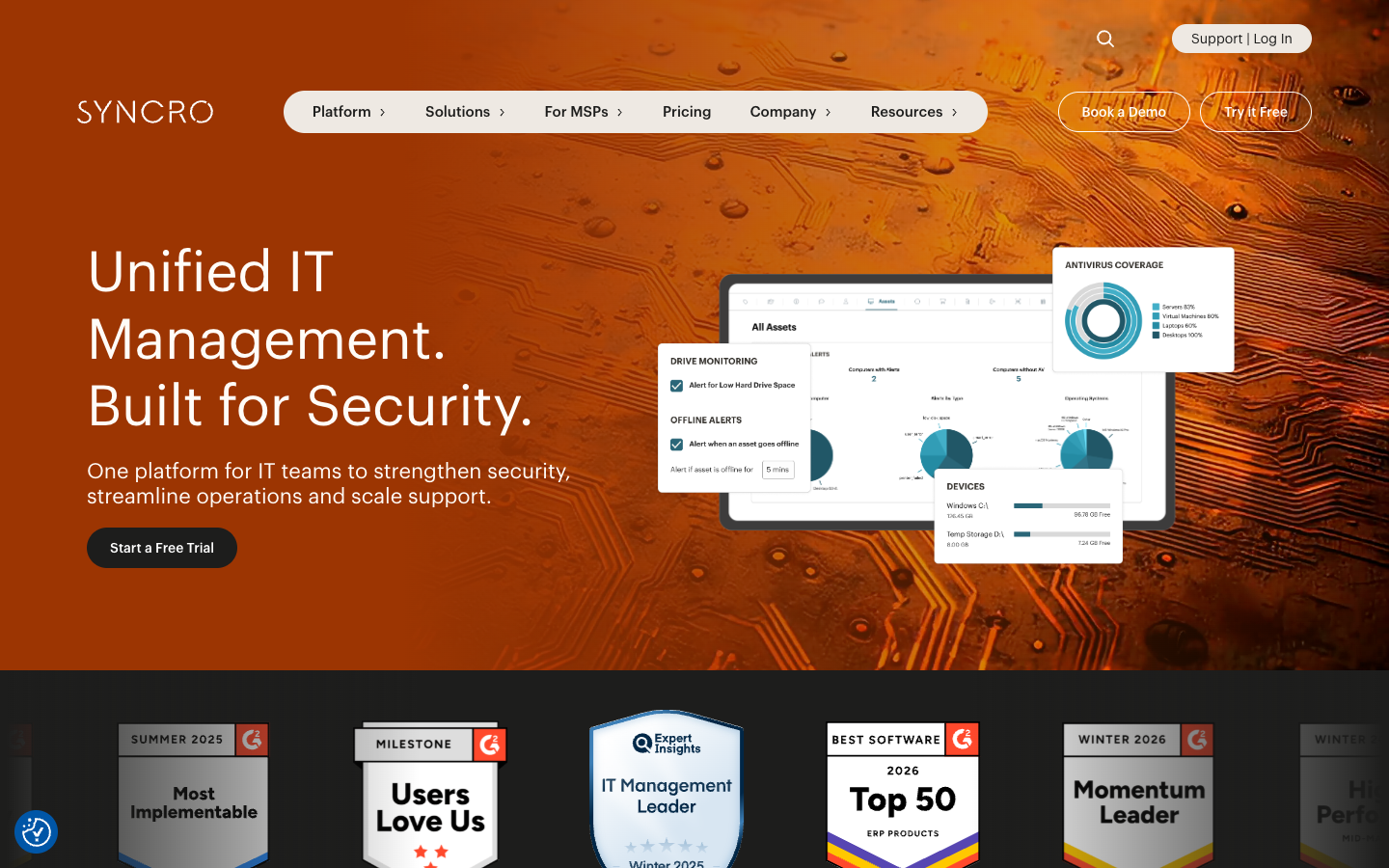
Most MSPs run their shops on a patchwork of tools. One system for RMM. Another for ticketing. A third for billing. Then something else entirely for managing Microsoft 365 tenants. Syncro XMM (eXtended Monitoring and Management) is betting that you're tired of the tool sprawl. Launched in April 2025, XMM combines RMM, PSA, and Microsoft 365 management into a single platform. Here's what you need to know about whether it's right for your MSP.
What is Syncro XMM?
Syncro XMM stands for eXtended Monitoring and Management. It's not just a feature update to Syncro's existing platform. Syncro is positioning it as a new category that sits at the core of your tech stack.
The platform unifies three functions that usually live in separate tools:
- Remote Monitoring and Management (RMM) for endpoints
- Professional Services Automation (PSA) for ticketing and billing
- Microsoft 365 management for cloud identity and security
Syncro developed XMM in collaboration with Microsoft, embedding capabilities like Entra ID management and Defender integration directly into the platform. The pitch is simple: instead of juggling multiple tools with separate logins, data silos, and integration headaches, you get one system that handles endpoints, service delivery, and cloud security.
This matters because the alternative gets expensive fast. MSPs often pay for separate RMM licenses, PSA subscriptions, and third-party M365 management tools. Each adds cost. Each requires training. Each creates gaps where things fall through the cracks. XMM aims to eliminate those gaps by design.
The three components of Syncro XMM
Let's break down what each pillar actually does.
Remote Monitoring and Management (RMM)
The RMM component covers traditional endpoint management. You get real-time monitoring of client devices, automated patch management for Windows and third-party apps, and remote access tools. The scripting engine lets you automate routine maintenance and deploy software across your fleet.
If you're coming from a standalone RMM like NinjaOne or Kaseya, this should feel familiar. The difference is that it's integrated with your PSA and M365 management from the start, not bolted on through integrations.
Professional Services Automation (PSA)
The PSA side handles your service operations. Ticketing, time tracking, billing, invoicing, contract management, and project management all live here. Syncro's PSA includes automated billing based on contract terms, customizable ticket workflows, and an end user portal where clients can submit requests.
The PSA market has long been dominated by ConnectWise and Autotask. Syncro's play is that a modern, cloud-native PSA integrated with your RMM and M365 tools beats legacy platforms that require extensive customization. If you're evaluating PSA options, our comparison of the best PSA software for MSPs covers the landscape in detail.
For MSPs considering their full automation stack, it's worth understanding how RMM automation works alongside your PSA.
Microsoft 365 Management
This is where XMM differentiates itself. The Microsoft 365 management layer gives you multi-tenant control over your clients' M365 environments. You can sync Entra ID (formerly Azure AD) users, reset passwords, manage MFA methods, and enforce security baselines directly from Syncro.

The security baselines deserve a closer look. Syncro provides CIS-aligned baselines that audit your tenants against industry best practices. You get daily compliance checks, alerts when configurations drift, and reports you can share with clients. For MSPs building MSSP practices, this is table stakes.
The setup flow is straightforward: integrate your Microsoft tenant, map it to a Syncro tenant, sync your users, and attach a baseline. Once connected, you can perform actions like password resets and MFA management without logging into the Microsoft admin center.
Key features that differentiate Syncro XMM
Beyond the three core pillars, several features set XMM apart from traditional PSA/RMM platforms:
Security baselines with CIS alignment. Syncro's baselines are built on the CIS Microsoft 365 Foundations Benchmark, a widely recognized security standard. The platform checks your tenants against these controls daily and alerts you to failures or drift.
Automated compliance monitoring. You get continuous visibility into your Microsoft Secure Score and a Syncro-calculated Compliance Score. This makes it easier to spot problems before they become incidents and demonstrate value to security-conscious clients.
Cloud Backup for Microsoft 365. Syncro offers Cloud Backup as an add-on at $1.90 per user per month. It covers Exchange, SharePoint, OneDrive, Teams, and Entra ID infrastructure. Backups run twice daily with granular restore options.
Universal billing for Microsoft licenses. If you resell Microsoft 365, Syncro can automatically pull license usage and invoice clients without manual reconciliation.
Born-in-the-cloud architecture. Unlike legacy platforms built for on-premises deployments and retrofitted for cloud, Syncro started cloud-native. You see this in faster deployments, easier scaling, and a more modern interface.
Syncro XMM pricing and plans
Syncro pricing is straightforward compared to many enterprise PSA/RMM vendors. You pay per technician, not per endpoint, which makes costs predictable as you grow.
| Plan | Monthly Price | Annual Price | RMM/PSA | M365 Management | Best For |
|---|---|---|---|---|---|
| Core | $159/tech/month | $129/tech/month | Yes | No | Traditional RMM/PSA needs |
| Team | $209/tech/month | $179/tech/month | Yes | Yes | MSPs managing M365 tenants |
Key differences:
The Core plan gives you everything for endpoint management and service delivery. You get unlimited endpoints, patch management, scripting, ticketing, billing, and the mobile app. What you don't get is the Microsoft 365 management layer.
The Team plan adds Entra ID sync, security baselines, automated compliance monitoring, and the ability to perform M365 user actions from within Syncro. It also includes advanced ticket automations, network discovery, and asset warranty tracking.
Cloud Backup add-on: $1.90 per user per month, available with either plan. Includes 14-day free trial.
Free trial: 14 days with full Team plan access, no credit card required.
Which plan makes sense? If you're not managing Microsoft 365 tenants for clients, Core works fine. If M365 is part of your stack, Team is the only option that gives you the integrated management capabilities.
Who should consider Syncro XMM?
Syncro XMM is a good fit for:
- MSPs heavily invested in Microsoft. If your clients run on M365 and Entra ID, the integrated management saves significant time.
- Providers looking to reduce tool sprawl. One platform replacing three separate tools simplifies operations and cuts costs.
- Small to mid-size MSPs. The per-technician pricing and quick deployment fit shops that don't have dedicated implementation teams.
- MSSPs building security practices. The CIS-aligned baselines and compliance reporting provide a foundation for security services.
It's not the right choice if you're in one of these situations:
- Google Workspace-centric environments. Syncro is Microsoft-focused. If your clients live in Google Workspace, you'll get limited value from the M365 management features.
- Large enterprises needing heavy customization. Syncro is built for SMB-focused MSPs. If you need extensive custom workflows or enterprise-grade RBAC, you may hit limitations.
- Shops wanting best-of-breed point solutions. If you prefer specialized tools that do one thing exceptionally well, a unified platform involves trade-offs.
How Syncro XMM fits into the MSP automation landscape
XMM represents a broader trend in the MSP world: platform consolidation. For years, the standard approach was to buy best-of-breed tools and integrate them. You'd pair your RMM with your PSA through APIs, add a separate M365 management tool, and stitch everything together.
That approach works, but it creates friction. Data doesn't flow cleanly. Workflows span multiple interfaces. Training takes longer because technicians need to learn several systems.
Unified platforms like XMM bet that most MSPs prefer simplicity over maximum flexibility. The trade-off is that you get a narrower feature set in any single area compared to specialized tools. But for many shops, that's worth it.
The automation angle matters here. When your RMM, PSA, and M365 management share a single database, you can build workflows that span all three. A failed security baseline check can automatically create a ticket. A new user in Entra ID can trigger your standard onboarding script. The platform handles the handoffs that would otherwise require manual work or complex integrations.
This connects to a larger challenge most MSPs face: L1 tickets are eating your margins. Password resets, account unlocks, and basic M365 administration consume hours that could go toward higher-value work. Platforms like XMM reduce that burden by bringing more of your stack under automated management.
Platform consolidation only gets you so far. You still need technicians to handle exceptions, client communication, and complex issues. That's where purpose-built automation tools complement platforms like Syncro. While XMM handles the infrastructure layer, tools like Rallied handle the ticket resolution layer, actually executing fixes rather than just monitoring and alerting.
Getting started with Syncro XMM
If you want to evaluate Syncro XMM, the process is straightforward. Start with the 14-day free trial, which gives you full Team plan access. You can test the M365 integration, set up a baseline, and see how the unified platform feels.
The basic setup flow:
- Integrate your Microsoft 365 tenant or CSP
- Map your Microsoft tenants to Syncro tenants
- Sync Entra ID users
- Attach a security baseline
Syncro provides guided onboarding, and most shops are operational within a day or two. Compare that to legacy PSA implementations that can take weeks or months.
Early access features are rolling out regularly. Recent additions include the Windows Patching Dashboard, enhanced ticket metrics, and Entra ID Sync V2 with more granular controls.
If you're evaluating your broader automation strategy, consider how Syncro XMM fits alongside your other tools. It handles the infrastructure and service delivery layers well. For the ticket resolution layer, where you need AI that actually executes fixes rather than just suggesting them, see what Rallied can do. We built our platform to handle the L1 tickets that still slip through, resetting passwords, unlocking accounts, and updating tickets automatically so your team can focus on work that matters.
Frequently Asked Questions
Do you need the Team plan to use Syncro XMM?
Yes, if you want the Microsoft 365 management features. The Core plan includes RMM and PSA only. M365 management, security baselines, and Entra ID sync require Team.
How does Syncro XMM pricing compare to buying separate tools?
At $179 per technician monthly (annual), Team is competitive with mid-tier RMM + PSA combinations. Factor in that you're also getting M365 management and security baselines that would require separate subscriptions elsewhere.
Can you migrate from another PSA or RMM to Syncro XMM?
Yes. Syncro provides automated installers and migration tools. Most shops complete the transition in hours rather than weeks.
Is Syncro XMM suitable for MSSPs?
The security baselines and compliance reporting make it viable for MSSPs serving SMBs. If you need enterprise-grade security orchestration, you may need additional tools.
Does Syncro XMM work with Google Workspace?
No. Syncro XMM is Microsoft-focused. The M365 management, Entra ID sync, and security baselines only work with Microsoft environments.
What is the difference between Syncro Core and Syncro Team?
Core gives you RMM and PSA. Team adds Microsoft 365 management, security baselines, Entra ID sync, advanced automation, and network discovery.