Understanding AI in Managed Services for Optimal Outcomes
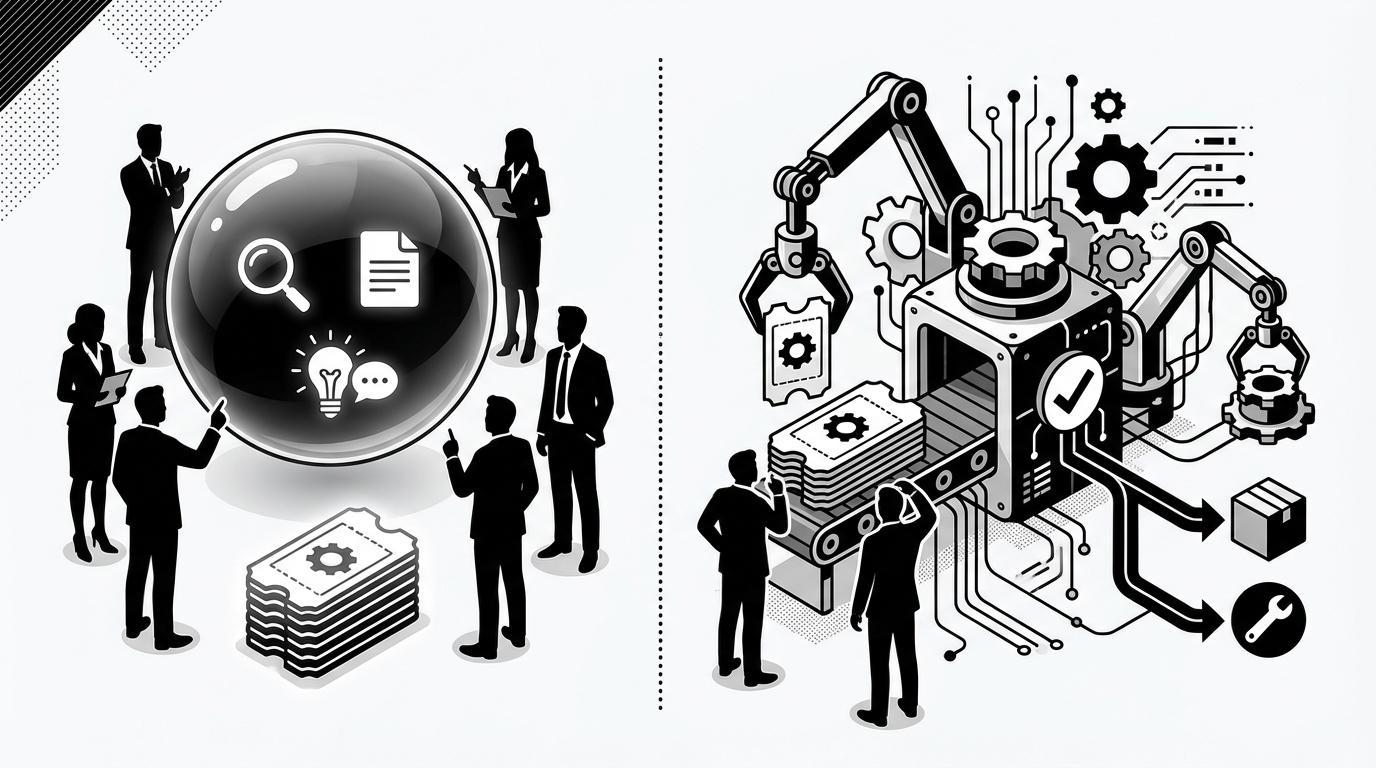
Most MSP owners are not struggling with AI. They're struggling with setup tax. And that's why understanding AI in managed services starts in the wrong place for a lot of firms.
If the tool needs months of workflows, a dedicated admin, and constant babysitting before it does anything useful, you did not buy an AI technician. You bought another project.
Key Takeaways:
- Understanding AI in managed services starts with one question: does it actually do work, or just talk about work?
- Most MSP AI tools speed up triage, but still leave humans doing the actual L1 task.
- The hidden problem is not ticket volume by itself. It's the stack of handoffs, approvals, updates, and cross-tool clicks behind each ticket.
- Small MSPs get hit hardest because they have the same L1 churn as larger firms, but no spare admin to build automations.
- A better approach is MSP-native autonomy that learns from ticket history, works across your stack, and starts delivering in days.
- Safety still matters. Good autonomy needs approval gates, least-privilege access, and clear audit trails.
- The real win isn't just scaling without hiring. It's cutting the vendor and workflow management burden that usually comes with automation.
Why Most MSPs Misunderstand AI in Managed Services
Understanding AI in managed services means separating real execution from polished demos. Most tools in the market can summarize, classify, or suggest. Very few can actually take the ticket, decide what to do, make the change, notify the user, and close the loop.
The market keeps selling intelligence when owners need labor
A lot of MSP owners hear "AI" and picture some magic layer that makes the help desk faster. That's the pitch. But when you dig in, most of what they're buying is better wording, cleaner summaries, or a workflow engine that still needs a human architect sitting behind it. The AI is often the front-end story, not the back-end delivery.
That's a problem because L1 work doesn't disappear when the notes get cleaner. A password reset still needs someone to identify the user, open the IdP, make the change, document it in the PSA, and message the end user. Same with account unlocks, permission grants, MFA resets, and simple license changes. The words got faster. The work didn't.
The real issue isn't ticket count, it's ticket choreography
Most owners think the problem is too many tickets. I don't think that's quite right. The real problem is how many tiny actions sit behind each "simple" ticket. Intake. Verification. Context gathering. Approval. Cross-tool updates. User communication. PSA notes. Closeout. That's where your margin leaks out.
I've seen this pattern in a lot of operational problems. The headline issue looks obvious. Volume is high. Queue is full. Team is stressed. But the root cause is usually the invisible process wrapped around the task. In MSPs, that process is brutal because every action jumps between PSA, RMM, IdP, documentation, and chat. One L1 ticket can touch four systems before anyone feels it's done.
Why this hits smaller MSPs harder than anyone admits
This is where understanding AI in managed services gets very practical for a 5-person or 20-person MSP. You have the same kinds of tickets as a larger shop. You just don't have a workflow engineer, an internal automation lead, and a spare operations person to manage all the exceptions.
So you end up in a bad middle ground. Too much ticket churn to ignore. Not enough internal capacity to stand up a giant automation project. And after a while, the whole category starts to feel broken. That's not irrational, by the way. If you've been burned once by a tool that promised autonomy and delivered homework, you're going to be skeptical next time.
Most MSP owners don't need another system to manage. They need labor removed from the queue.
What AI Actually Needs to Do Inside a Managed Service Business
AI in a managed service business should reduce labor on routine work by executing across the stack, not by giving nicer summaries. If the system can't complete common L1 actions, handle approvals, and update the user and PSA, it hasn't changed the economics of service delivery.
Start with the tickets that eat your margin first
The highest-volume tickets are usually the least glamorous ones. Password resets. Account unlocks. MFA re-enrollment. Mailbox permissions. Group changes. Simple license moves. Basic onboarding and offboarding tasks. Nobody builds an MSP because they dream of staffing more of that work.
And yet, those tickets quietly eat 50 to 100 hours a month in a lot of firms. The numbers add up fast. If a routine ticket takes 10 to 15 minutes, and you're doing a few hundred of them a month, you're not dealing with a small annoyance. You're dealing with a structural cost problem. The same pattern shows up in common MSP workflows and support queue analysis from firms like Service Leadership and other service benchmarking work, where labor efficiency keeps showing up as the margin lever that matters most for managed services.
Execution has to cross tools, not live in one app
This is the part the market keeps understating. MSP work doesn't happen in one clean environment. It sprawls. PSA for the ticket. IdP for the user. RMM for the device. Documentation for context. Slack or Teams for approvals and updates. Sometimes a web console with lousy APIs for the last mile.
So if your AI lives in one tool and can't see the rest, it will fail in the exact spots that matter. Neo-triage without execution is still triage. PSA-only visibility is still partial visibility. A chatbot that answers questions but can't make the change is still handing the hard part back to your team.
Microsoft's own research on digital overload has shown how context switching kills efficiency across modern work environments, and MSP help desks live that problem every day. You're not just solving a ticket. You're dragging the same technician through five surfaces to finish one job, especially when evaluating understanding ai in managed.
Speed matters, but time to value matters more
A lot of vendors talk about what their platform can do once it's fully configured. Fair enough. That's one way to evaluate software. But for an MSP owner, the more important question is when the thing starts producing value.
This surprised us more than anything else when we looked at how buyers talk about the category. The pain is not just feature depth. It's delay. Delay before go-live. Delay before trust. Delay before you see one resolved ticket. That's why understanding AI in managed services has to include implementation burden, not just capability lists.
If you want to dig deeper into the broader shift toward AI agents that perform tasks instead of just generating text, McKinsey's work on the economic potential of generative AI is useful context. The big gains show up when software changes workflows, not when it just improves wording.
What a real AI technician should be able to handle
An AI technician should be able to do a few things consistently before you trust it with more scope. It should:
- identify the request and the requester correctly
- gather context from the systems already in your stack
- execute routine L1 actions inside approved boundaries
- ask for approval when policy requires it
- communicate clearly with the end user
- write the updates back into the PSA
- route non-routine work with context attached
That's the bar. Not "it summarized the ticket nicely." Not "it suggested a runbook." Actual work completed.
Want to see what that kind of MSP-native execution looks like in practice? See how Rallied AI works.
The Better Model for Understanding AI in Managed Services
The better model for understanding AI in managed services is to think in terms of autonomy with guardrails. Instead of building workflows from scratch, you connect your stack, let the system learn from ticket history, define where it can act, and keep humans involved where approval or judgment is still needed.
Learn from history instead of forcing admins to model everything
The old model says you document SOPs, build flows, test edge cases, assign an owner, and slowly expand coverage. That can work. It can also drag on forever. Smaller MSPs rarely have the spare time for it, which is why so many automation projects stall.
A better model starts with the data you already have: historical PSA tickets. Those tickets show how your team actually handles requests, who tends to approve what, and where the exceptions show up. That's much closer to reality than a perfect process map built in a workshop. In my experience, systems that start from lived behavior get trusted faster because they resemble the business as it actually operates, not as everyone claims it operates.
Put autonomy where judgment is low and repetition is high
You don't need to automate everything on day one. Honestly, you shouldn't. Start where the task is common, repeatable, and low judgment. Password resets are the obvious example. Account unlocks too. MFA resets. Straightforward permission changes. The digital parts of onboarding and offboarding.
This is where most MSP owners go wrong when evaluating AI in managed services. They ask if it can do everything. That's the wrong test. Ask if it can take a meaningful chunk of ticket volume off the board safely, quickly, and without a giant setup project. If it can, the economics change almost immediately.
Keep humans in approvals, policy, and exceptions
Some people hear autonomy and assume recklessness. That's not the goal. The goal is to remove routine labor while keeping human control where it matters. So approval-heavy tasks still need approval. (A risk-based autonomy matrix can help define those boundaries.) Ambiguous cases still need escalation. Policy still needs to come from your MSP, not from some black box guessing at intent.
That balance matters. And it's also where trust gets built. You don't want a system that acts outside scope. You want one that knows when not to act. NIST's guidance on AI risk management is useful here because it reinforces the same principle: trustworthy AI depends on governance, monitoring, and defined boundaries, not blind automation. The NIST AI Risk Management Framework lays that out pretty clearly.
Work in the channels your team already uses
This point sounds small. It isn't. If your users and managers already live in Slack or Teams, then requests, approvals, updates, and back-and-forth should happen there too. Every extra portal creates drag. Every extra dashboard becomes another thing no one wants to check, especially when evaluating understanding ai in managed.
The best systems fit into the existing operating rhythm. They don't ask the MSP owner to introduce a new behavior just to make the software feel important. That's part of understanding AI in managed services too. Adoption is not only about what the system can do. It's about whether people will actually use it in the middle of a busy day.
The new model looks more like hiring a tech than programming a platform.
How Rallied Turns Managed Services AI Into Actual Ticket Resolution for Understanding ai in managed
Rallied turns managed services AI into actual execution by learning from ticket history, acting across the MSP stack, and closing routine L1 work inside clear guardrails. Instead of asking your team to build workflows for months, it starts with your existing tools, approval patterns, and common ticket types.
It starts where most MSPs need relief fastest
Rallied is built around autonomous L1 ticket resolution, which is where a lot of MSP margin gets chewed up. For common requests like password resets, account unlocks, MFA re-enrollments, mailbox permissions, and simple license changes, Rallied ingests the request from your PSA or chat, matches the requester to their identity, checks state and policy, executes the action, notifies the user, and writes the work back to the PSA. Those are the exact tickets that often eat 10 to 15 minutes each, and common requests can close in about 60 to 120 seconds.
It also handles the digital side of onboarding and offboarding. That matters because those workflows usually bounce across multiple consoles and get delayed by approvals or missed steps. Rallied can create users, provision email and licenses, apply groups and mailbox permissions, update PSA contacts, and handle revocation tasks for offboarding within the systems and scopes you've connected. It doesn't replace HR, legal, hardware procurement, or physical recovery. But for the digital access work that burns technician time, it removes a huge amount of drag.
It learns your patterns instead of demanding a full build project
One of the strongest parts of Rallied is zero-config learning from ticket history. That's a big deal for MSP owners who are tired of buying software that turns into a second job. Rallied reads historical PSA tickets, classifies common request types, extracts approval signals, and builds a policy fingerprint around how your team already works by client and scenario.
That means the path to value is shorter. Rapid deployment is part of the product design, not a promise sitting in a sales deck. Kickoff maps the stack and service accounts, Rallied ingests history, scoped autonomy gets enabled, and the first categories can start working within the same week. If you want the short version, this is the difference between "build automations" and "hire a tech." Learn more about Rallied AI.
It keeps the safety and control MSP owners actually care about
Rallied also leans hard into guardrails. Approval Routing uses configured rules plus learned approval patterns from ticket history, then sends approval prompts in Slack, Teams, or email when needed. Safety Controls, Guardrails & Hypercare let admins define where Rallied acts on its own and where it waits. Every action is logged. Least-privilege service accounts and SOC 2 controls are built in. There's also a 14-day hypercare period to review outcomes, tighten scopes, and expand safely.
This is important because the old choice in managed services AI felt binary. Either you got weak AI that only summarized work, or aggressive automation that felt risky and brittle. Rallied is trying to sit in the middle the right way: real execution, but bounded. It also extends beyond API-friendly systems through its Browser Agent for approved no-API admin tasks in web consoles, which matters for real-world MSP environments where not every vendor made automation easy.
It handles the messy middle, not just the easy tickets
Not every ticket should close itself. Some need triage, more context, or human work. Rallied covers that too with Triage, Categorization & Dispatch, Cross-Stack Diagnosis & Remediation, and Proactive Pattern Detection & Incident Linking. So when a ticket falls outside safe autonomous resolution, the system can still gather missing details, pull device and identity context, route the work correctly, or correlate clusters of similar tickets into a parent incident.
That's what makes the product feel grounded in managed services instead of generic AI positioning. It's not pretending every request becomes magic. It's built for the actual queue. Routine tickets get resolved. Ambiguous issues get narrowed down. Outage duplicates get grouped. The human tech gets brought in with more context and less wasted motion.
If you're evaluating understanding AI in managed services from an owner's perspective, that's the litmus test. Did the tool remove labor, reduce handoffs, and start fast without creating another vendor management burden? If you want to see that model up close, Get started with Rallied AI.
What MSP Owners Should Do Next With AI
Understanding AI in managed services comes down to a simple decision: buy another platform to manage, or adopt an AI technician that actually takes work off the board. The market has spent a lot of time polishing demos. What MSP owners need now is execution, guardrails, and time to value measured in days.
If your L1 queue is full of repeatable work, your skilled techs are stuck doing low-judgment tasks, and after-hours requests sit until morning, the problem probably isn't a lack of summaries. It's that nobody has removed the labor yet. The firms that win here will be the ones that treat AI like a new operating model for routine service delivery, not another side project for an already stretched team.