Datto RMM: A complete guide for MSPs in 2026
Remote monitoring and management tools are the backbone of any MSP operation. They let you keep eyes on hundreds or thousands of endpoints without driving to client sites. Among the options, Datto RMM positions itself as a cloud-first solution with some unique credentials in the security space. If you're evaluating your broader tool stack, check out our guide to the best MSP automation tools for a wider comparison.
Let's break down what Datto RMM actually offers, where it stands out, and whether it makes sense for your MSP.
What is Datto RMM?
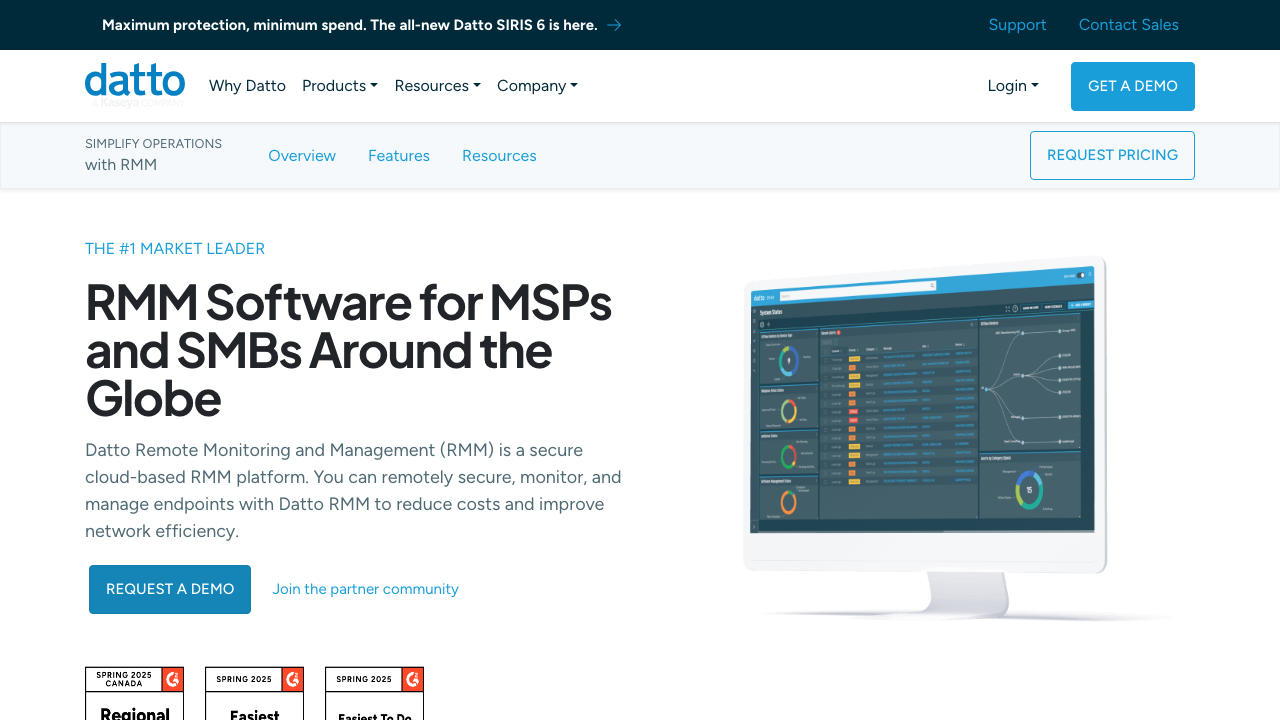
Datto RMM is a cloud-based remote monitoring and management platform built specifically for MSPs. Founded in 2007 and acquired by Kaseya in 2022, Datto has spent over a decade developing tools for the channel. The company claims 17,000+ MSP partners and over one million businesses served worldwide.
The platform uses a two-part architecture: a web-based interface you access through your browser and lightweight Agents installed on managed devices. This is standard for modern RMMs, but Datto emphasizes its pure cloud approach. There's no on-premises server to maintain, no hardware to upgrade, and no certificates to manage. Datto handles all of that in AWS data centers.
Datto markets itself as the "#1 Market Leader" in the RMM space. While that's marketing speak, they do have one credential competitors lack: they're the only channel vendor whose RMM has been evaluated by the Building Security In Maturity Model (BSIMM), ranking in the top 20% of firms undergoing their first assessment.
Core Datto RMM features that matter for MSPs
Real-time monitoring and alerting
Datto RMM monitors devices continuously and alerts you when thresholds are breached. The platform comes with pre-configured templates for common scenarios: CPU usage, disk space, memory consumption, and network connectivity. You can customize these or build your own.
Where it gets interesting is the auto-response and auto-resolution capabilities. The platform can take predefined actions when alerts trigger, like restarting a service or running a script. This means some issues get resolved before a technician even sees the ticket. If you're looking to go further with automation, read our guide on RMM automation to understand what's possible.
Network topology maps give you a visual representation of client networks. You can see how devices connect, identify bottlenecks, and spot unauthorized hardware that shows up on the network.
Remote control and access
The platform includes an HTML5-based remote control tool called Web Remote. Because it runs in the browser, technicians can connect from any device without installing software. This is useful for after-hours support or when your tech is away from their primary workstation.
For deeper control, the Agent Browser provides command shell access, registry editing, Windows Services management, file management, and event log viewing. It also supports RDP, VNC, and Splashtop integrations if you prefer those tools.
Built-in chat lets technicians communicate with end users during remote sessions without needing a separate tool.
Patch and software management
Datto RMM handles operating system patching for Windows, macOS, and Linux. You set policies defining when patches deploy, which patches get approved, and how to handle reboots. The platform supports local caching, so multiple devices on the same network don't each download the same patches from the internet.
Software Management extends this to third-party applications. The standard tier covers essential apps like Adobe Reader, Chrome, Java, and Firefox. The Advanced Software Management add-on expands this to 200+ applications with automated installation and uninstallation capabilities.
Compliance reporting shows which devices have the latest versions and which are falling behind. This is useful for client reporting and internal quality control.
Native Microsoft 365 management
Here's where Datto RMM differentiates itself. It's the only RMM with a native Microsoft 365 management module. From the same interface where you manage endpoints, you can:
- View all M365 tenants and users
- Reset passwords instantly
- Manage license assignments
- Modify security group memberships
- Onboard and offboard users
- Quarantine compromised accounts
For MSPs managing many Microsoft tenants, this eliminates the need to switch between the RMM and the M365 admin center. It's a genuine time-saver that no competitor currently matches.
Datto RMM security credentials and infrastructure
Security is where Datto has invested heavily in differentiation. The BSIMM assessment puts them in unusual territory for an RMM vendor. Most competitors don't undergo this level of security scrutiny.
Datto RMM runs on AWS EC2 infrastructure across five regional platforms:
- Ireland (EU-WEST-1) for UK, EU, and EEA partners
- Oregon (US-WEST-2) and Virginia (US-EAST-1) for North American partners
- Sydney (AP-SOUTHEAST-1, 2) for Asia-Pacific partners
Data stays in the region where you sign up. EU data remains in Ireland, unaffected by Brexit. Datto has no plans to migrate data between regions, and each platform operates independently.
Credentials are encrypted using AES/CBC/PKCS5Padding. All data transmission between the platform, users, and endpoints is encrypted. The data centers are firewalled, and Datto conducts regular third-party penetration testing.
Built-in ransomware detection monitors endpoints for crypto-ransomware behavior. When detected, the system attempts to kill the malicious process and isolate the infected device to prevent lateral movement. According to Datto's documentation, all verified attacks on protected devices have been successfully identified.
The platform claims 99.99% availability. Support is available 24/7/365.
Integrations and ecosystem
Datto RMM integrates with the broader Datto product suite: Autotask PSA, SIRIS backup and recovery, and Datto Networking (WiFi, switches, routers). If you use multiple Datto products, the integration creates a unified operational environment. For a deeper look at PSA options, see our comparison of the best PSA software for MSPs.
Beyond Datto's own products, the platform connects with:
- Security tools: Trend Micro, Webroot, Bitdefender, WithSecure
- Documentation: IT Glue and other documentation platforms
- RMM add-ons: Nerdio, Inforcer, various middleware solutions
- AI/Automation: Recursyv offers ChatGPT, Claude, and Gemini integrations
An open REST API is available for building custom integrations. Datto also maintains a Developer Partner program for companies wanting deeper integration. If you're exploring AI-powered automation beyond what Datto offers, see how Rallied compares to other MSP AI tools to find the right fit for your stack.
Datto RMM pricing: what to expect
Here's the friction point: Datto RMM does not publish pricing. You cannot self-serve a quote or see tier comparisons on their website. To get pricing, you submit a form with your company information, size, job function, and phone number. A sales representative contacts you.
From marketing materials, we know Datto uses a flat fee per-device model. They describe it as "one price, simple, and affordable" that gives "full visibility, management, and monitoring of every device under contract." This suggests all features are included in the base price, though the Advanced Software Management module is noted as a paid add-on.
This opacity is common in the RMM industry but increasingly unusual as competitors like NinjaOne move toward transparent, self-serve pricing. If you need to compare costs quickly or prefer to evaluate without sales contact, this is a limitation.
Getting started with Datto RMM
The onboarding process starts with account setup via email. Once configured, you deploy Agents to devices. Datto supports Windows, macOS, Linux, network devices via SNMP, and virtual machines. Deployment can happen through the console with an installation wizard, or you can script mass deployment for larger environments.
After Agent installation, the platform automatically discovers and inventories devices. Hardware specifications, installed software, and network configurations populate automatically. The inventory updates in real-time as devices change.
Pre-configured monitoring templates cover common scenarios out of the box. You can customize these or create new ones based on specific client needs. The Learning Center in the product provides guided walkthroughs for common tasks.
One customer story from ProVal Tech mentions deploying to over 4,000 endpoints in a single day. Your mileage may vary based on network conditions and device diversity, but the platform is designed for scale.
Limitations and considerations
No tool is perfect. Before committing to Datto RMM, consider these constraints:
Pricing opacity requires engaging with sales. There's no free trial mentioned publicly, and you cannot quickly compare costs against competitors without conversations.
Software Management only handles system-level installations. If a user has installed software at the user level (common with apps from the Microsoft Store or some installers), Datto RMM may remove it in favor of a system-level installation. This can cause confusion for end users.
Agent auto-updates cannot be disabled. While this ensures security patches apply quickly, it means you cannot control the timing of Agent updates in your environment.
Deep Packet Inspection (DPI) networks block Agent communication. If your clients use DPI for security, the Agent won't connect.
API limitations prevent device deletion or component management through the API. Some automation scenarios may require manual intervention.
Regional restrictions tie your account to a specific geographic platform. You cannot easily migrate between regions if your business expands internationally.
Is Datto RMM right for your MSP?
Datto RMM makes the most sense for specific types of MSPs:
You manage many Microsoft 365 tenants. The native M365 management is a genuine differentiator. If you're constantly switching between the M365 admin center and your RMM, this integration saves real time.
You use Autotask PSA. The native integration between Datto RMM and Autotask creates a unified workflow that competitors can't match if you're already in the Datto ecosystem.
Security credentials matter to your clients. The BSIMM assessment gives you something concrete to point to when prospects ask about security practices. For security-conscious verticals like healthcare or finance, this matters.
You want a pure cloud solution. No hardware, no maintenance, no certificate management. Datto handles the infrastructure entirely.
Consider alternatives if you need transparent pricing for quick evaluation, have simple RMM needs that don't justify a full-featured platform, or require extensive customization that depends on API-based device management.
Frequently Asked Questions
What is Datto RMM used for?
Datto RMM is used by MSPs to remotely monitor and manage client endpoints. It handles patching, software deployment, remote access, monitoring, alerting, and includes unique native Microsoft 365 management capabilities.
How much does Datto RMM cost?
Datto RMM uses custom pricing based on a flat fee per device. You must contact sales through their pricing request form to get a quote. They do not publish public pricing tiers.
Is Datto RMM cloud-based?
Yes, Datto RMM is 100% cloud-based with no on-premises hardware required. It runs on AWS infrastructure across regional data centers in Ireland, the US, and Australia.
What makes Datto RMM different from other RMM tools?
Datto RMM is the only RMM with native Microsoft 365 management built in. It's also the only channel vendor RMM evaluated by BSIMM (Building Security In Maturity Model), ranking in the top 20% for security practices.
Does Datto RMM integrate with Autotask PSA?
Yes, Datto RMM has native integration with Autotask PSA, providing unified PSA and RMM operations with real-time data flow between the platforms.
Can Datto RMM detect ransomware?
Yes, Datto RMM includes built-in ransomware detection that monitors endpoints for crypto-ransomware and can automatically isolate infected devices to prevent spread.
What operating systems does Datto RMM support?
Datto RMM supports Windows, macOS, and Linux endpoints, plus network devices via SNMP and virtual machines.