HelpGhost review 2026: AI support platform for MSPs analyzed
MSPs have a knowledge problem. Your best fixes live in Slack threads, locked in senior techs' heads, or buried in ticket notes from 2021. When those people leave, that knowledge walks out the door with them. HelpGhost wants to stop that.
HelpGhost is an AI-powered support platform built specifically for MSPs. It promises to capture every resolution automatically, make that knowledge searchable inside your PSA, and turn junior techs into senior-level problem solvers. Let's break down how it actually works and whether it delivers on those promises.
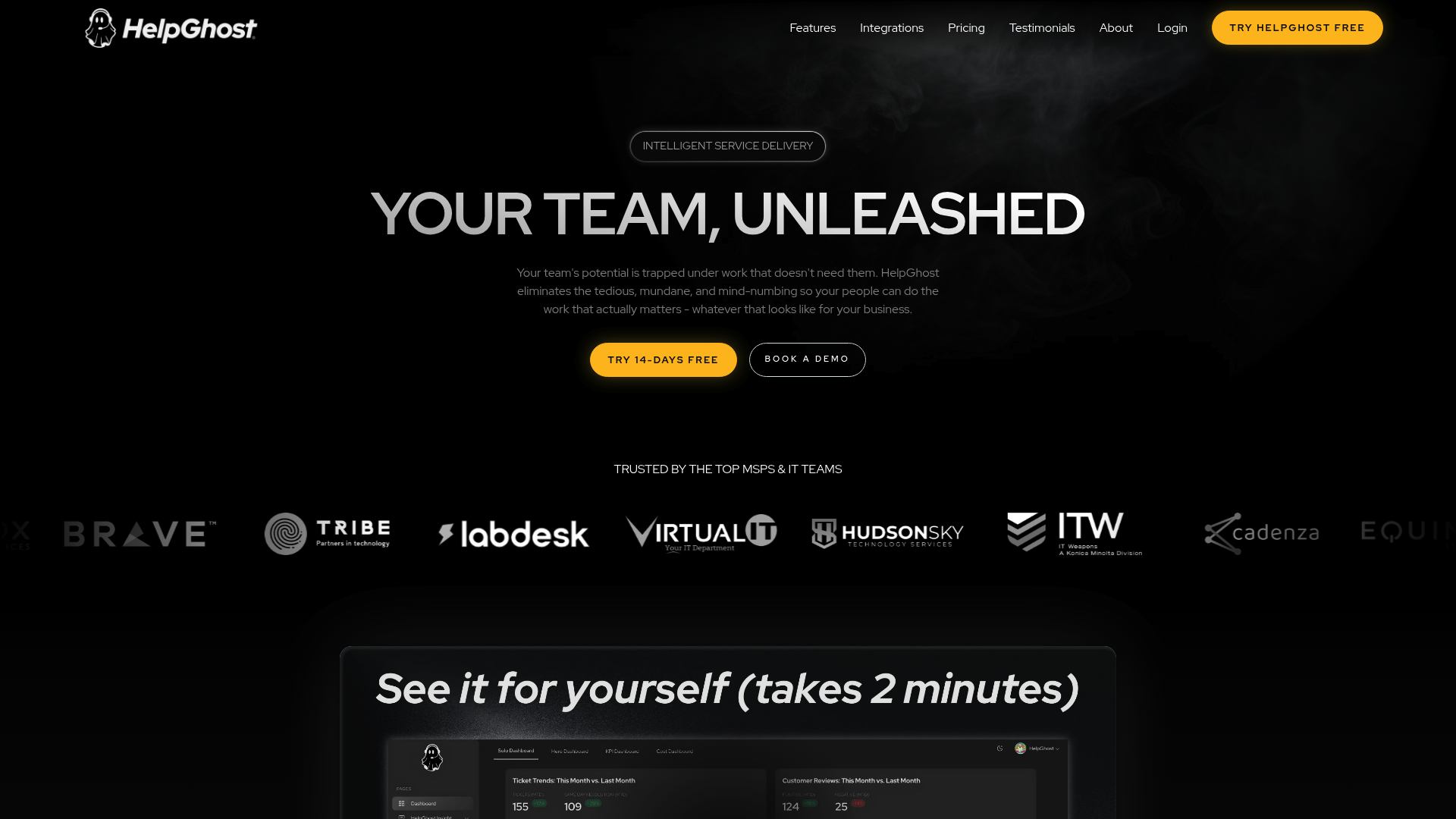
What is HelpGhost?
HelpGhost positions itself as the "first full-stack AI support platform purpose-built to help Managed Service Providers become proactive IT partners." That's marketing speak for: it's an AI layer that sits on top of your existing PSA and documentation tools to help your team resolve tickets faster.
The company targets MSPs specifically, not enterprise IT departments or internal help desks. Their core pitch centers on three problems:
- Knowledge walks out the door when experienced techs leave
- Junior techs spend too long searching for answers that already exist
- Your team is constantly re-solving the same problems
HelpGhost claims to solve this with a 60-minute setup and no workflow disruption. They say you'll see results from ticket one. That's a bold claim in an industry where most "AI solutions" require months of training and configuration.
For context on where HelpGhost fits in the broader MSP AI landscape, see our comparison of HelpGhost vs Rallied and other alternatives.
How HelpGhost works: Scholar and Hero explained
HelpGhost breaks down into two core components: Scholar (the knowledge capture engine) and Hero (the AI assistant that uses that knowledge).
Scholar Automatic knowledge capture
Scholar is HelpGhost's attempt to solve the knowledge retention problem. It auto-captures solutions from every ticket resolution and builds a self-updating knowledge base. The system pulls from:
- Teams threads where solutions get discussed
- Past ticket resolutions
- Your existing documentation
- Senior techs' expertise (captured as they work)
The idea is simple: when your best tech solves a problem, Scholar captures how they did it. When that tech leaves, their knowledge stays in the system. When a junior tech encounters the same issue, Scholar surfaces the exact solution.
This approach differs from traditional knowledge bases that rely on manual documentation. Most KBs rot because nobody updates them. Scholar claims to stay current automatically because it captures knowledge as work happens.
At Rallied, we take a different approach to knowledge management and capture one focused on execution rather than documentation. But Scholar's automatic capture is a genuine attempt to solve a real problem.
Hero AI assistant inside your PSA
Hero is the interface your techs actually use. It sits inside HaloPSA (and other PSAs) and pulls answers from Scholar, your documentation, and past resolutions.
Here's what Hero actually does:
- Provides cited, verifiable answers (not black-box AI responses)
- Handles L1 ticket resolution and escalation
- Surfaces relevant past tickets automatically
- Reduces tab-switching between Reddit, Google, and your PSA
The key differentiator is the PSA integration. Hero lives where your techs already work. They don't need to open a separate tool or context-switch to get help.
For MSPs evaluating PSA options, our comparison of the best PSA software for MSPs covers which platforms work best with AI integrations like HelpGhost.
Upcoming features
HelpGhost mentions VOICE capabilities coming soon. They also tease "operational intelligence" features that would analyze your support data for patterns and insights. These aren't available yet, so we can't evaluate them.
HelpGhost pricing and plans
HelpGhost keeps pricing simple, which is refreshing in the MSP tools space.
| Plan | Price | Minimum | Integration Fee | Key Features |
|---|---|---|---|---|
| Monthly | $99/seat | 5 seats | $349 one-time | Knowledge base, AI assistance, admin automation, enterprise security |
| Annual (15% discount) | $84/seat | 5 seats | $349 one-time | Same as monthly, paid monthly |
Volume discounts are available for larger teams. Both plans include the same features: knowledge base, AI assistance, administrative task automation, and enterprise-grade security.
At $99 per seat with a 5-seat minimum, you're looking at roughly $500/month minimum ($845/month with the integration fee in month one). The annual discount saves you about $15 per seat per month.
For context on how this compares to other MSP automation tools, check our analysis of Rewst pricing. Pricing models vary significantly across the category.
Real user feedback: What MSPs say about HelpGhost
HelpGhost publishes customer testimonials on their site. Here's what actual MSP leaders say:
Steve T., Co-Founder/CTO at Equinox IT:
"We can essentially make all of our Level 1s almost Level 3 equivalents. HelpGhost takes junior techs and helps them become more like one of our senior techs. It can also help our senior techs find where there are gaps. If they know something, we can put that knowledge in the system via Scholar. Now when one of the junior techs pulls up that same thing, we have that exact answer that it'll pull out, saving them a ton of time."
Chris N., Helpdesk Manager:
"On average HelpGhost shaves 20 to 30 minutes per ticket. If it's something more complicated, it's a lot more. Before, you'd go to Google, go through Microsoft forums, search historical tickets in the PSA, you have to search through the summary... if it's even done. Now we're going through the content of the ticket and finding relevant information which we weren't able to do before."
Anna J., Operations Director at Equinox IT:
"HelpGhost understands what the issue actually is and how to solve it accurately. Other AI tools we tried like CrushBank and Thread, either went too broad and did not actually have a resolution, or couldn't put the pieces together. HelpGhost put the pieces together from that broad perspective, but drilled it down to the tech level of actually how to execute and resolve the issue."
Common themes across these testimonials: fast onboarding, immediate time savings, and the ability to upskill junior techs quickly. The 20-30 minute per ticket savings claim is specific and measurable.
The MSP AI space is evolving rapidly. For broader context on where these tools fit, see our analysis of MSP AI in 2026: from hype to actual execution.
HelpGhost vs alternatives: How it compares
HelpGhost doesn't exist in a vacuum. Here's how users say it stacks up against alternatives:
CrushBank
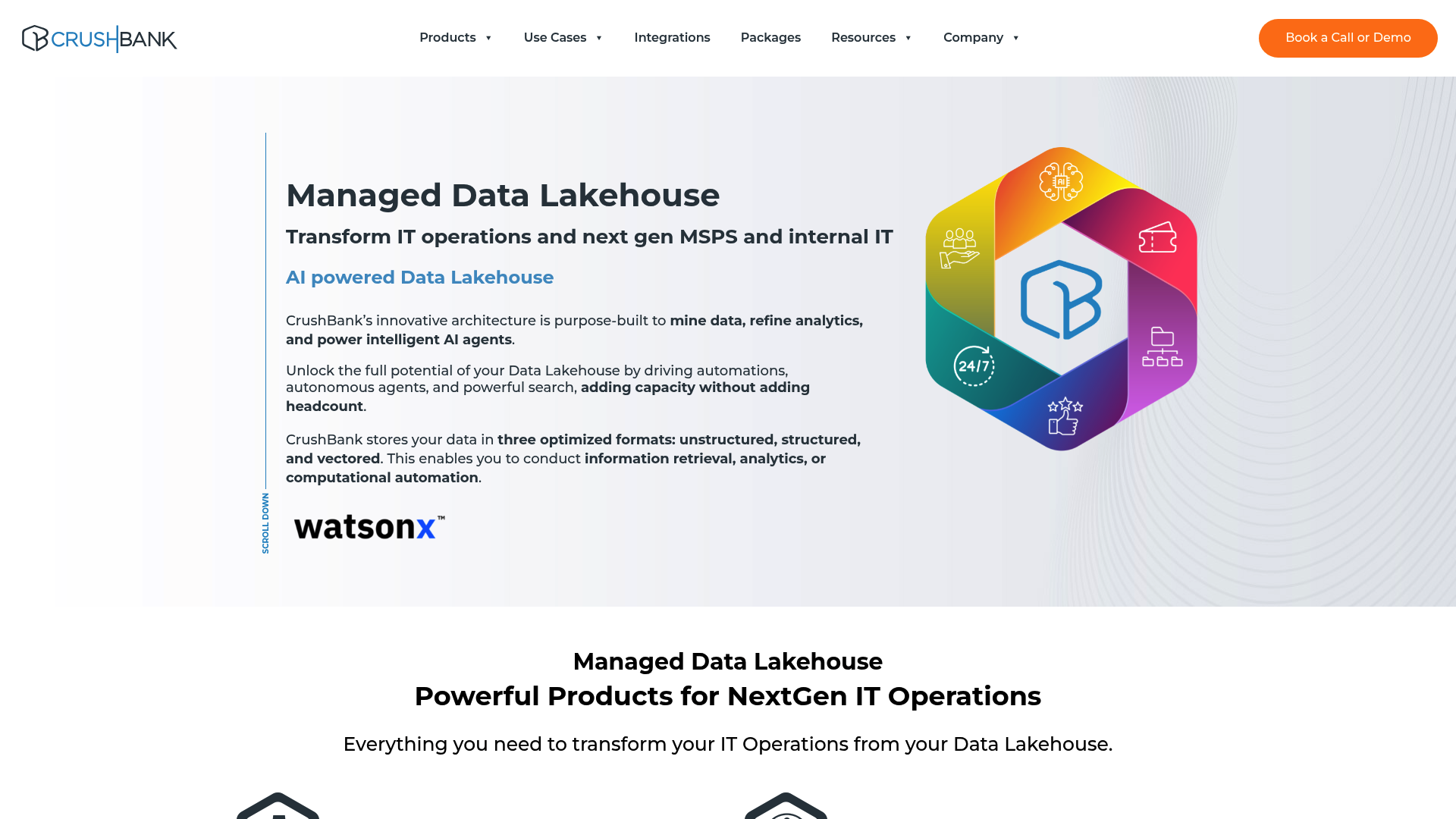
According to Anna J. at Equinox IT, CrushBank "went too broad and did not actually have a resolution." CrushBank positions itself as a data lakehouse for IT operations with AI-powered search and automation. They claim 90%+ accuracy on ticket classification and offer features like SmartShift for PSA migrations.
CrushBank doesn't publish pricing publicly (their pricing page returns a 404). They're also an established player with IBM WatsonX partnership and a broader feature set that includes PSA migration tools.
The user criticism suggests CrushBank provides information but not actionable solutions. HelpGhost, by contrast, focuses on specific resolutions your team has already validated.
Thread
Thread was criticized for not being able to "put the pieces together." We couldn't access Thread's website during research, so we can't provide detailed feature comparison. The user feedback suggests Thread may have struggled with synthesizing information across different sources into coherent solutions.
Rallied
Here's where we need to be transparent: we build Rallied, so we have a perspective here. But the distinction matters for MSPs choosing between these tools.
HelpGhost focuses on knowledge capture and PSA integration. It helps your techs find answers faster by organizing what your team already knows.
Rallied focuses on autonomous execution. Instead of helping techs find answers, we execute the fix directly: reset passwords, unlock accounts, grant permissions, update tickets. Then we notify the user and close the loop.
Both approaches solve real problems. HelpGhost is better if your primary pain point is knowledge management and upskilling junior techs. Rallied is better if you want to eliminate L1 tickets entirely rather than just resolve them faster.
For a detailed breakdown, see our HelpGhost vs Rallied comparison. We also reviewed Thread AI separately for additional context.
Who should use HelpGhost?
HelpGhost is a good fit if:
- Your MSP struggles with knowledge loss when experienced techs leave
- You want to upskill junior techs quickly without months of shadowing
- You use HaloPSA or a PSA with strong HelpGhost integration
- Your team spends too much time searching for solutions that already exist
- You prefer human-in-the-loop AI rather than fully autonomous execution
HelpGhost is less ideal if:
- You want AI to execute fixes directly without human involvement
- Your primary goal is eliminating L1 tickets entirely, not just resolving them faster
- You need PSA-agnostic solutions (HelpGhost's deepest integration is with HaloPSA)
The 5-seat minimum means smaller MSPs need to commit $500+/month. That's not trivial for a solo shop or small team.
If you're evaluating AI tools for your MSP, our ROI calculator can help you model the potential savings based on your current ticket volume.
Getting started with AI-powered MSP support
HelpGhost delivers on its core promise: capturing institutional knowledge and making it accessible to your whole team. The user testimonials are specific, the pricing is transparent, and the 60-minute setup claim suggests they've thought about deployment friction.
The key question for your MSP is what problem you're trying to solve. If knowledge retention and tech upskilling are your biggest pain points, HelpGhost is worth evaluating. If you want to eliminate L1 tickets entirely, you need a different approach.
Either way, start by auditing your current state:
- How many tickets are you handling monthly?
- How much time do techs spend searching for solutions?
- What's your turnover rate and knowledge loss risk?
- Which PSA are you using and how well does it integrate?
The MSP AI space has matured past the "AI theater" phase. Tools like HelpGhost and Rallied are delivering actual value, not just demos. The difference is in what they optimize for: knowledge capture vs autonomous execution.
If you want to see what autonomous ticket execution looks like, request a demo and we'll show you how Rallied handles L1 tickets without human involvement. For more MSP automation insights, browse our blog.
Frequently Asked Questions
How much does HelpGhost cost per month?
HelpGhost starts at $99 per seat per month with a 5-seat minimum, so $495/month minimum. There's also a $349 one-time integration fee. Annual billing reduces the per-seat cost to $84/month.
What PSA systems does HelpGhost integrate with?
HelpGhost has native integration with HaloPSA. They mention integration with 'your PSA' broadly but HaloPSA appears to be their deepest integration based on available documentation.
How long does HelpGhost take to set up?
HelpGhost claims 60-minute setup maximum with no workflow disruption. User testimonials confirm the onboarding is straightforward and fast compared to other AI tools.
Can HelpGhost execute fixes automatically or just suggest solutions?
HelpGhost focuses on knowledge capture and suggestion. Hero provides cited answers and guidance to your techs, but the human tech executes the fix. This is different from fully autonomous tools that execute fixes directly.
How does HelpGhost compare to CrushBank?
According to user testimonials, CrushBank 'went too broad' without providing specific resolutions, while HelpGhost 'drilled it down to the tech level of actually how to execute.' CrushBank offers broader data lakehouse capabilities but HelpGhost focuses specifically on actionable ticket resolution.
What is the difference between HelpGhost Scholar and Hero?
Scholar is the knowledge capture engine that automatically saves solutions from every ticket. Hero is the AI assistant that sits in your PSA and surfaces that knowledge when techs need it. Scholar captures, Hero delivers.