Rewst Pricing in 2026: What MSPs Actually Pay
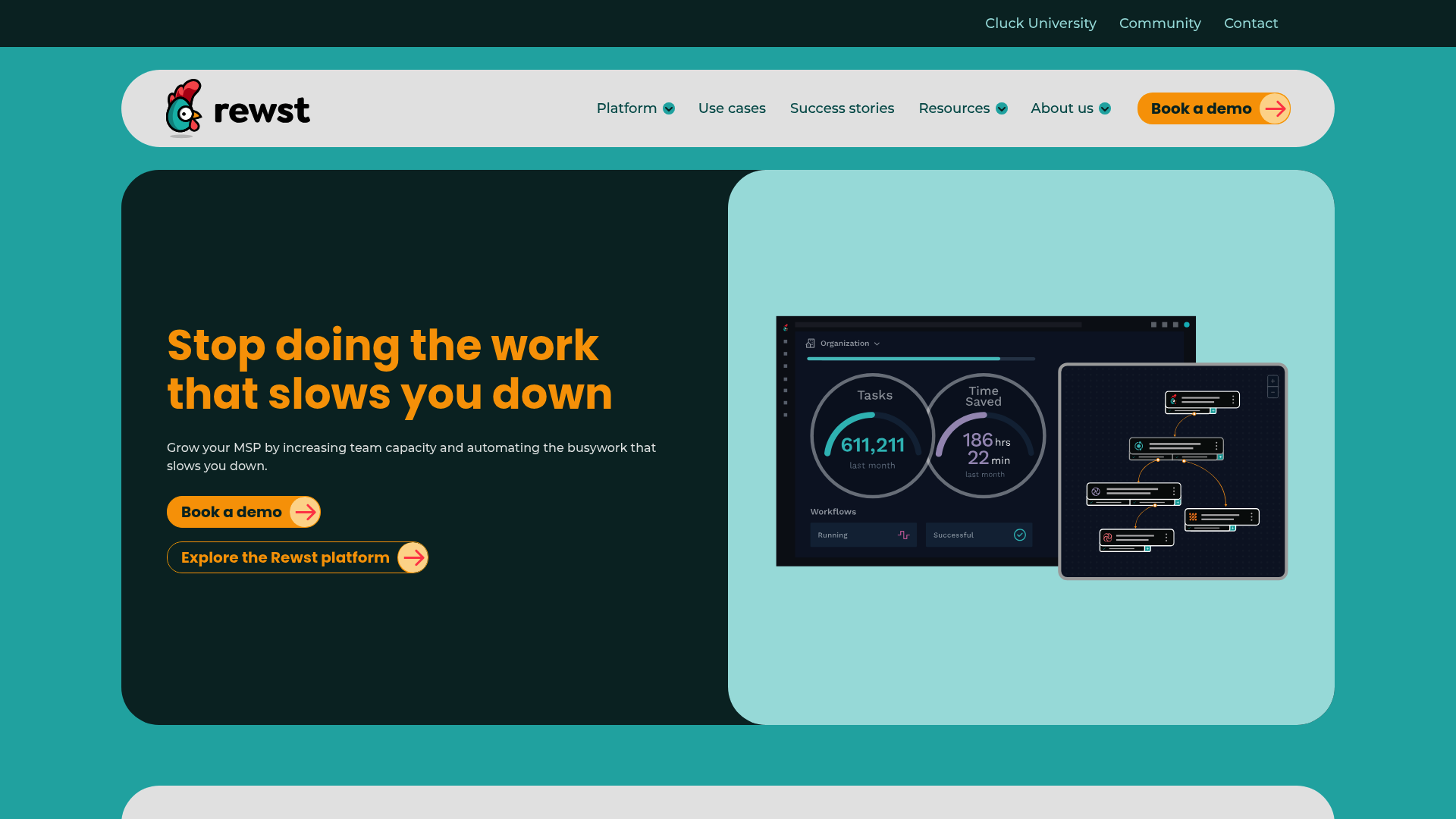
If you're searching for Rewst pricing, you've probably noticed something frustrating. The website has no pricing page. No handy comparison table. No "starts at $X/month" banner. Just a "Book a demo" button and the promise that someone will call you.
This isn't an oversight. Rewst, like many B2B software vendors serving MSPs, operates on a quote-based model. They want to understand your use case, your stack, and your volume before they name a number.
That approach makes sense for them, but it leaves you in the dark when you're trying to build a budget or compare options. This guide fills that gap. We'll explain why Rewst hides their pricing, what you can expect to pay based on market context, and how to calculate whether the investment is worth it for your MSP.
What we know about Rewst's pricing model
Let's break down what we can infer from Rewst's structure and the broader MSP automation market.
Company background
Rewst was founded in 2020 and is headquartered in Tampa, Florida. They raised funding in 2022 and have grown quickly by focusing exclusively on MSPs. That focus matters. They're not trying to serve every business with a workflow problem. They build specifically for multi-tenant MSP environments with PSA and RMM integrations.
Source: Rewst homepage
What's included
Rewst bundles several components into their platform:
- Visual workflow builder with drag-and-drop interface
- Prebuilt Crates (ready-made automations for common MSP tasks)
- 80+ integrations including ConnectWise, Datto, HaloPSA, IT Glue, Microsoft 365, and Pax8
- ROC support (Robotic Operations Center) for technical guidance
- Cluck University training platform with courses and certifications
- App Builder for creating client-facing portals
- Multi-tenancy built-in for managing multiple clients
Source: Rewst integrations
Estimated pricing range
Since Rewst doesn't publish pricing, we have to look at comparable tools and market norms:
| Platform | Pricing Model | Starting Price | Notes |
|---|---|---|---|
| ThinkAutomation | Tiered subscription | $995/year ($83/month) | Self-managed, not MSP-specific |
| n8n | Usage-based | Free (self-hosted) or $20/month | Technical, DIY approach |
| Rewst | Quote-based | Estimated $500-2,000/month | Cloud-hosted, MSP-focused |
The $500-2,000/month estimate for Rewst comes from several signals:
- ThinkAutomation charges $2,700/year for unlimited usage, but it's self-managed and not MSP-specific
- Enterprise automation tools typically charge per seat or per endpoint
- MSPs report "substantial investment" on Reddit discussions about Rewst pricing
- The documented ROI ($60K-120K/year savings) suggests the platform isn't cheap, but pays for itself
Bottom line? Budget at least $1,000/month for a small-to-midsize MSP, potentially more for larger operations.
The real cost: implementation and onboarding
The subscription fee is only part of the story. Here's what else to budget for:
Setup time. Connecting your PSA, RMM, M365, and other tools takes time. Even with prebuilt integrations, you'll spend 10-20 hours on initial configuration.
Training investment. Cluck University is included, but it's time-intensive. The Automation Fundamentals course and IMPACT Framework training require 5-10 hours. Plan for your technical lead to spend 20+ hours getting up to speed.
The business analyst problem. This is the hidden cost most MSPs don't anticipate. Rewst doesn't just need a developer — it needs someone who becomes a dedicated business analyst. As one 25-year MSP veteran described it: you need to "turn a person into a business analyst who can understand your business from a super detailed, process-oriented angle." That's not a side project. That's a full-time role most MSPs can't justify.
Workflow customization. Rewst provides prebuilt Crates, but most MSPs need to customize them. Building workflows from scratch takes longer. Budget 5-15 hours per significant workflow.
Ongoing maintenance. The good news: Rewst handles API updates and integration maintenance. You won't wake up to broken connections because a vendor changed their API. But you'll still need someone internal monitoring workflows and refining them.
Time to value. Most MSPs see initial ROI within 3-6 months, according to Rewst's case studies. The payback period depends on which workflows you automate first. Password resets and user onboarding deliver quick wins. Complex multi-system workflows take longer.
Calculating your ROI with the IMPACT framework
Rewst knows pricing transparency is a concern. Their response is the IMPACT framework, a structured methodology for calculating automation ROI. Here's how it works:
I - Identify manual costs
Calculate what you're spending on manual tasks today.
Formula: (Time to perform task ÷ 60) × Task frequency × Employee hourly rate
Example: A password reset takes 15 minutes. You do 50 per month. Your techs cost $35/hour fully loaded.
(15 ÷ 60) × 50 × $35 = $437.50/month in manual password reset costs
M - Measure manual risk
Quantify the cost of human error.
Formula: (Task frequency × Error rate) × (Rework time ÷ 60) × Hourly rate + Direct financial losses
Example: 5% of manual onboarding tasks have errors requiring 30 minutes to fix.
(50 × 0.05) × (30 ÷ 60) × $35 = $73/month in rework costs
P - Project the investment
Calculate the upfront cost to build the automation.
Formula: (Development time × Developer's hourly rate) + Tooling costs
Example: 10 hours to customize an onboarding Crate at $50/hour internal rate.
10 × $50 = $500 one-time investment
A - Account for ongoing costs
Factor in recurring platform costs.
Formula: Monthly subscription fees + (Monthly maintenance hours × Hourly rate)
Example: $1,200/month platform fee + 2 hours maintenance at $50/hour
$1,200 + $100 = $1,300/month ongoing cost
C - Calculate net savings
Combine the numbers.
Formula: (Monthly time cost + Total monthly risk cost) - Monthly automation cost
Example: ($437.50 + $73) - $1,300 = -$789.50/month
Wait, that's negative. But we only calculated one workflow. Let's add more:
- User onboarding: $800/month manual cost
- Offboarding: $300/month
- License reconciliation: $500/month
- Alert triage: $1,200/month
Total manual costs: $3,237.50/month Total automation cost: $1,300/month Net savings: $1,937.50/month or $23,250/year
T - Tell the ROI story
Translate savings into business terms.
- Annual savings: $23,250
- Payback period: $500 investment ÷ $1,937.50/month = 0.26 months (about 8 days)
- First-year ROI: ($23,250 - $500) ÷ $500 × 100 = 4,550%
Source: Rewst IMPACT framework
What MSPs actually save: real numbers from case studies
Rewst publishes several case studies with specific savings. Here's what MSPs report:
Tech Rage IT: $60,000/year saved
They automated new user onboarding, cutting the process from 45 minutes to 5 minutes. For a growing MSP adding 10-15 users per month, that added up fast. They also reduced errors and improved consistency.
Source: Tech Rage IT case study
Marcus Technologies: $120,000/year recovered
Billing reconciliation was the win here. They automated the comparison of PSA records against vendor invoices, catching discrepancies that were falling through the cracks. The recovered revenue paid for the platform several times over.
Source: Marcus Technologies case study
Network IT Easy: 75-80 hours/week saved
Alert fatigue was killing their technicians. They built workflows to triage, correlate, and auto-resolve common alerts. Instead of 300+ hours per month spent on noise, techs now focus on issues that actually need human judgment.
Source: Rewst homepage testimonial
ZenTop: Measurable monthly hours on M365
They used the "Report on Disabled M365 Users with Licenses" Crate to find and reclaim unused licenses. Small savings per license, but multiplied across hundreds of seats, it added up to real money.
Source: ZenTop video case study
Where the savings come from
| Source | Typical Savings | Example |
|---|---|---|
| Labor reduction | 50-80% time savings on automated tasks | Password resets: 15 min → 2 min |
| Error elimination | 90%+ reduction in manual errors | Onboarding mistakes caught before they propagate |
| Faster resolution | 24/7 execution without human delay | After-hours ticket handling |
| License optimization | 10-20% reduction in unused licenses | M365 reclamation workflows |
Alternatives to consider
Rewst isn't the only option. Depending on your needs, these alternatives might fit better:
ThinkAutomation
ThinkAutomation is a general-purpose automation platform from Parker Software, a UK company founded in 2003. Unlike Rewst, they publish their pricing openly.
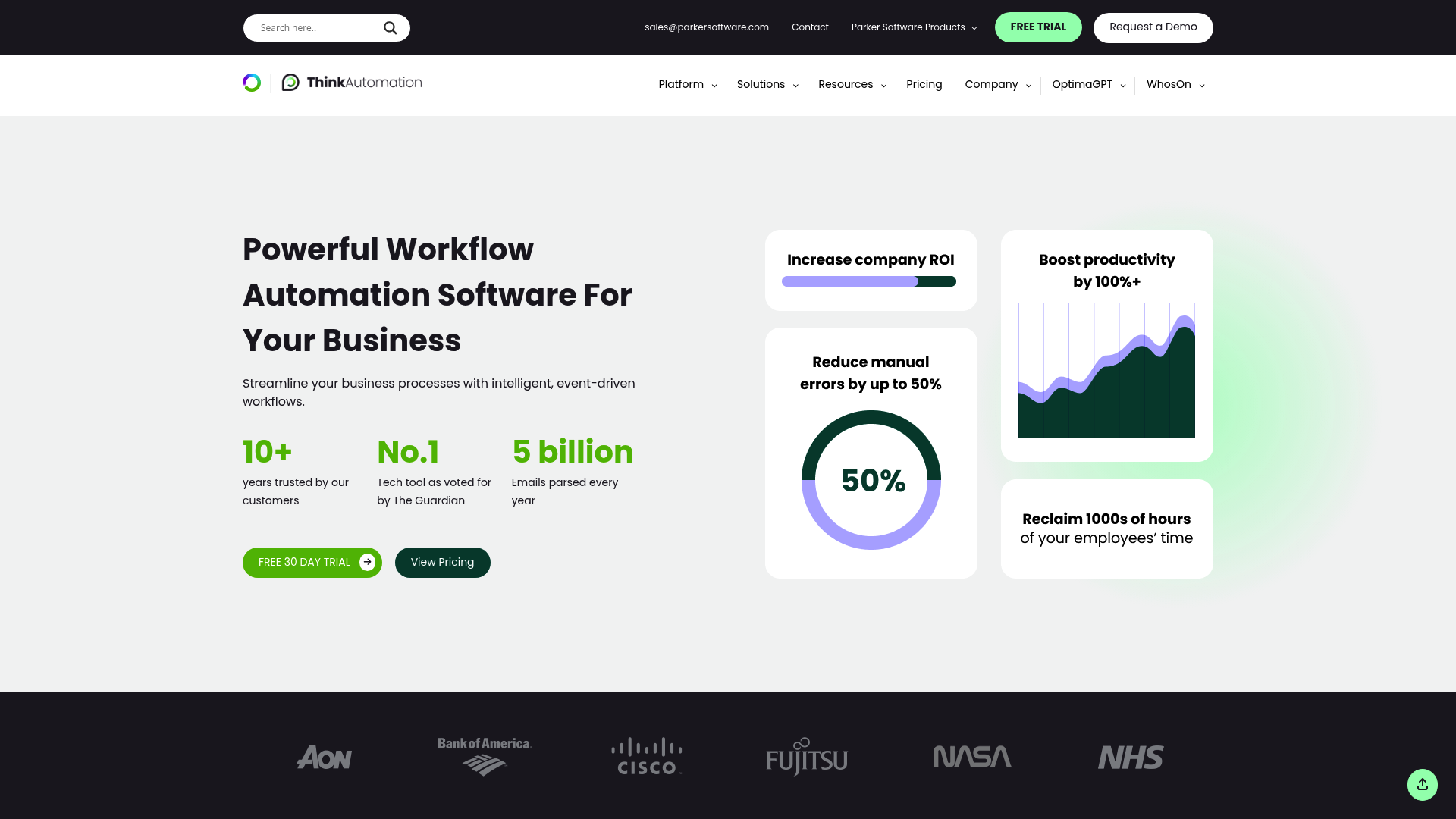
| Plan | Annual Price | Best For |
|---|---|---|
| Community | Free | Testing, very small operations |
| Starter | $995/year | Limited message sources (10 max) |
| Standard | $2,700/year | Unlimited usage, 2 concurrent users |
| Professional | $4,600/year | Custom scripting, 10 concurrent users |
When to choose ThinkAutomation over Rewst:
- You want transparent, predictable pricing
- You prefer self-hosted software for compliance or control
- Your automation needs extend beyond typical MSP workflows
- You have developers who can build custom C# scripts
The downside: No MSP-specific prebuilt workflows. You'll build everything from scratch.
Source: ThinkAutomation pricing
n8n
n8n is an open-source workflow automation tool with a visual builder. It's popular with technical teams who want flexibility without vendor lock-in.
| Plan | Price | Key Limits |
|---|---|---|
| Community (self-hosted) | Free | Unlimited workflows, you manage hosting |
| Starter (cloud) | $20/month | 2,500 executions/month |
| Pro (cloud) | $50/month | 10,000 executions/month |
| Business (cloud) | $800/month | 40,000 executions/month, SSO |
When to choose n8n over Rewst:
- Cost is a primary concern (self-hosted is free)
- You have technical staff comfortable with workflow logic
- Your needs are generic enough that prebuilt MSP workflows don't add value
- You want full control over your data and hosting
The downside: No MSP-specific features, no ROC support, no prebuilt integrations with PSA/RMM tools. You'll invest significant time building what Rewst provides out of the box.
Source: n8n pricing
Rallied
If you're looking at Rewst primarily for ticket automation and L1 task handling, there's another angle to consider. Rallied takes a different approach: instead of giving you a platform to build automations, we provide an AI technician that lives in Slack or Teams and handles L1 tasks directly.
The pricing model is simpler: per-user monthly fees with no implementation projects or workflow building required. You connect your PSA, RMM, and M365, and the AI starts handling password resets, account unlocks, and onboarding tasks immediately.
When Rallied makes sense vs Rewst:
- You want automation running this week, not after a 3-month implementation
- Your team doesn't have bandwidth to learn a workflow builder
- You prefer predictable per-user pricing over quote-based negotiations
- L1 ticket resolution is your primary pain point
How to get a Rewst quote and what to ask
If you've decided to explore Rewst, here's how to navigate the sales process:
Where to start. You can request a demo directly at rewst.io or go through Pax8 or Sherweb if you're already buying through those distributors. Going through a distributor may get you better pricing or bundled terms.
Questions to ask:
- Is pricing per technician, per endpoint, or flat rate?
- What's the minimum contract term?
- Is onboarding support included or an add-on?
- Are there API call limits or overage fees?
- What's included in ROC support vs premium support tiers?
- Can you provide reference MSPs of similar size?
What to prepare:
- Current monthly ticket volume by category
- List of manual processes you want to automate
- Your fully-loaded hourly rates for technicians
- Current tool stack (PSA, RMM, documentation, security)
- Integration requirements
Using the IMPACT framework in sales conversations. Come prepared with your own ROI calculation. If Rewst claims you'll save $100K/year, ask them to show their math using the IMPACT framework. Compare their assumptions to your actual numbers.
Making the decision: Is Rewst worth it for your MSP?
Let's break it down simply.
Rewst is probably worth it if:
- You're spending 20+ hours per week on repetitive manual tasks
- You have the technical bandwidth to implement and maintain workflows
- Your PSA and RMM are in their supported integration list
- You can absorb a $1,000-2,000/month platform cost while building ROI
- You value the ROC support and MSP community
Rewst might not be worth it if:
- You don't have someone to dedicate full-time to building and maintaining workflows. Without that person, automations don't get built — and MSPs who tried report the "dedication doesn't justify the cost, time, and software"
- Your biggest pain is L1 ticket resolution, not complex multi-step operational automation
- Your tickets come in as free text, not structured forms. Rewst workflows break on unstructured input — "free text that needs to be interpreted by either a human or an AI," and Rewst isn't AI
- Your tool stack includes tools without APIs (Adobe Admin Console, vendor portals). Rewst can't automate what it can't connect to via API
- You need transparent, predictable pricing
- You want something running this week without implementation effort
The honest assessment. Rewst is a powerful platform with documented ROI. But it's not a magic button. You'll invest significant time upfront, and the pricing opacity is frustrating. If you're comfortable with quote-based sales and have the resources to implement properly, the payoff can be substantial. If you need something simpler or more transparent, alternatives like ThinkAutomation or Rallied might fit better.
Frequently Asked Questions
Why doesn't Rewst publish their pricing like other SaaS tools?
Rewst uses a quote-based model common in enterprise B2B software. They want to understand your use case, integrate with your specific tool stack, and tailor pricing accordingly. It also lets them position value before discussing cost.
How much does Rewst actually cost per month?
Rewst doesn't publish pricing, but based on market comparisons with tools like ThinkAutomation ($2,700/year) and typical MSP automation spend, expect $500-2,000/month depending on your size and use case.
Is there a free trial for Rewst?
Rewst offers demos but not self-serve free trials. You'll need to talk to sales and go through their evaluation process to access the platform.
What's the difference between Rewst and ThinkAutomation?
Rewst is cloud-hosted and MSP-specific with prebuilt workflows. ThinkAutomation is self-managed, general-purpose, and requires building workflows from scratch. ThinkAutomation publishes pricing ($995-4,600/year); Rewst is quote-based.
Can I use n8n instead of Rewst to save money?
Yes, n8n's self-hosted Community edition is free. But you'll invest significant time building integrations and workflows that Rewst provides out of the box. For MSPs without dedicated automation engineers, the 'free' option often costs more in labor.
How long does it take to see ROI from Rewst?
Most MSPs see initial ROI within 3-6 months, according to Rewst's case studies. Quick wins like password resets and user onboarding deliver fastest payback. Complex multi-system workflows take longer.
What's included with Rewst besides the platform?
Rewst includes ROC (Robotic Operations Center) support, Cluck University training, 80+ prebuilt integrations, and the App Builder for client portals. All are bundled into the subscription with no separate fees mentioned.