Huntress review 2026: Is this EDR worth it for MSPs?
Managed security is one of those things every MSP knows they need, but few have the resources to do well. Building an in-house SOC costs hundreds of thousands. Managing EDR tools yourself means drowning in alerts at 2 a.m. And most enterprise solutions were built for Fortune 500 budgets, not the 50-seat clients you actually serve.
Huntress positions itself as the pragmatic alternative: a managed security platform built specifically for SMBs and the MSPs that protect them. Every product includes a 24/7 human-led SOC. No tiers, no add-ons, no surprises.
But does it actually deliver? We reviewed the platform, pricing, and real MSP feedback to find out.
If you're evaluating your security stack alongside other MSP automation tools, Huntress is worth a serious look.
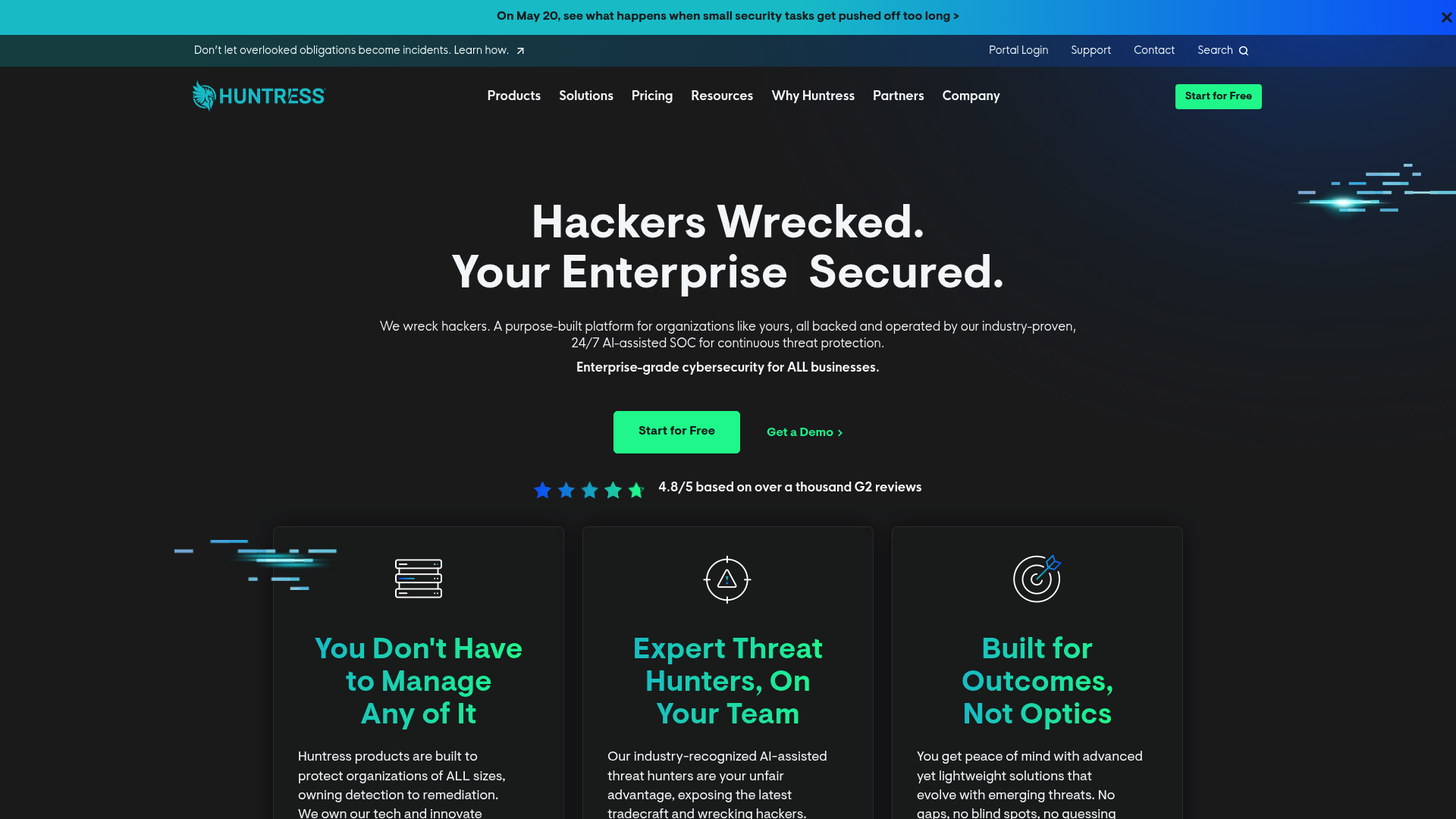
What is Huntress?
Huntress is a managed security platform offering four core products: EDR (endpoint detection and response), ITDR (identity threat detection and response), SIEM (log management), and SAT (security awareness training). The key differentiator is that every product includes a 24/7 AI-assisted SOC staffed by human threat hunters.
This matters because most EDR tools dump alerts on your team and expect you to sort through them. Huntress handles the investigation and response itself. When their SOC confirms a threat, they deliver a clean incident report with remediation steps, or in many cases, remediate automatically.
The company is explicit about its target market: SMBs and the MSPs that serve them. This is not an enterprise tool with the price tag shaved down. It was built from the ground up for organizations that need enterprise-grade protection without enterprise-grade headcount.
Huntress products explained
Managed EDR
Huntress Managed EDR covers Windows, macOS, and Linux endpoints. The platform focuses on what matters for actual breach prevention: persistent footholds, malicious process behavior, lateral movement, and early ransomware indicators.
The stats Huntress publishes are notable: 4.5 million endpoints protected, a sub-1% false positive rate, and an 8-minute average response time. The low false positive rate is particularly important for lean teams. Nothing burns out technicians faster than chasing phantom alerts at midnight.
Huntress also manages Microsoft Defender Antivirus at no extra cost, which is a nice touch if you're already using Defender as a baseline.
Managed ITDR
If there's one product that gets MSPs excited, it's Managed ITDR. Identity-based attacks are now the primary vector for breaches, and most SMBs have zero visibility into compromised credentials, session hijacking, or rogue OAuth apps.
ITDR monitors Microsoft 365 and Google Workspace environments for threats like:
- Session hijacking (attackers stealing session tokens to bypass MFA)
- Credential theft and unauthorized logins
- Rogue OAuth applications (Traitorware and Stealthware)
- Suspicious inbox rules and forwarding configurations
- Impossible travel and location-based anomalies
The 3-minute MTTR for identity threats is faster than most teams could even open their laptop. For MSPs managing dozens of M365 tenants, this fills a critical gap that traditional endpoint security misses entirely.
Managed SIEM
Huntress Managed SIEM takes a different approach than traditional SIEM tools. Instead of ingesting every log and charging by volume, Huntress uses "smart filtering" to capture only security-relevant data. This keeps costs predictable while still providing the compliance and investigation capabilities most organizations actually need.
Pricing is per log source rather than per gigabyte ingested, which is refreshing in a market known for surprise overage bills.
Security Awareness Training
The Managed SAT product focuses on engagement over checkbox compliance. The training content is built by Emmy Award-winning animators and based on real threat intelligence from Huntress's 4.5 million protected endpoints.
The reported 98% completion rate suggests people actually watch the content rather than clicking through while doing something else. Monthly episodes feature recurring characters and storylines, which sounds gimmicky until you compare it to the usual mind-numbing security training videos.
What MSPs actually say about Huntress
The praise
User feedback from G2 and Software Advice aligns with Huntress's positioning. The platform currently holds a 4.8/5 rating on G2 based on over 1,000 reviews.
The integration quality comes up repeatedly. MSPs appreciate that Huntress plays nicely with their existing PSA and RMM tools rather than creating another siloed dashboard to monitor.
The concerns
Not every review is glowing. The most common criticism is that Huntress can feel like a "quiet MDR." Unlike some competitors that flood you with telemetry and logs, Huntress handles most of the heavy lifting behind the scenes. This reduces alert fatigue, but some technicians want more visibility into what's happening under the hood.
One user compared Huntress to Blackpoint, noting that Huntress generates "1-5% of the entire default noise that Blackpoint sends." For most teams, this is a feature, not a bug. But if you're the type who wants to see every raw log and detection signal, Huntress's approach might feel opaque.
A few users also mention that Huntress sometimes feels like it's "playing catchup" with features, adding capabilities just behind competitors. This is worth monitoring if you need bleeding-edge functionality.
The security workload that Huntress handles is similar to what we see with L1 tickets draining MSP resources. Both are problems best solved by automation and expert systems rather than throwing more bodies at them.
Huntress integrations and deployment
Huntress integrates with the PSA and RMM tools most MSPs already use:
PSA integrations: ConnectWise Manage, Autotask, HaloPSA, Kaseya BMS, Syncro
RMM integrations: NinjaOne, Datto RMM, ConnectWise Automate, Kaseya VSA, N-Able, SyncroMSP
Identity and communication: Microsoft 365, Google Workspace, Okta, Slack
SIEM log sources: Cisco, Palo Alto, Fortinet, SonicWall, Sophos, pfSense, Azure Event Hub, SentinelOne, and more
Deployment is designed to be lightweight. The agent can be pushed via your existing RMM, and Microsoft 365 connections use standard OAuth permissions. Huntress reports that many customers have telemetry flowing within an hour, with full deployment measured in days rather than weeks.
If you're already using NinjaOne as your RMM, the integration is particularly smooth. Incident data flows directly into your ticketing workflow without manual copying and pasting.
Huntress pricing
Huntress pricing follows a simple volume-based model. No tiers, no feature gating, no expensive bundles.
| Product | Price | Unit | What's Included |
|---|---|---|---|
| Managed EDR | $8.99/month | Per endpoint | 24/7 SOC, automated remediation, managed Defender |
| Managed ITDR | $4.80/month | Per identity | 24/7 SOC, automated remediation, M365/GWS protection |
| Managed SIEM | $4.00/month | Per data source | Smart filtering, pooled storage, compliance support |
| Managed SAT | $2.08/month | Per learner | Full training library, phishing simulations, reporting |
Volume discounts kick in at 50, 100, 250, 500, and 1,000+ units. Standard contracts are 12 months, with MSPs typically billed monthly in arrears based on actual deployed usage.
The value proposition becomes clear when you compare it to alternatives. CrowdStrike's comparable tiers can run $15-25 per endpoint before you add MDR services. Building an internal SOC costs $500K+ annually. At roughly $9 per endpoint with SOC included, Huntress sits in a sweet spot for budget-conscious MSPs.
Huntress vs CrowdStrike
CrowdStrike is the elephant in the room whenever EDR comes up. Both platforms protect endpoints. Both have strong reputations. But they serve different audiences.
| Factor | Huntress | CrowdStrike |
|---|---|---|
| Target market | SMBs and MSPs | Enterprises |
| Pricing model | Simple per-unit, SOC included | Tiered plans, MDR costs extra |
| SOC included | Yes, 24/7 by default | Requires Falcon Complete or separate MDR |
| EDR MTTR | ~8 minutes | 1-10-60 framework (1 min detect, 10 min investigate, 60 min remediate) |
| ITDR MTTR | ~3 minutes | Varies by tier and configuration |
| Deployment complexity | Lightweight, RMM-friendly | More complex, often requires professional services |
| Customization | Managed approach, less tuning | Highly customizable for enterprise needs |
CrowdStrike makes sense if you're a large enterprise with dedicated security staff who want granular control over detection rules and response playbooks. The platform is powerful but complex, and getting the most from it requires expertise most SMBs don't have.
Huntress makes sense if you want security outcomes without becoming a security company. The trade-off is less visibility into the detection engine and fewer customization options. For most MSPs serving SMBs, this is an acceptable trade.
Who should use Huntress?
Best fit
- MSPs serving SMBs who need enterprise-grade protection on SMB budgets
- Lean IT teams without dedicated security staff
- Organizations that want 24/7 coverage without building a SOC
- Microsoft 365-heavy environments concerned about identity-based attacks
- Teams drowning in alert fatigue from noisy security tools
Not the best fit
- Large enterprises with existing 24/7 SOCs who want full control
- Teams that want deep log visibility and hands-on detection tuning
- Organizations with complex compliance requirements needing extensive customization
- Security purists who want to build and manage their own detection rules
If you're trying to justify the investment, our MSP ROI calculator can help you model the cost of security incidents versus preventive protection.
Is Huntress worth it for MSPs?
For MSPs drowning in security alerts and lacking dedicated security staff, Huntress offers strong value. The combination of managed EDR and ITDR covers the two biggest attack vectors (endpoints and identities) at a price point that doesn't require passing massive costs to clients.
The ITDR product is particularly compelling. Most MSPs have solid endpoint protection but zero visibility into M365 compromises until it's too late. The 3-minute MTTR on identity threats fills a genuine gap.
The "quiet MDR" approach reduces alert fatigue, but it requires trust. You're handing over investigation and response to Huntress's SOC. For most teams, this is liberating. For control-oriented technicians, it might feel uncomfortable.
Company stability is worth a brief mention. Glassdoor reviews cite "frequent changes" and "lack of clear direction" as concerns. Huntress has raised significant funding and is growing fast, which brings both opportunity and organizational churn. The technology works today, but keep an eye on long-term trajectory if you're making a multi-year commitment.
Bottom line? If you need managed security without managed complexity, Huntress is one of the better options in the MSP market. The pricing is fair, the SOC is genuinely included, and the ITDR product solves real problems most competitors ignore.
Want to see how automation can complement your security stack? Get in touch and we'll show you how Rallied handles the routine tickets so your team can focus on the security work that actually matters.
Frequently Asked Questions
Is Huntress a good EDR solution for small MSPs in this review?
Yes. Huntress is purpose-built for SMBs and MSPs, with simple per-endpoint pricing and a 24/7 SOC included. The sub-1% false positive rate and 8-minute MTTR make it particularly suitable for lean teams without dedicated security staff.
How does Huntress review pricing compare to competitors?
Huntress charges $8.99 per endpoint per month for EDR with SOC included. This is significantly less than enterprise alternatives like CrowdStrike, where comparable protection often requires $15-25 per endpoint plus separate MDR fees.
What do MSPs say about Huntress support quality?
User reviews consistently praise Huntress support as responsive and knowledgeable. Multiple G2 reviewers specifically mention the support team as a key differentiator, describing them as 'second to none' and 'always available.'
Does this Huntress review cover ITDR for Microsoft 365?
Yes. Managed ITDR is one of Huntress's strongest offerings, with 3-minute MTTR for identity threats, protection against session hijacking and rogue apps, and coverage for both Microsoft 365 and Google Workspace environments.
What are the main downsides mentioned in Huntress reviews?
The most common criticism is the 'quiet MDR' approach, where some technicians want more visibility into raw logs and detection signals. A few users also note that feature releases sometimes trail competitors by a small margin.
Can Huntress replace my existing antivirus or EDR tool?
Huntress EDR is designed to work alongside or replace existing endpoint protection. It includes managed Microsoft Defender Antivirus at no extra cost, and the SOC handles investigation and response that traditional antivirus cannot provide.
How quickly can an MSP deploy Huntress across client environments?
Huntress deployment is designed to be fast. The agent deploys via existing RMM tools, M365 connections use standard OAuth, and many customers have telemetry flowing within an hour. Full fleet deployment typically takes days, not weeks.
