7 SuperOps Alternatives for MSPs in 2026 (Tested & Compared)
SuperOps is a capable PSA/RMM platform, but it's not the right fit for every MSP. Maybe you're hitting integration limits, missing key features, or just want to see what else is out there before committing to another contract.
This guide covers 7 alternatives that MSPs actually use. Each one is verified from official sources with real pricing, specific use cases, and honest pros and cons.
What to look for in SuperOps alternatives
Before comparing platforms, you need to know what actually matters for your operation:
Unified vs. Modular: Do you want PSA and RMM in one platform (Syncro, Atera), or are you okay managing separate tools that integrate (ConnectWise Manage + Automate, Datto RMM + Autotask)? Unified means less sync hassle. Modular means more flexibility.
Pricing Model: Per-technician pricing (Atera, Syncro) keeps costs predictable as you add endpoints. Per-device pricing (NinjaOne) works better if you have fewer devices per tech. This distinction matters a lot at scale.
Setup Complexity: Some platforms take hours to deploy. Others take weeks and require consultants. Be honest about your team's capacity for implementation.
Native Integrations: Billing, documentation, and remote access should work without middleware. Every API integration is a potential point of failure.
AI and Automation: Most platforms now offer some AI features. The question is whether they actually reduce workload or just add another dashboard to check.
Quick comparison: SuperOps alternatives at a glance
| Platform | Type | Starting Price | Best For |
|---|---|---|---|
| Syncro | Unified PSA/RMM | $129/tech/month | All-in-one simplicity |
| Atera | Unified PSA/RMM | $149/tech/month | Unlimited devices with AI |
| ConnectWise | Modular | Contact sales | Enterprise complexity |
| NinjaOne | RMM-only | $3-6/device | Endpoint management |
| Datto | Modular | Contact sales | Backup integration |
| HaloPSA | PSA-focused | ~$87/tech/month | Full customization |
| Desk365 | PSA-lite | $12/tech/month | Microsoft 365 teams |
1. Syncro
What it is: A unified PSA/RMM platform built on a shared database. Everything connects natively without middleware.
Key features:
- Native PSA/RMM integration (no sync issues between components)
- Built-in billing, time tracking, and QuickBooks integration
- Microsoft 365 management with Entra ID sync
- Asset management and Splashtop remote access (included at no extra cost)
- Scripting engine with hundreds of ready-to-use scripts
Pricing:
| Plan | Monthly (Annual) | Monthly (Month-to-Month) | Key Features |
|---|---|---|---|
| Core | $129/tech | $139/tech | Endpoint management, service desk, scripting, patch management, 50+ integrations |
| Team | $179/tech | $189/tech | Everything in Core plus M365 security baselines, drift monitoring, network discovery |
Cloud Backup add-on: $1.90/user/month for M365 and Entra ID backup. Free 14-day trial.
Source: Syncro Pricing
Pros:
- Everything in one system eliminates integration headaches
- Automatic ticket-to-invoice workflows
- Quick setup (hours, not weeks)
- Splashtop included (competitors often charge extra)
Cons:
- Less flexible than modular systems
- Smaller third-party ecosystem than ConnectWise
- Not built for enterprise-scale operations
Best for: MSPs tired of managing API integrations between separate tools who want ticket-to-invoice workflows without manual data transfer.
2. Atera
What it is: An all-in-one IT management platform with per-technician pricing and built-in AI capabilities.
Key features:
- Unlimited devices per technician (pay per tech, not per endpoint)
- AI Copilot for real-time device diagnosis and script generation
- IT Autopilot for autonomous support (claims 40% workload reduction)
- Built-in Splashtop and AnyDesk remote access
- Automated patch management with Chocolatey, Homebrew, and WinGet support
Pricing:
| Plan | Monthly (Annual) | Monthly (Month-to-Month) | Key Features |
|---|---|---|---|
| Professional | $149/tech | $169/tech | Remote monitoring, patch management, Splashtop (2 concurrent sessions), 15GB file transfer |
| Expert | $189/tech | $229/tech | Unlimited Splashtop sessions, AnyDesk access, 11 preset reports, 50GB file transfer |
| Master | $219/tech | $269/tech | Custom analytics reports, 80GB file transfer, 12-month audit retention |
| Enterprise | Custom | Custom | SSO, Azure AD continuous sync, network discovery, unlimited reports, 99.9% SLA |
AI Copilot add-on: $95/tech/month. Network Discovery add-on: $29/tech/month. Free 30-day trial.
Source: Atera Pricing
Pros:
- Predictable costs regardless of endpoint growth
- Fast deployment (hours)
- Built-in AI features (not bolted-on)
- Clean, straightforward interface
Cons:
- Limited workflow customization
- Basic automation requires third-party tools like Zapier
- Opinionated workflows don't bend much
Best for: MSPs managing thousands of endpoints who want predictable billing and AI-powered automation.
3. ConnectWise
What it is: Enterprise-grade PSA (Manage) and RMM (Automate) platforms sold as separate products with deep integration.
Key features:
- 300+ vendor integrations
- Deep workflow customization
- Project management and procurement
- Advanced reporting and dashboards
- Mature API ecosystem
Pricing: Contact sales. Per-technician model with separate costs for Manage and Automate.
Source: ConnectWise
Pros:
- Virtually unlimited customization
- Enterprise-grade features for large MSPs
- Extensive documentation and community
- 20+ years in the market
Cons:
- Steep learning curve (weeks to months)
- Often requires dedicated administrator or consultant
- High total cost of ownership
- Separate products require integration management
Best for: Established MSPs with complex workflows and dedicated admin resources who need maximum flexibility.
4. NinjaOne
What it is: A cloud-native RMM platform focused exclusively on endpoint management. No PSA included.
Key features:
- Fast, lightweight agent deployment
- Automated patch management with severity categorization and retry logic
- Windows, Mac, and Linux support
- Policy-based configuration management
- Native integrations with IT Glue and Hudu
Pricing: Per-device with volume discounts. Starting at $3.75/device/month for 50 or fewer endpoints, dropping to $1.50/device/month at 10,000+ endpoints. No maintenance fees, free onboarding and training. Free 14-day trial.
Source: NinjaOne Pricing
Pros:
- Most users operational in less than 1 week
- Works through firewalls without port forwarding
- Highest-rated support of any RMM on G2 (free and unlimited)
- SOC 2 and ISO 27001 certified
Cons:
- Per-device pricing can add up at scale
- Integration breadth narrower than ConnectWise
- Fewer bundled third-party integrations out of the box
Best for: MSPs with an existing PSA who want best-in-class endpoint management without switching everything.
5. Datto
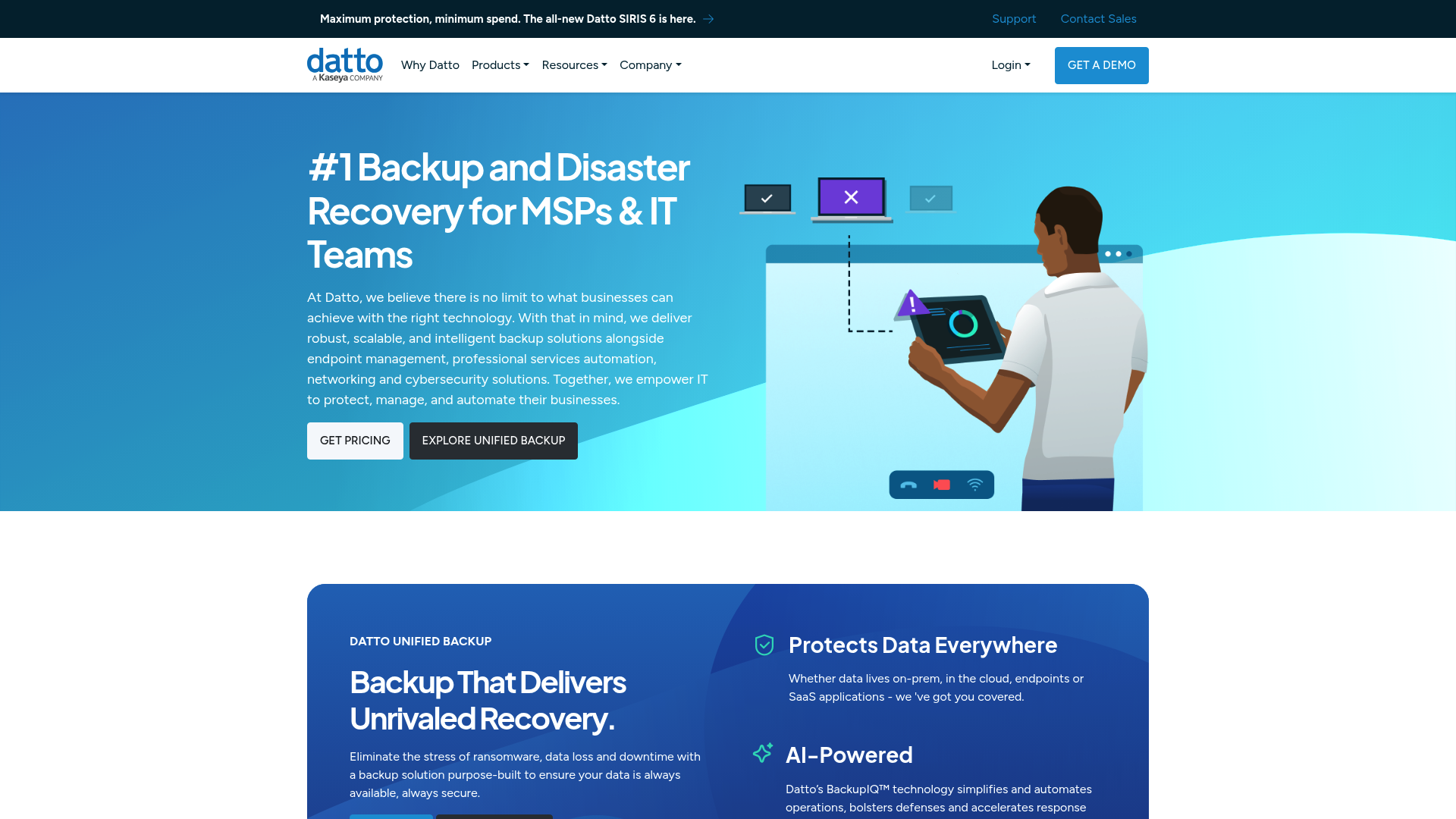
What it is: Separate RMM and PSA products (Datto RMM + Autotask PSA) that integrate with each other. Part of Kaseya since 2022.
Key features:
- Native Microsoft 365 management module for onboarding, offboarding, and password resets
- Built-in ransomware detection
- Automated patch management
- Network topology maps
- Web Remote (browser-based HTML5 remote control)
Pricing: Contact sales. Modular pricing for RMM and PSA components.
Source: Datto RMM
Pros:
- Excellent backup integration if you use Datto SIRIS appliances
- Strong Windows endpoint management
- BSIMM assessment ranked in top 20% of secure app developers
- Regional data centers (data stays in US, EU, or Australia)
- 24/7/365 phone support
Cons:
- Alert-to-ticket creation requires middleware
- Data sync issues between RMM and PSA reported by users
- Autotask interface feels dated compared to modern alternatives
Best for: MSPs already invested in Datto backup infrastructure who want unified backup and endpoint management.
6. HaloPSA
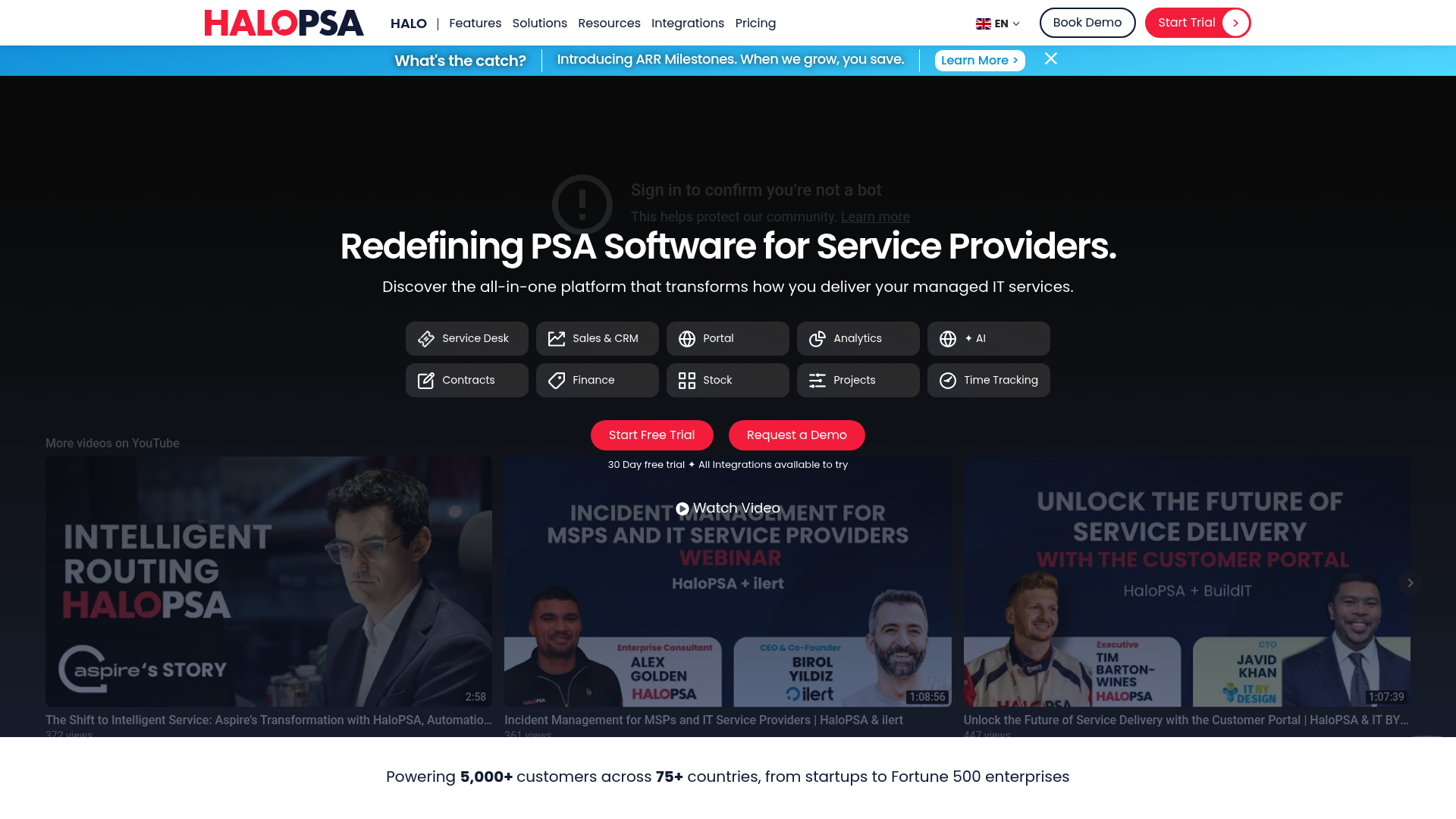
What it is: A modern, comprehensive PSA platform with native RMM integrations. All features included at every tier.
Key features:
- Highly customizable ticketing and workflows
- CRM and project management built-in
- Asset tracking and SLA management
- Native integrations with popular RMM tools
- AI capabilities included (not extra)
Pricing: All-inclusive at approximately $87/tech/month (converted from £69). All features included: Service Desk, Sales & CRM, Self-Service Portal, Reporting & Analytics, AI, Contracts & Agreements, Billing & Invoices, Stock Management, Project Management, Billable Time Tracking. Minimum onboarding fee applies for teams under 5 agents.
Source: HaloPSA Pricing
Pros:
- All-inclusive pricing (no tiered feature restrictions)
- Modern interface compared to legacy PSAs
- Highly configurable without being overwhelming
- 24/7 unlimited support via phone, chat, and email
Cons:
- PSA-only (requires separate RMM)
- Smaller ecosystem than ConnectWise
- Some advanced features require higher tiers
Best for: Growing MSPs that need a full-featured PSA without ConnectWise complexity or tiered pricing frustrations.
7. Desk365
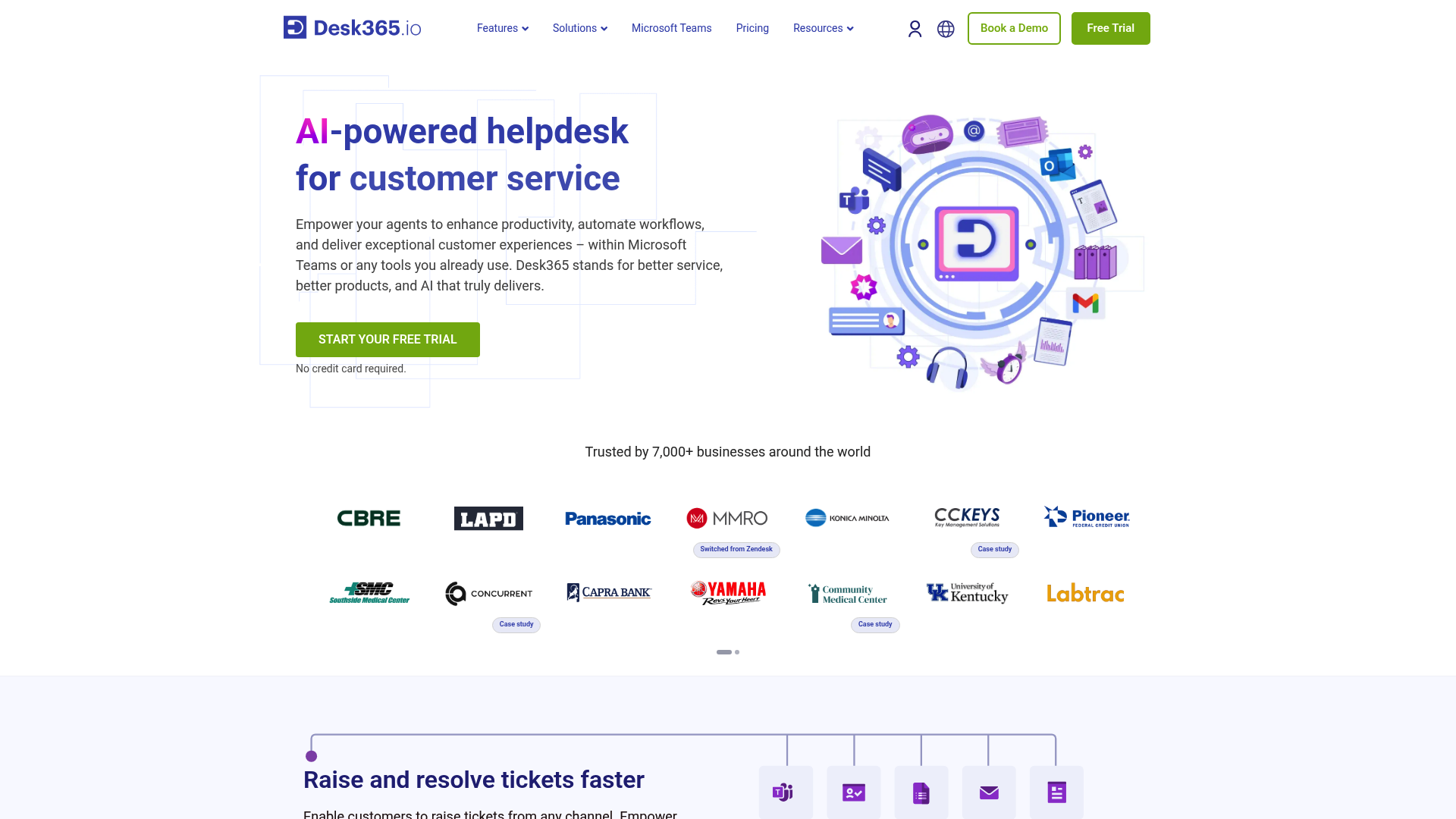
What it is: A cloud-native helpdesk and PSA-lite platform designed for Microsoft 365 users. Deep Teams integration.
Key features:
- Native Microsoft Teams ticketing (create and manage tickets without leaving Teams)
- Entra ID (Azure AD) sync
- AI Copilot for drafting replies and summarizing tickets
- Workflow automation and SLA management
- Power BI integration
Pricing:
| Plan | Price (Annual) | Key Features |
|---|---|---|
| Free | $0 | Up to 50 tickets/month |
| Standard | $12/agent/month | Email, Teams, web forms, workflow automation, 200GB storage |
| Plus | $22/agent/month | Round robin assignment, time tracking, CSAT surveys, Entra ID sync |
| Premium | $32/agent/month | Asset management, HIPAA compliance, PII/PHI controls, 1TB storage |
AI Agent add-on: $50 per 1,000 credits. Free 21-day trial.
Source: Desk365 Pricing
Pros:
- Deep Microsoft 365 integration
- Most affordable option on this list
- SOC 2 Type 2 certified
- "Switch at renewal" guarantee with extended trial and free migration
Cons:
- PSA-lite (not full-featured compared to Syncro or Atera)
- Best for smaller teams
- Limited compared to full PSA/RMM platforms
Best for: Small to mid-sized IT teams heavily invested in Microsoft 365 who want Teams-based ticket management.
How to choose the right SuperOps alternative
The best platform depends on your team size and existing infrastructure:
Small MSPs (1-5 techs): Desk365 or HaloPSA for simplicity and cost. Syncro if you want unified PSA/RMM without enterprise complexity.
Growing MSPs (5-20 techs): Atera or Syncro for predictable scaling. Both handle growth without requiring dedicated platform administrators.
Large MSPs (20+ techs): ConnectWise or Datto for enterprise features and deep customization. Budget for dedicated admin resources.
RMM-focused: NinjaOne if you already have a PSA you love and just want best-in-class endpoint management.
Microsoft shops: Desk365 for deep Teams and Entra ID integration.
The hidden cost of PSA/RMM platforms
Here's what the pricing pages don't tell you:
Setup time: Hours vs. weeks of lost productivity. ConnectWise implementations often require consultants and months of configuration.
Admin overhead: Someone has to manage the platform, build workflows, and troubleshoot integrations. For complex platforms, this might be a full-time role.
Training: Getting technicians up to speed on new systems takes time. Factor in lost billable hours during the transition.
Integration maintenance: APIs break. Workflows need updates. Third-party integrations require ongoing attention.
The real question: Are you buying a tool to organize tickets, or are you trying to reduce the actual work? These platforms help you manage tickets, but someone still has to reset passwords, unlock accounts, and grant mailbox permissions.
Stop managing tickets. Start resolving them.
Every platform on this list helps you organize and track tickets. But organizing tickets isn't the same as resolving them. Someone still has to do the actual work.
We built Rallied to handle that work automatically. It's an AI Technician that resolves L1 tickets without human intervention:
- Password resets, account unlocks, and mailbox permissions handled in seconds
- Works with your existing PSA (ConnectWise, Autotask, Halo) or directly in Slack/Teams
- No workflow builders to maintain, no training datasets to curate, no dedicated admin required
Your best technicians shouldn't be resetting passwords. See how Rallied works.
Frequently Asked Questions
Which SuperOps alternative has the best pricing for small MSPs?
Desk365 starts at $12/agent/month with a free tier for up to 50 tickets. For unified PSA/RMM, Syncro at $129/tech/month is the most affordable option with no hidden fees.
Do any SuperOps alternatives offer unlimited devices?
Atera offers unlimited devices per technician on all plans. You pay per tech, not per endpoint, which keeps costs predictable as you grow.
Which SuperOps alternative is best for Microsoft 365 integration?
Desk365 has the deepest Microsoft 365 integration with native Teams ticketing and Entra ID sync. Datto and Syncro also offer strong M365 management features.
Are there any free SuperOps alternatives?
Desk365 offers a free plan for up to 50 tickets per month. Most other platforms offer 14-30 day free trials but require paid plans for ongoing use.
Which SuperOps alternative has the best AI features?
Atera has the most comprehensive AI with AI Copilot ($95/tech/month add-on) and IT Autopilot for autonomous support. Syncro and Desk365 also offer AI-assisted features.
What's the easiest SuperOps alternative to set up?
NinjaOne claims most users are operational in less than 1 week. Syncro and Atera also emphasize quick deployment (hours, not weeks). ConnectWise typically requires the most setup time.