6 best PSA software for MSPs in 2026: tested and compared
Most MSPs stick with the wrong PSA for years because switching feels impossible. You know the feeling: your current tool is clunky, your technicians complain about it daily, but the thought of migrating all your data, retraining your team, and disrupting your operations for months keeps you locked in.
The right PSA software can transform how you run your business. It handles ticketing, time tracking, billing, project management, and reporting in one place. Get it wrong and you're fighting your tools instead of using them. Get it right and your technicians work faster, your billing is more accurate, and you actually have visibility into your business.
This guide compares six PSA tools with actual pricing and honest assessments of who each one fits best. We've also included how Rallied can reduce your PSA ticket volume regardless of which tool you choose.
What is PSA software for MSPs?
PSA stands for Professional Services Automation. For MSPs, it's the central hub that runs your entire operation. Think of it as the connective tissue between your technicians, your clients, and your business processes.
At minimum, a PSA handles:
- Ticketing and help desk - where client issues are tracked and resolved
- Time tracking - capturing billable hours accurately
- Billing and invoicing - turning tracked time into revenue
- Project management - organizing larger client engagements
- CRM - managing client relationships and sales opportunities
- Reporting - understanding your business performance
The PSA-RMM question comes up constantly. Some MSPs want separate best-of-breed tools. Others want unified PSA-RMM platforms where alerts automatically create tickets and technicians never have to switch contexts. There's no right answer, just what fits your workflow.
Who needs PSA software? Any MSP with more than a handful of clients and technicians. Once you outgrow spreadsheets and email for tracking work, you need a PSA. The question is which one.
How we evaluated these PSA tools
We looked at six tools that represent different approaches to PSA software:
- Pricing transparency - publicly available pricing vs. "contact sales"
- Core features - ticketing, billing, reporting, and project management
- Ease of use - how quickly teams can get productive
- Integrations - connections to RMM, accounting, and documentation tools
- Scalability - whether the tool grows with your business
We focused on tools with clear pricing and feature sets. Enterprise-only solutions without transparent pricing are noted but not fully evaluated since most MSPs need to know costs upfront.
PSA software comparison at a glance
| Tool | Starting Price | Free Trial | Best For | Standout Feature | PSA-RMM Type |
|---|---|---|---|---|---|
| HaloPSA | ~$89/user/mo | 30 days | Growing MSPs | All-inclusive pricing | Separate (250+ integrations) |
| Atera | $149/user/mo | 30 days | AI-focused teams | AI Copilot + unlimited endpoints | Unified |
| SuperOps | ~$99/user/mo | 14 days | Unified platform seekers | True PSA-RMM unification | Unified |
| Syncro | $129/user/mo | 14 days | Simple pricing fans | No contracts, unlimited endpoints | Unified |
| ConnectWise PSA | Custom | Varies | Enterprise MSPs | Extensive ecosystem | Separate (Asio platform) |
| Autotask PSA | Custom | Demo | Datto ecosystem users | Tight RMM integration | Unified |
1. HaloPSA
Best for: Growing MSPs wanting flexible, all-inclusive pricing
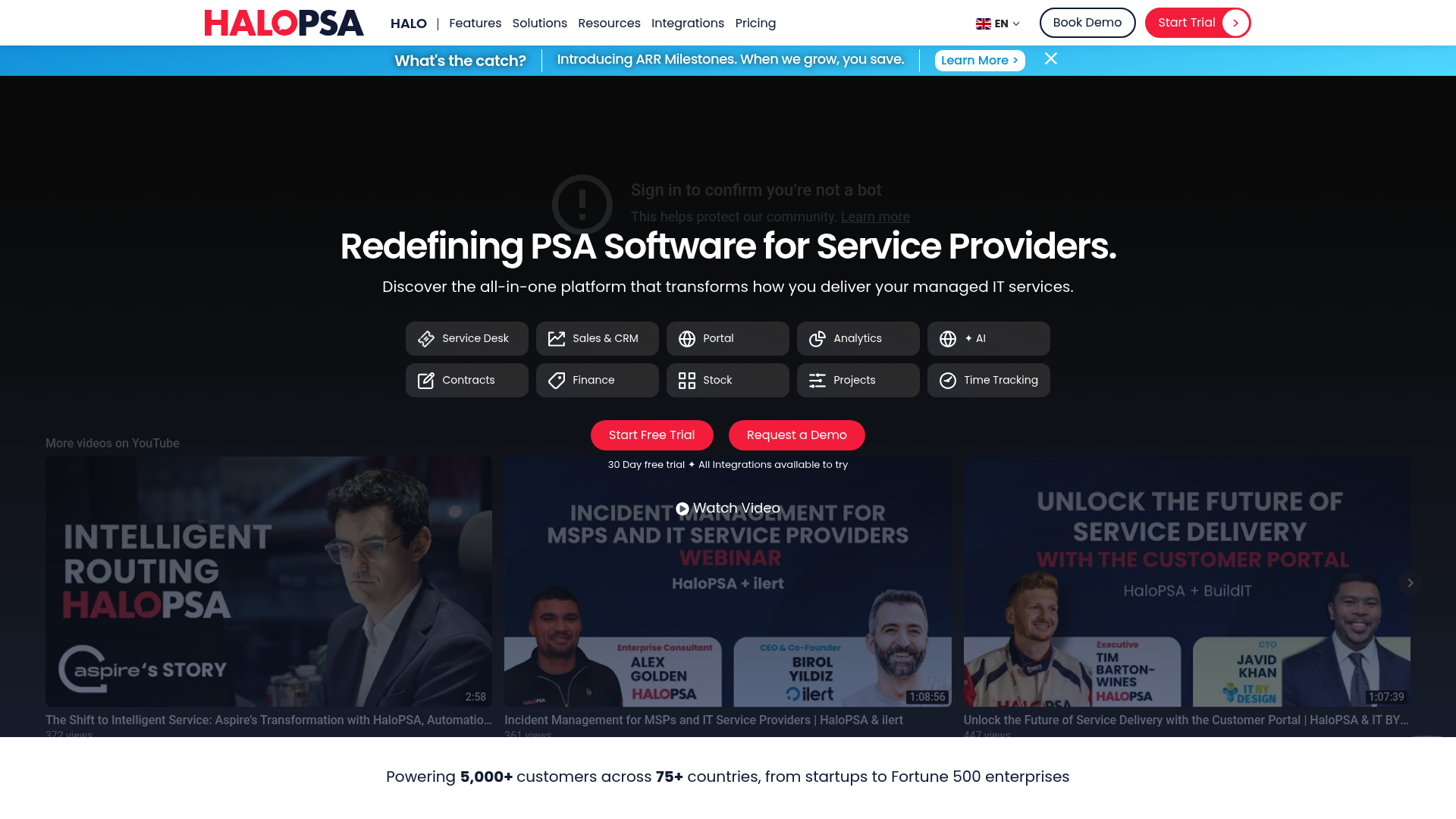
HaloPSA takes a different approach to pricing: one plan, all features included. No tiers, no locked-away capabilities, no upgrade fees down the road. You pay per agent (starting around $89 per month) and get everything.
The company has also made an unusual commitment: a 10+ year rolling agreement not to sell or merge. For MSPs burned by acquisition-driven feature changes or sunsetting, this matters.
Key features:
- ITIL-aligned service desk with smart notifications
- Project management with pipeline visibility
- Built-in CRM for sales tracking
- 250+ integrations including Pax8 and IT Glue
- AI capabilities built into the platform
- Self-service customer portal
Pros:
- Transparent, all-inclusive pricing
- No feature restrictions based on plan tier
- Strong automation and reporting
- Gartner recognition as Representative Vendor in 2025
Cons:
- Complex initial setup
- Learning curve for new users
- Minimum onboarding fee for small teams
Who it's for: MSPs with 5-50 technicians who want predictable costs without worrying about hitting feature limits. The setup complexity pays off if you have the resources to configure it properly.
Source: HaloPSA pricing, HaloPSA Gartner
2. Atera
Best for: Small MSPs wanting AI-powered automation and unlimited endpoints
Atera combines RMM, PSA, and AI in one platform with a simple per-technician pricing model. The key differentiator: unlimited endpoints. Whether you manage 100 devices or 10,000, the price stays the same.
The platform has invested heavily in AI. Atera Copilot provides real-time device diagnosis, script generation, and ticket summaries. IT Autopilot goes further, resolving issues autonomously without human intervention.
Pricing:
| Plan | Annual Billing | Monthly Billing | Key Features |
|---|---|---|---|
| Professional | $149/tech/mo | $169/tech/mo | RMM, PSA, ticketing, Splashtop (2 concurrent) |
| Expert | $189/tech/mo | $229/tech/mo | Unlimited Splashtop, auto-tagging, 11 preset reports |
| Master | $219/tech/mo | $269/tech/mo | Custom analytics, 7-year audit retention |
| Enterprise | Custom | Custom | SSO, 99.9% SLA, HIPAA BAA |
Add-ons: AI Copilot ($95/tech/mo), Network Discovery ($29/tech/mo)
Pros:
- Unlimited endpoints per technician
- Strong AI features built-in
- 30-day free trial, no credit card required
- Gartner Visionary in Endpoint Management
Cons:
- AI Copilot costs extra
- Higher starting price than some competitors
- Limited advanced PSA features compared to dedicated PSAs
Who it's for: Small to mid-sized MSPs and IT departments that want AI automation and don't want to count endpoints. The unlimited device model works well if you have technicians managing large numbers of machines.
Source: Atera pricing
3. SuperOps
Best for: MSPs wanting unified PSA-RMM without compromise
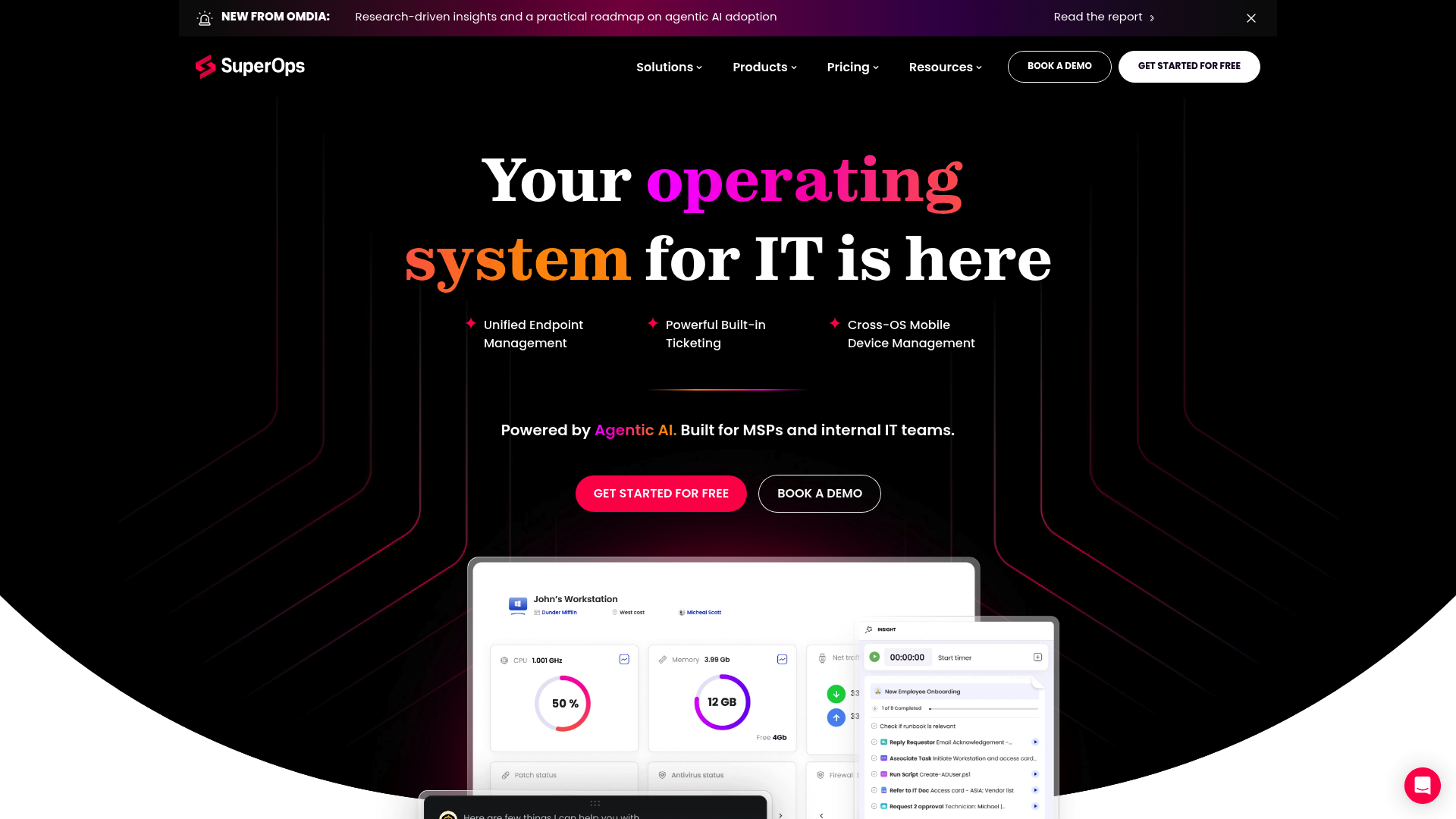
SuperOps markets itself as "truly unified" - not two separate tools that were acquired and stitched together, but a single platform built from the ground up. The result is seamless workflow between PSA and RMM functions.
The platform features "Monica," an AI assistant that learns from your interactions and provides contextual recommendations. SuperOps claims 40% of IT tasks resolve autonomously with their AI.
Pricing:
| Plan | Price | Endpoints | Key Features |
|---|---|---|---|
| Standard PSA only | ~$79/tech/mo | N/A | Ticketing, automations, billing, Monica AI |
| Standard RMM only | ~$99/tech/mo | 150/tech | Asset management, monitoring, patching |
| Pro | ~$139/tech/mo | 150/tech | Full PSA + basic RMM |
| Super | ~$169/tech/mo | 150/tech | + Advanced automation, Monica AI |
| Super Plus | ~$1.70-2.50/endpoint/mo | Per endpoint | + MDM, network monitoring, unlimited PSA techs |
Pros:
- Truly unified architecture
- Flexible pricing (per-tech or per-endpoint)
- Modern, clean interface
- Strong mobile app
Cons:
- 14-day trial shorter than some competitors
- Limited ticket customization in some areas
- Basic project management features
Who it's for: MSPs frustrated with clunky integrations between separate PSA and RMM tools. If PSA-RMM unification is your priority, SuperOps delivers better than most.
Source: SuperOps pricing
4. Syncro
Best for: MSPs prioritizing ease of use over advanced features
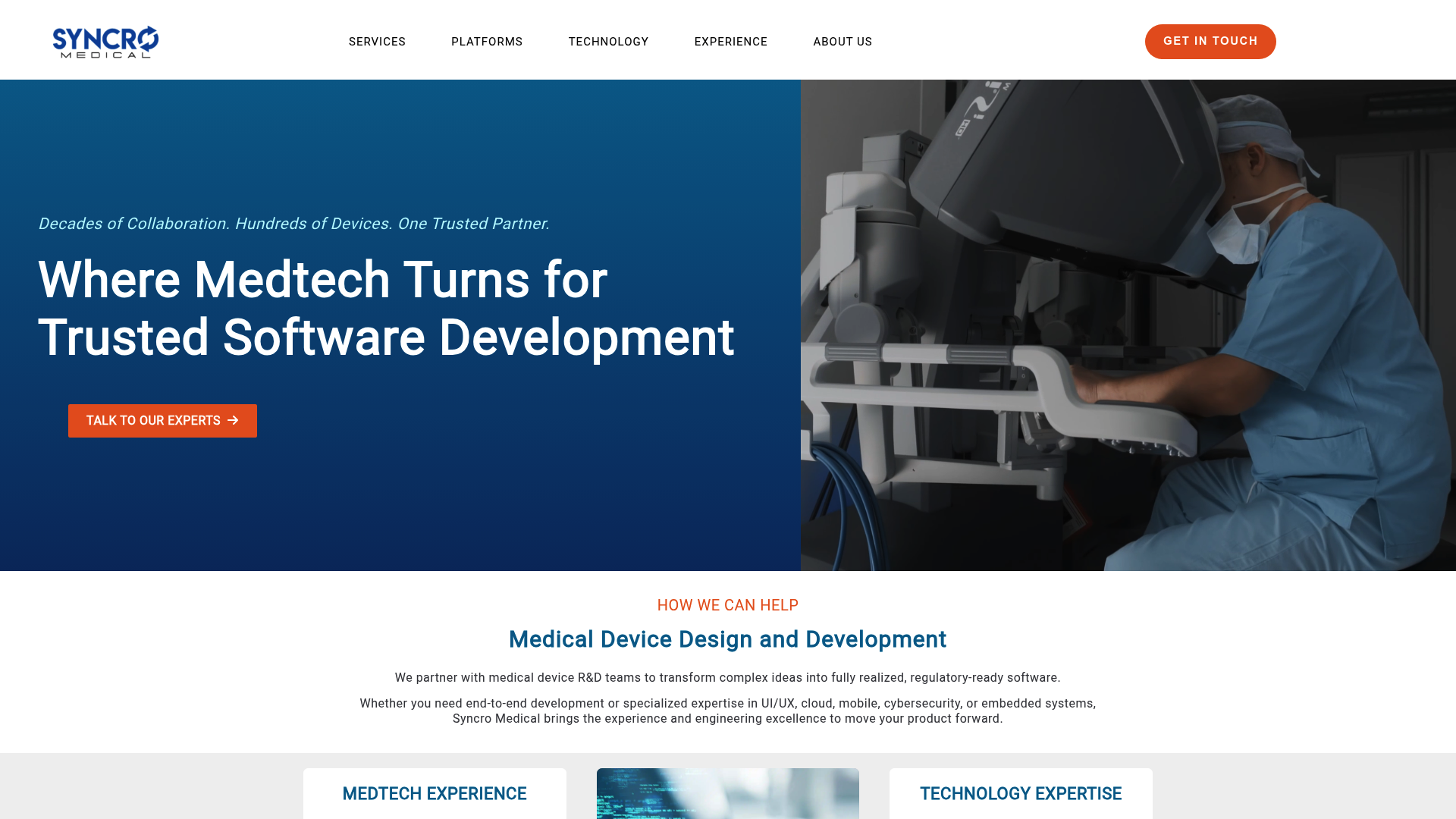
Syncro offers refreshingly simple pricing: one flat monthly fee per user for unlimited endpoints, no contracts, cancel anytime. Their Syncro XMM platform unifies RMM, PSA, and Microsoft 365 management.
The platform emphasizes getting up and running quickly. Automated installers make migration from existing RMM or PSA tools possible in hours rather than weeks.
Pricing:
| Plan | Annual Billing | Monthly Billing | Best For |
|---|---|---|---|
| Core | $129/user/mo | $139/user/mo | Small MSPs needing integrated RMM and PSA |
| Team | $179/user/mo | $189/user/mo | Growing MSPs needing advanced automation |
Cloud Backup add-on: $1.90/user/month
Key differences between plans:
- Team adds Network Discovery, Entra ID sync, Security Baselines, and M365 license billing
- Both plans include unlimited endpoints and core RMM/PSA features
Pros:
- No contracts, month-to-month
- Unlimited endpoints
- Strong M365 management built-in
- 14-day free trial, no credit card
Cons:
- Shorter trial than some competitors
- Advanced features require Team plan
- Less mature ecosystem than ConnectWise
Who it's for: Small to mid-sized MSPs who want simple, no-contract pricing and strong Microsoft 365 integration. The ease of setup appeals to teams without dedicated implementation resources.
Source: Syncro pricing
5. ConnectWise PSA
Best for: Enterprise MSPs needing extensive integrations
ConnectWise PSA is the industry standard for a reason. It's been around forever, integrates with everything, and has a massive ecosystem of partners and third-party tools. If you need a PSA that connects to obscure tools or requires deep customization, ConnectWise is the safe choice.
The platform is part of the ConnectWise Asio platform, which provides a shared data layer across all ConnectWise solutions. ConnectWise Sidekick adds AI-powered ticket triaging and resolution assistance.
Pricing: Custom (contact sales)
ConnectWise doesn't publish pricing, which tells you something about their target market. This is enterprise software with enterprise pricing and implementation timelines.
Key features:
- Tailored time tracking by client, project, or task
- Responsive help desk management
- Expert project management with milestone tracking
- Seamless automated billing
- Strategic sales management and CRM
- Insightful reporting engine
- ConnectWise Sidekick AI assistance
- Asio platform integration
Pros:
- Extensive integration ecosystem
- Mature, feature-complete platform
- Strong community and resources
- Enterprise-grade capabilities
Cons:
- Opaque pricing
- Complex setup and learning curve
- Overkill for small MSPs
Who it's for: Established MSPs with 20+ technicians, complex needs, and resources for implementation. If you need the most powerful PSA available and have the team to support it, ConnectWise delivers.
Source: ConnectWise PSA
6. Autotask PSA
Best for: MSPs wanting unified Datto ecosystem
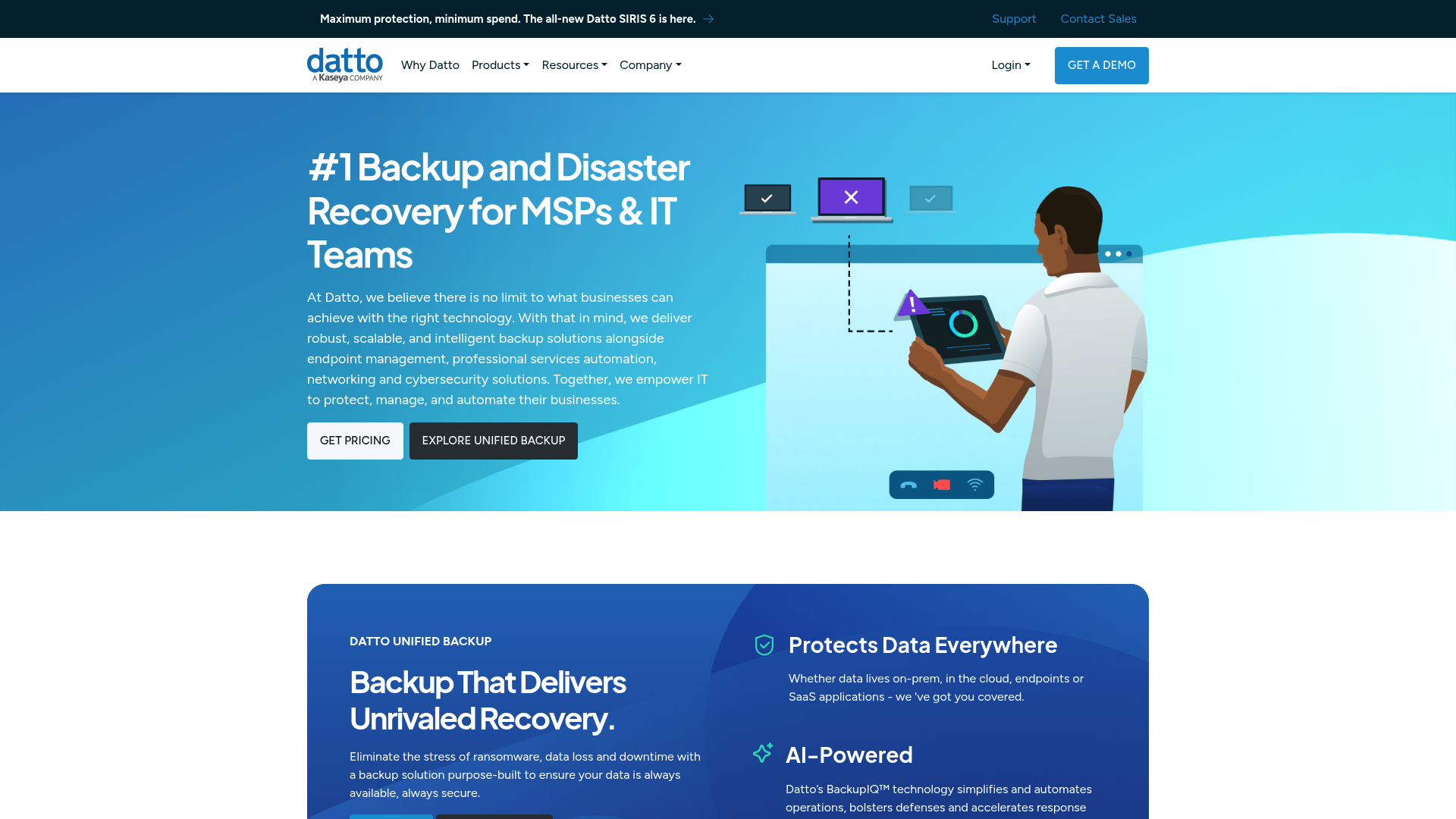
Autotask PSA is Datto's professional services automation platform, designed to integrate seamlessly with Datto RMM and other Datto products. Since Datto's acquisition by Kaseya in 2022, it's part of a larger IT Complete platform.
The platform emphasizes its unified RMM-PSA experience, with one-click workflows from ticket to device to remote session. The LiveMobile app provides strong mobile access for technicians on the go.
Pricing: Custom (contact sales)
Like ConnectWise, Autotask requires talking to sales for pricing. This positions it as an enterprise solution rather than a self-serve product.
Key features:
- ITIL-aligned service desk with SLA management
- Unified RMM-PSA platform integration
- LiveMobile app for iOS and Android
- Account and opportunity management
- Project management and time tracking
- Document management per client
- Contract management with multiple billing options
- Inventory and procurement workflow
- 170+ integrations via open architecture
Pros:
- Tight integration with Datto RMM
- Strong mobile experience
- Part of comprehensive Kaseya/Datto ecosystem
- Cloud-based with high uptime
Cons:
- Opaque pricing
- Complex interface
- Basic ticketing customization
- Locked into Datto ecosystem
Who it's for: MSPs already using or strongly considering Datto RMM. The ecosystem integration makes sense if you're committed to the Datto/Kaseya stack, but less so if you prefer mixing and matching tools.
Source: Autotask PSA, Autotask features
How to choose the right PSA for your MSP
Small MSPs (1-5 technicians):
Prioritize ease of use, quick setup, and affordable pricing. Look at SuperOps Standard tier, Atera Professional, or Syncro Core. Avoid ConnectWise and Autotask - they're overkill for your size and require implementation resources you probably don't have.
Growing MSPs (5-20 technicians):
Prioritize scalability, automation, and reporting. HaloPSA offers the best balance of features and transparent pricing. SuperOps Super tier or Syncro Team work well if you want unified PSA-RMM. Ask yourself: will this tool still work when we hit 30 technicians?
Enterprise MSPs (20+ technicians):
Prioritize integrations, customization, and support. ConnectWise PSA is the safe choice if you have resources to implement it properly. Autotask PSA makes sense if you're already in the Datto ecosystem. Budget for implementation consultants, training, and ongoing admin.
Key questions before deciding:
- Does it integrate with your existing RMM, or do you want unified PSA-RMM?
- Can you realistically migrate your data, or are you locked in?
- What's the true total cost including setup, training, and add-ons?
- Does the vendor offer MSP-specific support that understands your business?
Reducing PSA ticket volume with automation
Here's something most PSA comparisons miss: every ticket costs money to resolve. The average MSP handles 70-80% L1 tickets - password resets, account unlocks, mailbox delegation. Each one takes 10-15 minutes of technician time.
Your PSA tracks these tickets beautifully. It routes them, time-tracks them, bills for them. But it doesn't reduce them.
That's where Rallied fits in. We're an AI technician that lives in Slack or Microsoft Teams and connects directly to your PSA (ConnectWise, Autotask, HaloPSA, and others). When a user messages "I forgot my password," Rallied resets it, notifies them, and closes the ticket - without ever touching your PSA queue.
The result: fewer tickets in your PSA, same SLA compliance, and your technicians focus on project work instead of password resets. See how we integrate with your PSA and why L1 tickets are killing your margins.
Final recommendations
Just starting out: SuperOps or Syncro for quick wins. Both get you running fast without enterprise complexity.
Growing fast: HaloPSA for flexibility and feature depth. The all-inclusive pricing means no surprise upgrade costs as you scale.
Enterprise needs: ConnectWise PSA if you have the resources to implement it properly. It's the safe choice for complex environments.
Already on Datto: Autotask PSA makes sense for ecosystem consistency. The integration with Datto RMM is genuinely tight.
Remember: the best PSA is the one your technicians will actually use. A complex tool with every feature imaginable is worthless if your team avoids it. Start with what you need now, not what you might need in five years.
And regardless of which PSA you choose, consider how Rallied can reduce your ticket volume by handling L1 requests before they ever hit your queue. Request early access to see how it works.
Frequently Asked Questions
What should I look for in PSA software for my MSP?
Look for ticketing that fits your workflow, billing that matches your contract types, and integrations with your existing RMM and documentation tools. The best PSA is the one your team will actually use daily.
How much does PSA software for MSPs typically cost?
Published pricing ranges from $89 to $269 per technician per month depending on features. Enterprise tools like ConnectWise and Autotask require custom quotes. Factor in implementation costs, training, and any required add-ons.
Do I need separate PSA and RMM software or a unified platform?
It depends on your workflow. Separate tools let you choose best-of-breed for each function. Unified platforms reduce context switching and can automatically create tickets from alerts. Small MSPs often prefer unified; larger MSPs may prefer specialized tools.
Can I switch PSA software without losing my historical data?
Most modern PSAs offer migration tools or services, but the process varies in complexity. HaloPSA and SuperOps emphasize guided imports. ConnectWise and Autotask typically require professional services for large migrations. Always back up your data before switching.
How long does it take to implement PSA software for an MSP?
Simple cloud-based tools like Syncro or SuperOps can be running in days. More complex platforms like ConnectWise often take weeks or months with proper configuration, training, and data migration. Budget time for your team to adapt to new workflows.
Does PSA software for MSPs include AI features?
Most modern PSAs now include AI in some form. Atera has the most extensive AI capabilities with Copilot and Autopilot. SuperOps includes Monica AI. ConnectWise offers Sidekick. HaloPSA has built-in AI features. Evaluate whether AI is a core need or a nice-to-have for your team.