7 best one-time secret sharing tools in 2026: Tested for secure IT teams
In the world of IT support, speed is everything. But when speed comes at the cost of security, like pasting a client password into a Slack DM, you’re setting a ticking time bomb for your MSP.
Stop leaking credentials in chat logs. It’s time to move to a more secure, ephemeral way of sharing sensitive data.
Sharing passwords, API keys, and sensitive credentials is a daily necessity for IT teams and Managed Service Providers (MSPs). But how you share them matters more than you might think. Many professionals still rely on Slack, Microsoft Teams, or even email to "quickly" send a login to a colleague or client.
The problem? These platforms were never designed for secure credential transmission. They create a permanent trail of sensitive data that lives in your chat history, search logs, and backups indefinitely. If a single account is compromised, months or years of shared secrets are suddenly exposed.
In this guide, we evaluate the best one-time secret sharing tools in 2026. These tools help you eliminate persistent data risks by creating self-destructing links that work once and then disappear forever.
1. Why you shouldn't share passwords in Slack or email
The primary risk of using standard communication tools for secrets is persistence. When you paste a password into Slack, it doesn't just go to the recipient. It gets stored on Slack's servers, indexed for search, and potentially synced to multiple devices.
For MSPs, this risk is amplified. You are often handling admin-level credentials for dozens of different client environments. Leaving these in ticket notes or chat threads is an invitation for "cherry-picking" by malicious actors or even disgruntled former employees.
Beyond the security risk, it is also a matter of compliance. Regulations like GDPR and HIPAA require strict controls over how sensitive data is handled and stored. Keeping credentials in permanent message logs is a clear violation of these principles.
Why L1 tickets are killing your MSP is a common theme we see: technicians are often so busy "fixing" things that they overlook the long-term security implications of how they share data. Secure secret sharing is a small step that makes a massive difference in your overall security posture.
2. What is a one-time secret sharing tool?
A one-time secret sharing tool is a specialized platform that generates a temporary, encrypted link for sensitive information. Once the recipient opens the link, the data is displayed and then immediately purged from the server.
The technology behind these tools is centered on two main concepts:
- Zero-knowledge architecture: The service provider genuinely cannot read your secrets. Encryption happens in your browser using AES-256-GCM before the data ever touches the server. [Source: https://password.link/en]
- The URL fragment trick: Most secure tools store the decryption key in the part of the URL after the # symbol. Browsers do not send this fragment to the server, meaning the server only hosts an encrypted "blob" without the key to unlock it. [Source: https://onetimesecret.com/en/about]
By combining these, you ensure that even if the tool's database is breached, the attacker only finds meaningless encrypted text. The secret is only readable by someone who has the full link.
3. How we picked the best secret sharing tools for 2026
To make this comparison useful for IT professionals, we evaluated dozens of tools based on a consistent set of criteria. Here is what we looked for:
- Security and encryption: We prioritized tools with verified zero-knowledge implementations and strong encryption standards.
- Ease of use: In a fast-paced MSP environment, you need to be able to create a link in seconds without mandatory account registration.
- Professional features: For teams, we looked for capabilities like custom branding, custom domains, and API support for automation.
- Reliability: We only included tools with a proven track record of uptime and security transparency.
4. Comparison of the best one-time secret sharing tools in 2026
The following table provides a quick overview of our top picks based on their primary strengths.
| Tool | Zero-Knowledge | Self-Hostable | Best For |
|---|---|---|---|
| OneTimeSecret | Yes | Yes | Industry standard and regional sovereignty |
| Password.link | Yes | No | Professional teams and white-labeling |
| PrivateBin | Yes | Yes | Maximum privacy and full control |
| Scrt.link | Yes | No | Modern UI and mobile users |
| SecretDropBox | Yes | No | Anonymous, no-logs sharing |
| Yopass | Yes | Yes | Developer workflows and CLI |
| Password Pusher | Partial | Yes | Simple, open-source password sharing |
5. 7 best one-time secret sharing tools in 2026
Let's break down each of these tools in detail to see which one fits your workflow.
1. OneTimeSecret
OneTimeSecret is the original industry pioneer and remains a top choice in 2026. It is family-operated and has been running since 2012, providing a level of trust that is hard to find in the ephemeral tools space.
One of the standout features of OneTimeSecret is its regional data infrastructure. You can choose to store your secrets in specific jurisdictions like the EU, US, UK, or Canada to meet your data sovereignty requirements.
- Pros: Open source (MIT license), supports regional data locality, and has a robust REST API.
- Cons: The user interface feels a bit dated compared to newer "SaaS-style" alternatives.
OneTimeSecret offers a clean pricing model that ranges from a very capable free tier to a professional identity plan.
| Plan | Price | Key Features |
|---|---|---|
| Basic | €0/mo | 1 custom domain, API access, 14-day max expiration |
| Identity Plus | €35/mo | Unlimited custom domains, custom branding, 30-day max expiration |
2. Password.link
If you are looking for a tool built specifically for IT companies and service providers, Password.link is a strong contender. It has been around since 2016 and offers features that go beyond simple link generation.
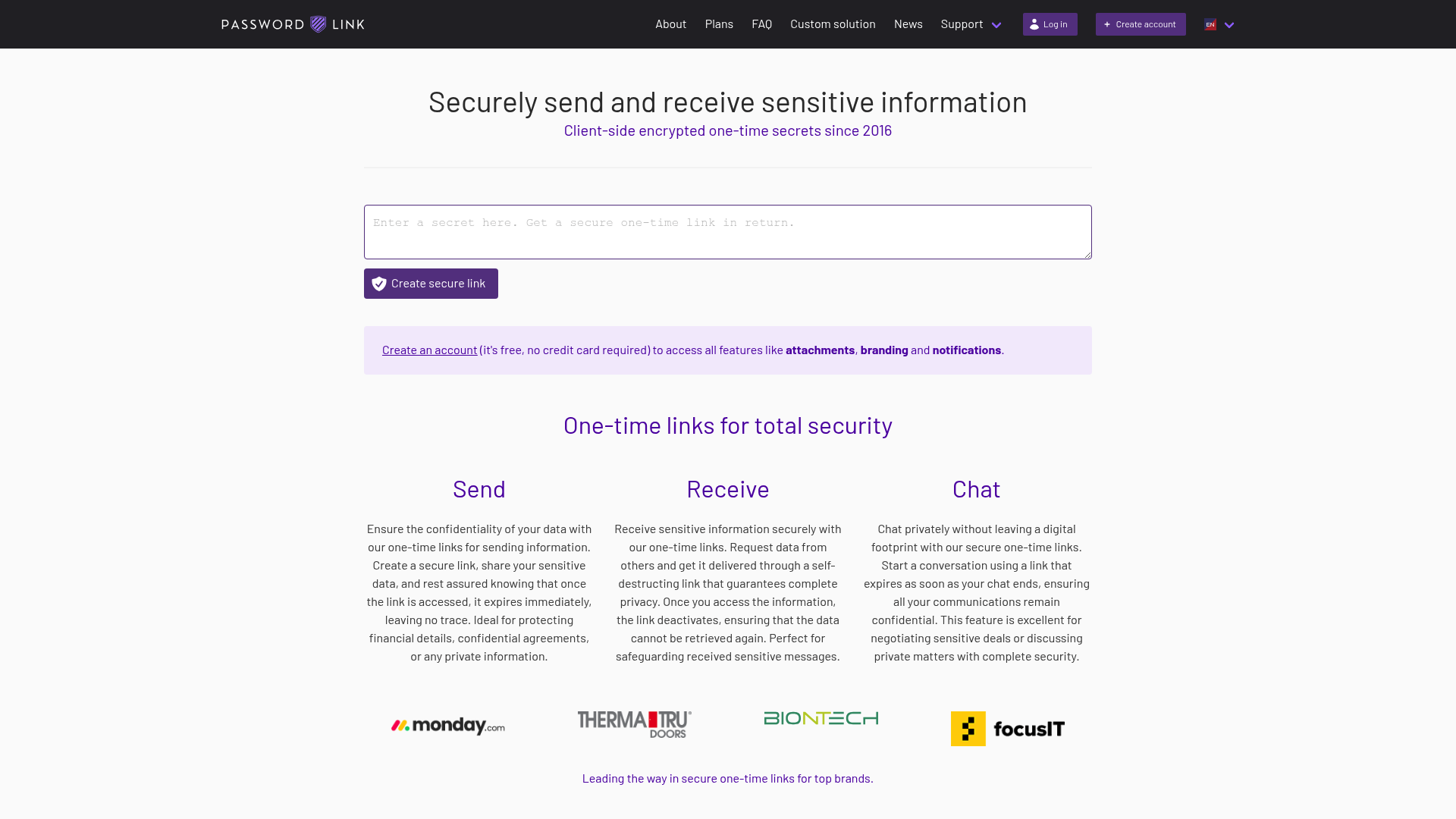
Two unique features make it ideal for MSPs:
- Secret requests: You can send a link to a client that allows them to securely "upload" a password to you.
- Bulk secrets: You can generate hundreds of links at once by uploading a CSV file, which is a lifesaver during large-scale migrations.
- Pros: Professional branding, CSV imports, and advanced security like geo-blocking and IP whitelisting.
- Cons: The full feature set is geared toward paying teams rather than casual free users.
3. PrivateBin
For teams that want absolute control, PrivateBin is the "gold standard" for self-hosting. It is a minimalist, open-source project where the server has zero knowledge of stored data.
Because it doesn't require a database (it can run on flat files), it is incredibly easy to deploy on your own infrastructure. This ensures that your client's sensitive data never even leaves your network.
- Pros: 100% open source, zero database requirement, and includes support for markdown and syntax highlighting.
- Cons: Requires technical knowledge to set up and maintain a self-hosted instance.
4. Scrt.link
Based in Switzerland, Scrt.link (also known as Share a Secret) focuses on a modern, mobile-friendly experience. It is built with a strong emphasis on privacy and is frequently used by journalists and whistleblowers.
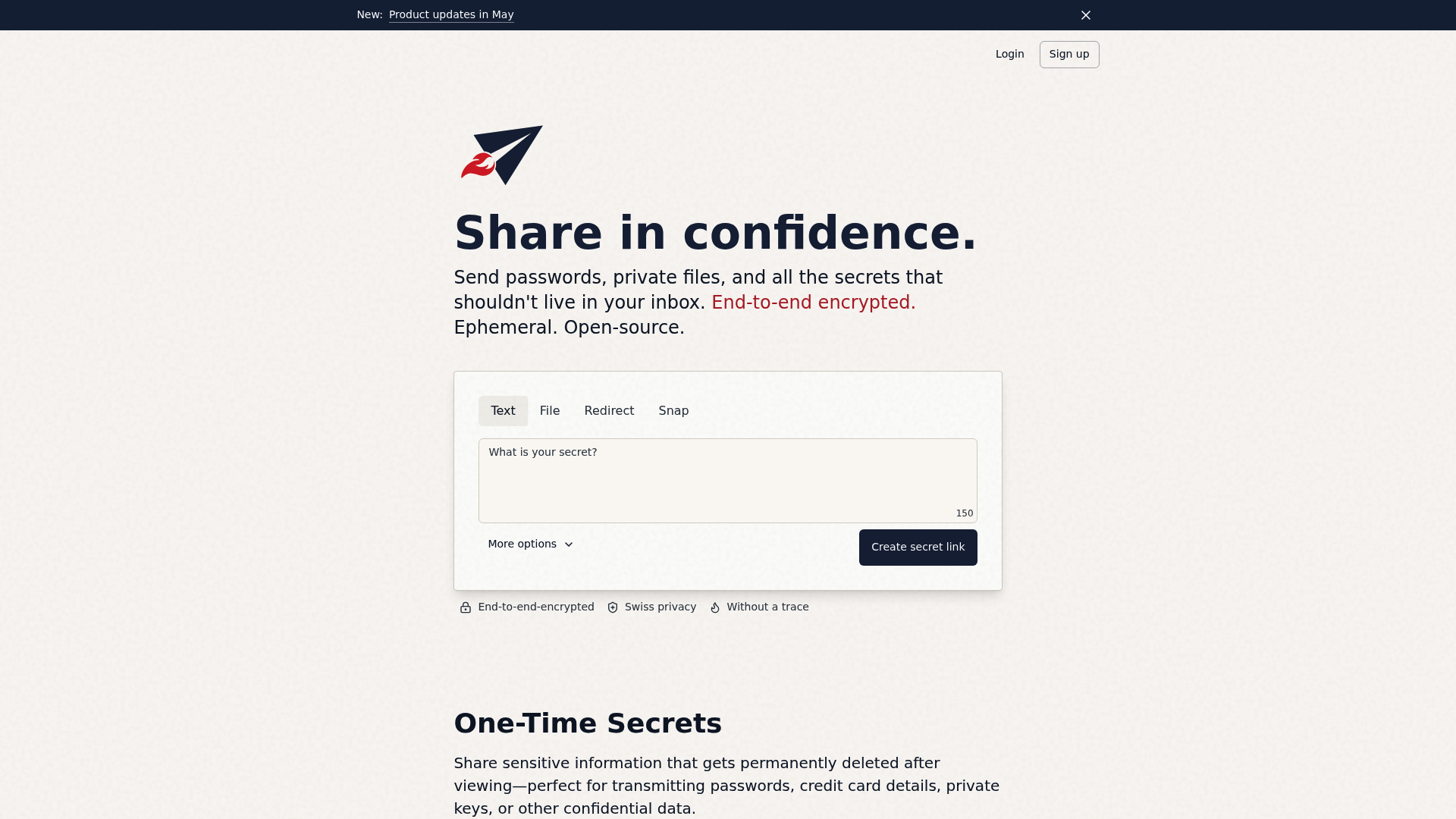
It includes a unique "Whistleblower" mode and "Secret Snaps" that are optimized for quick, one-time viewing on any device.
| Plan | Price (Annual) | Storage | Features |
|---|---|---|---|
| Confidential | Free | 10 MB | End-to-end encrypted text and files |
| Secret | $1.00/mo | 1 GB | Read receipts, 7-day retention |
| Top Secret | $5.00/mo | 100 GB | API Access, 30-day retention |
| Secret Service | $20.00/mo | 100 GB | Custom domain, 30 members, white-label |
- Pros: Beautiful UI, Swiss-based security, and excellent mobile support.
- Cons: Some advanced features like API access require a paid subscription.
5. SecretDropBox
SecretDropBox (often referred to as VanishingVault) positions itself as a maximum-security alternative with a strict no-logs policy. It uses browser-side AES-256-GCM encryption to ensure your data stays private.
While it is less known than pioneers like OneTimeSecret, it offers a very modern and streamlined experience that focuses on getting you in and out as quickly as possible.
- Pros: Simple, focused interface and highly secure browser-side encryption.
- Cons: Lacks the extensive documentation and community history of older tools.
6. Yopass
Developed by Spotify engineers, Yopass is the developer's choice. It is designed for performance and security and is most famous for its command-line interface (CLI).
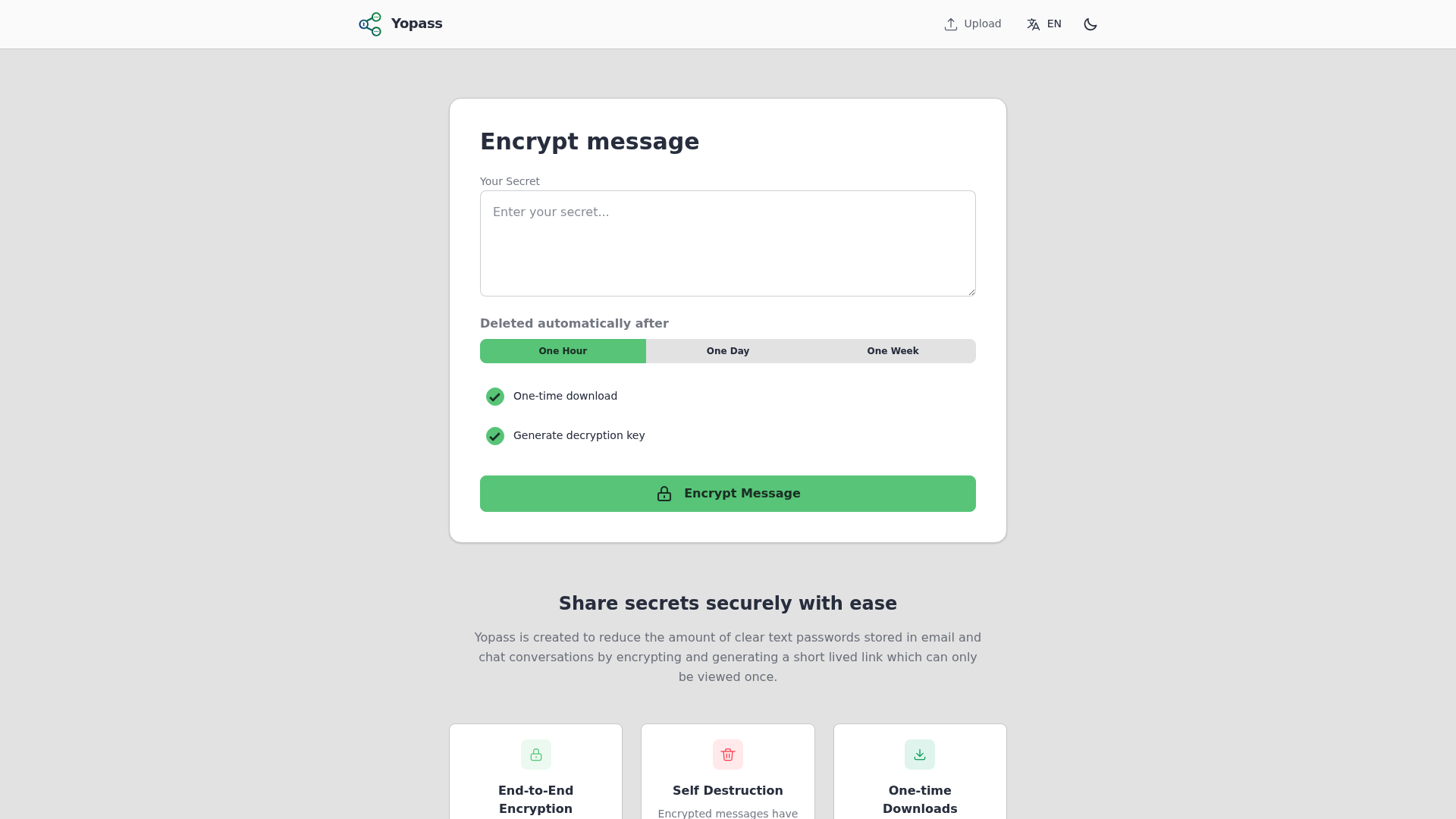
If your team spends most of their time in the terminal, Yopass allows you to share a secret without ever leaving your console. It is completely open-source and very lightweight.
- Pros: CLI tool for terminal users, fast, and simple to deploy via Docker.
- Cons: The web UI is extremely basic and lacks any management features.
7. Password Pusher
Password Pusher is another open-source favorite that has been around for years. It is purpose-built for sharing passwords and allows you to set granular view limits and expiration dates.
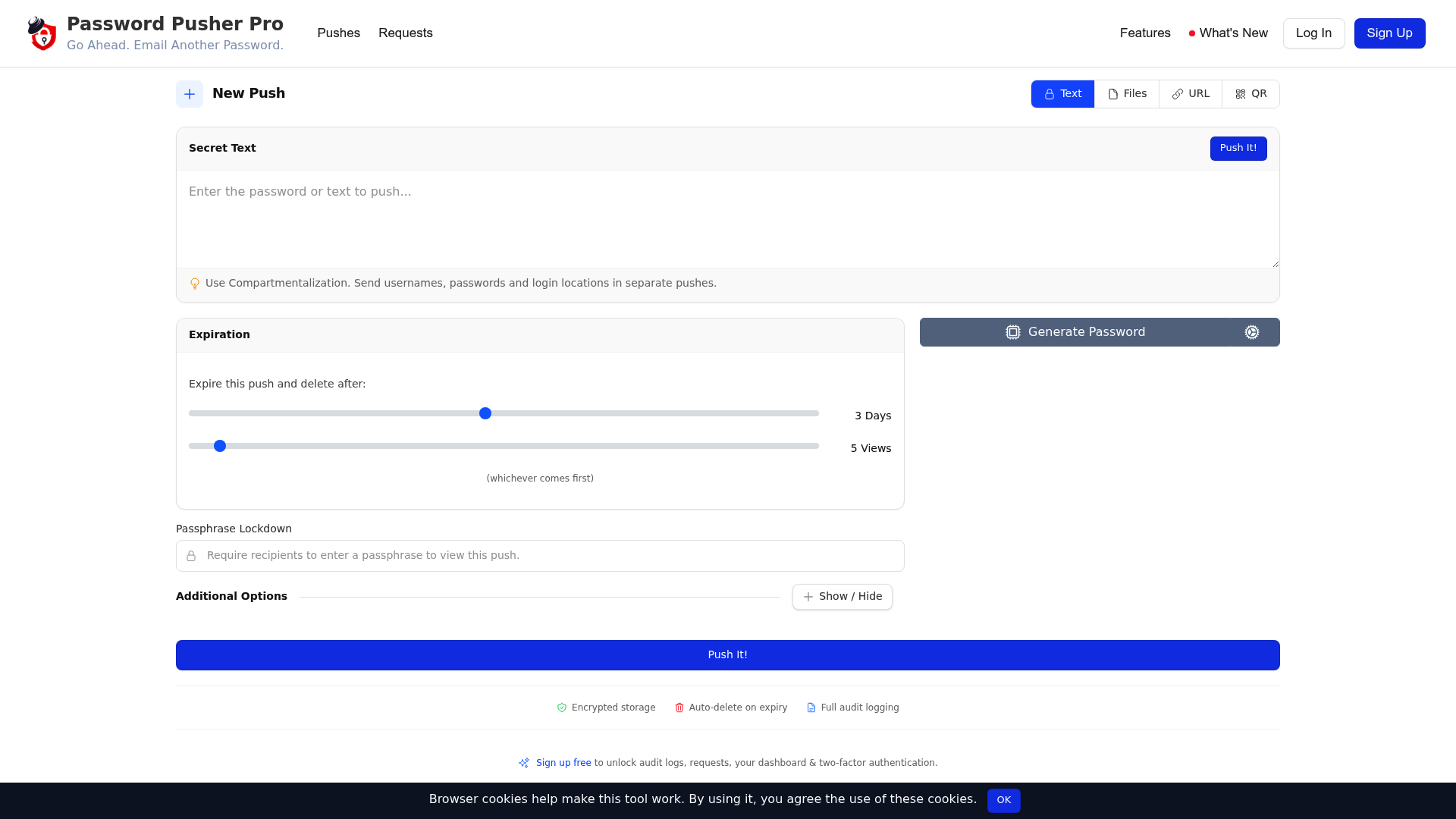
While it is perhaps less "zero-knowledge" in its default configuration than PrivateBin, its simplicity and reliability make it a staple for IT departments worldwide.
- Pros: Reliable, well-documented, and supports both SaaS and self-hosting.
- Cons: Lacks some of the more advanced browser-side encryption features found in modern alternatives.
6. Tips for using one-time secret tools in your MSP
Simply having the tool isn't enough. You need to integrate it into your daily workflows to see the security benefits.
- Standardize on client onboarding: Use these tools during the complete MSP onboarding checklist phase. When you first set up a client's admin accounts, send the credentials via a one-time link.
- Secure user offboarding: Avoid common mistakes in secure user offboarding by ensuring that any temporary "handoff" credentials are not left in ticket history.
- Document properly: Once a secret has been shared and the user has confirmed they have it, ensure the permanent record is stored in a proper documentation tool. We often see teams debate IT Glue vs Hudu, but regardless of which you choose, the "link" should never be the final storage place.
7. Stop sharing secrets and start automating L1 fixes
While one-time secret tools are a massive improvement over sharing passwords in Slack, there is an even better way to handle credentials: don't share them at all.
Most of the time, secrets are shared because a human technician needs to "hand over" access to a user. For example, when resetting a password or granting shared mailbox permissions in M365, the tech has to tell the user what the new password is.
At Rallied, we believe your best people shouldn't be resetting passwords. Our AI technician actually executes these L1 fixes autonomously. Instead of a tech resetting a password and sending a link, our AI handles the entire request from start to finish. This eliminates the need for secret sharing entirely for most common support tasks.
By automating these repetitive tasks, you don't just improve security, you reclaim dozens of hours every month. You can calculate your MSP ROI to see exactly how much L1 labor you could save, or request a demo to see how we move your service desk from hype to actual execution.
Frequently Asked Questions
Are one-time secret sharing tools actually safe?
Yes, provided you use a tool with zero-knowledge encryption. Most one-time secret sharing tools encrypt your data in your browser before it is ever sent to the server. This means the service provider cannot read your data, even if they wanted to.
Can I use these one-time secret sharing tools for free?
Most of the top one-time secret sharing tools offer a generous free tier that is sufficient for individuals and small teams. Tools like OneTimeSecret and Password.link have free options that cover basic sharing needs.
Is it better to self-host one-time secret sharing tools?
If your team has the technical capability, self-hosting tools like PrivateBin or OneTimeSecret provides the highest level of security. This ensures that your sensitive data never leaves your own controlled infrastructure.
Do these one-time secret sharing tools support file attachments?
Several professional one-time secret sharing tools, such as Scrt.link and Password.link, allow you to share encrypted files along with text-based secrets. This is useful for sharing configuration files or sensitive documents.
How do I know if someone else opened my one-time secret sharing tools link?
The 'one-time' nature of these tools is a built-in security check. If you send a link and the recipient finds it has already been viewed, you know the secret was intercepted. Some tools like Scrt.link also offer explicit read receipts.
What is the best one-time secret sharing tools option for developers?
Yopass is widely considered the best choice for developers because of its CLI support. This allows engineers to share secrets directly from their terminal, fitting seamlessly into their existing development workflows.
