NinjaOne alternatives in 2026: The top 7 tools for IT teams
NinjaOne has built a reputation as one of the most intuitive IT management platforms on the market. It's clean, modern, and does a great job with core tasks like patching and monitoring. But as many IT teams and managed service providers (MSPs) scale, they start to run into friction. Whether it's the unpredictable cost of adding new devices or the manual effort required to bridge the gap between their RMM and their ticketing system, the "NinjaOne way" isn't the only way to run a lean IT operation.
If you're reading this, you're likely looking for a tool that offers more predictable pricing, deeper automation, or a truly unified experience where you don't have to jump between five different tabs to close a single ticket. We've analyzed the current landscape to find the best NinjaOne alternatives that actually help you get work done faster.
What is NinjaOne and why do teams seek alternatives?
NinjaOne is a unified IT operations platform that combines endpoint management, patch management, and backup into a single cloud-native console. It was founded in 2013 and has quickly grown by focusing on ease of use and a modern interface that contrasts sharply with legacy tools.
But even the best tools have their limits. Here are the three most common reasons IT teams start looking elsewhere:
The "device tax" on growth
NinjaOne uses a per-device pricing model. While this sounds straightforward, it can become a significant bottleneck as your business grows. Every time a client adds an employee with a laptop, a tablet, and a phone, your costs jump. For MSPs running lean margins, this "device tax" makes it hard to predict profitability as endpoint counts explode due to IoT and BYOD policies.
Integration friction
While NinjaOne offers many integrations, they often feel "bolted-on" rather than natively unified. If you're using a separate PSA (Professional Services Automation) tool like ConnectWise or Autotask, the sync between your monitoring and your ticketing can require constant manual intervention. When tickets don't populate correctly or billing data doesn't flow cleanly, your team loses hours every week to administrative overhead.
Technical support delays
As companies scale, their support quality sometimes struggles to keep up. Some users have reported issues with technical expertise and responsiveness from the NinjaOne support staff. When you're dealing with a critical server outage, you need an answer immediately, not a reply that says someone will get back to you next week.
Criteria for selecting the best NinjaOne alternatives
Not every RMM is built for the same type of team. To find the right alternative, you need to look past the feature list and understand how the tool actually fits into your daily workflow. Here is what we prioritized for this list:
- Scalability: We looked for platforms with predictable pricing models, such as per-technician licensing, that won't penalize you for growing your endpoint count.
- Unification: We prioritized tools that offer deep, native integration between RMM, PSA, and billing systems to eliminate "tool sprawl."
- Automation and AI: The goal of modern IT is to move from "management" to "execution." We looked for tools leveraging "Agentic AI" to handle routine L1 tasks autonomously.
- Speed of deployment: You shouldn't need a three month implementation project to get started. We looked for tools that can be up and running in a few days.
- Mobile-first capability: Technicians aren't always at their desks. The ability to remediate issues from a mobile device is no longer a luxury.
How we conducted this NinjaOne alternatives comparison
To make this comparison as useful as possible, we evaluated each platform using a consistent set of criteria based on real-world IT needs:
- Platform Unification: How well the tool handles the entire lifecycle from alert to invoice without leaving the dashboard.
- Ease of Use: How quickly a new technician can learn the ropes without extensive training.
- Automation Depth: The ability to handle complex scripting and autonomous remediations.
- Value for Money: Comparing the total cost of ownership against the features provided.
| Platform | Best For | Pricing Model | Key Differentiator |
|---|---|---|---|
| Syncro | Unified Ops | Per technician | Built-in payment processing |
| Atera | AI Automation | Per technician | Autonomous "Robin" AI agent |
| Action1 | Patching | Per device (200 free) | Rapid cloud-native deployment |
| Pulseway | Mobile Techs | Per device | Full mobile remediation app |
| ConnectWise | Enterprise | Custom | Deepest scripting engine |
| N-able | Security | Per device | Compliance and security focus |
| SuperOps | Budget Unified | Per technician | Sleek, AI-native interface |
The top 7 NinjaOne alternatives in 2026
Let's break down the best options available today to see which one fits your specific business model.
1. Syncro
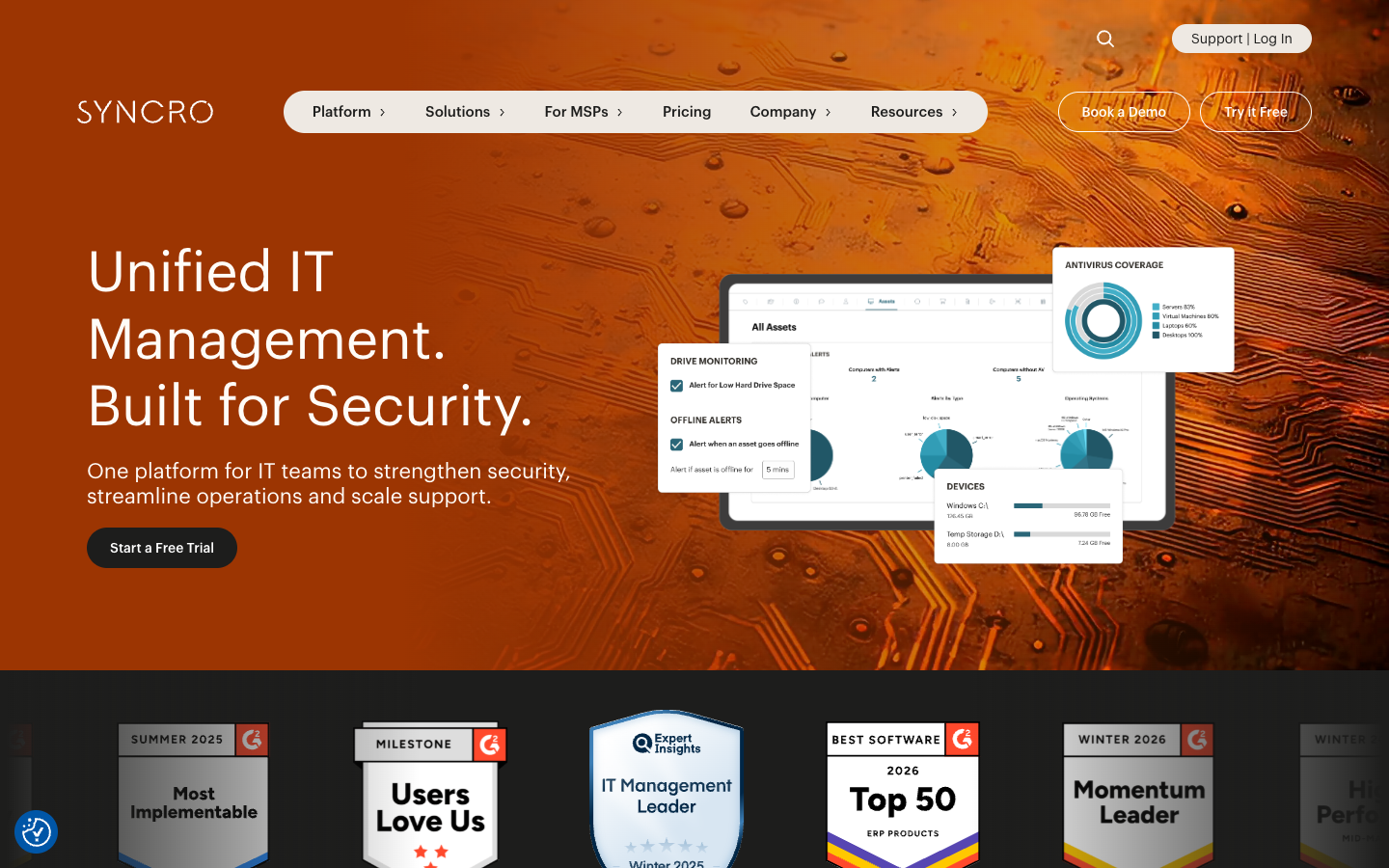
Syncro is designed for teams that want to stop juggling multiple tools. It's a natively unified PSA and RMM platform, meaning your ticketing, monitoring, and billing all live in the same database. This eliminates the sync issues that plague most other integrations.
One of its biggest advantages is built-in payment processing. Instead of sending an invoice and waiting for a check, Syncro can automate the entire collection process. For smaller MSPs, this turns billing from a monthly headache into a background process that just works. It's built for efficiency, allowing you to manage endpoints and service requests from a single system of action.
| Plan | Price (Annual) | Features |
|---|---|---|
| Core | $129/mo per tech | Unlimited endpoints, RMM/PSA foundation, Scripting |
| Team | $179/mo per tech | All Core features, M365 security baselines, advanced automation |
Pros:
- Predictable costs with unlimited endpoints.
- Native payment processing reduces administrative work.
- Intuitive interface that technicians can master in hours.
Cons:
- Focused feature set might lack some of the deeper enterprise niche configurations found in legacy tools.
2. Atera
Atera is positioning itself as the leader in the "Autonomous IT" movement. While other tools focus on helping humans manage devices, Atera is building AI that can do the work for you. Their platform includes "Robin," an AI agent that can autonomously resolve technical issues end to end.
Their AI Copilot is particularly impressive for technicians. It can diagnose device health in real time, generate PowerShell scripts on the fly, and summarize complex ticket histories so you can get up to speed in seconds. If your goal is to scale your business without hiring more staff, Atera's AI focus is hard to ignore.
| Plan | Price (Annual) | Key Limits |
|---|---|---|
| Professional | $149/mo per tech | 15GB file sharing, core RMM/PSA |
| Expert | $189/mo per tech | 50GB file sharing, unlimited Splashtop |
| Master | $219/mo per tech | 80GB file sharing, advanced analytics |
Pros:
- Robin AI agent resolves 92% of technical issues autonomously.
- Per-technician pricing for easy scaling.
- 24/7 chat support included in all plans.
Cons:
- Limited MDM (Mobile Device Management) capabilities compared to specialized tools.
- Reporting customization can feel basic in the lower tiers.
3. Action1
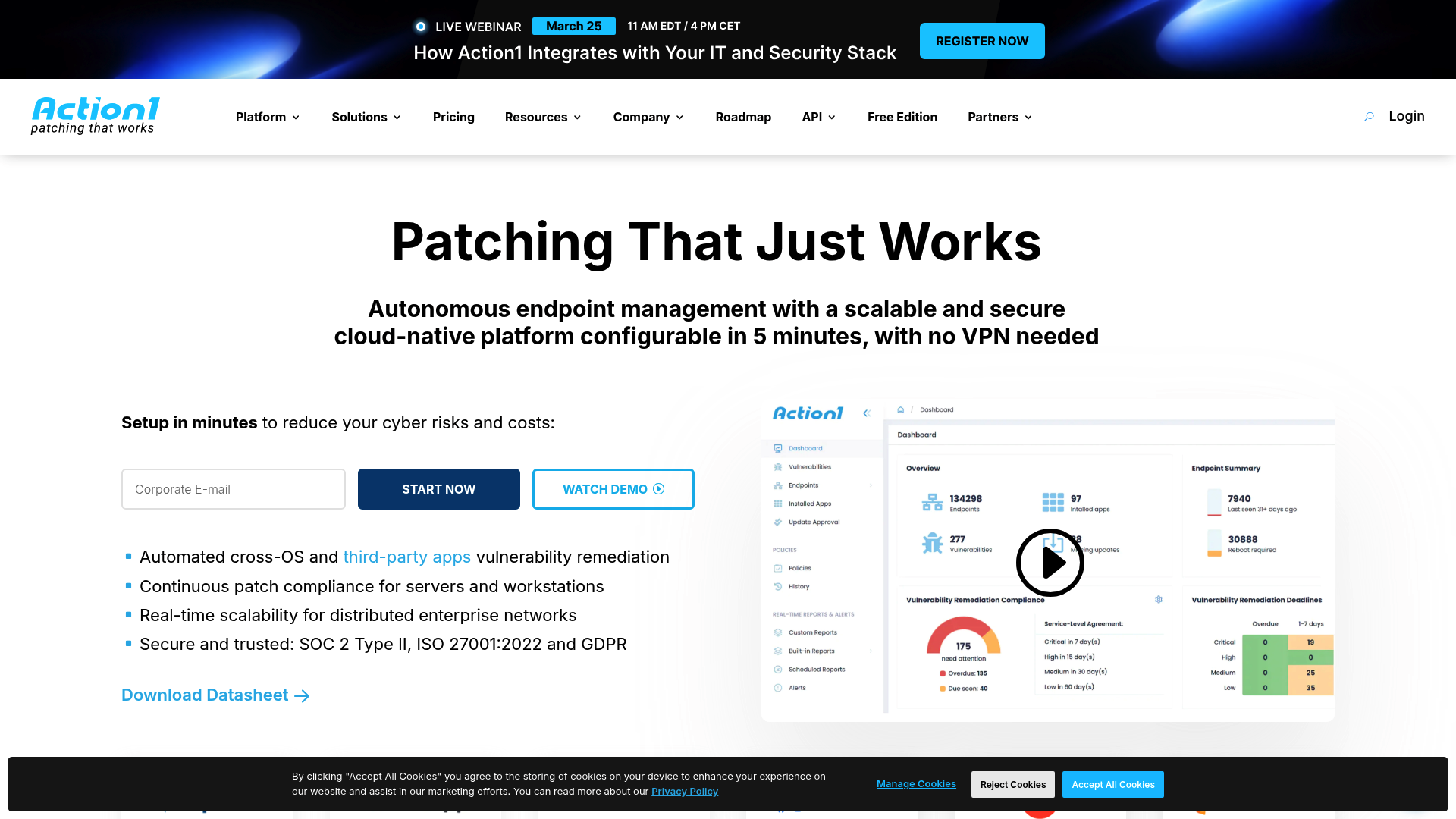
If your primary pain point with NinjaOne is the speed and reliability of patching, Action1 is the most focused alternative. It's a cloud-native platform specifically built for unified cross-platform patch management.
What makes Action1 stand out is its "Free Forever" edition. It is completely free for your first 200 endpoints with no feature limitations. This makes it an incredible option for internal IT teams or small MSPs who need enterprise-grade patching without the enterprise price tag. It also handles third-party application updates exceptionally well, covering a wide range of non-OS software.
| Plan | Monthly Price | Limits |
|---|---|---|
| Free Edition | $0 | First 200 endpoints |
| Growth | Starts at $4.00 | 200 to 1,000 endpoints |
| Enterprise | Custom | 1,000+ endpoints |
Pros:
- Most generous free tier in the industry (200 assets).
- Extremely fast deployment (often under five minutes).
- Peer-to-peer (P2P) update distribution saves bandwidth on remote networks.
Cons:
- Lacks a built-in PSA or ticketing system.
- No integrated remote desktop functionality; it's strictly a management and patching tool.
4. Pulseway
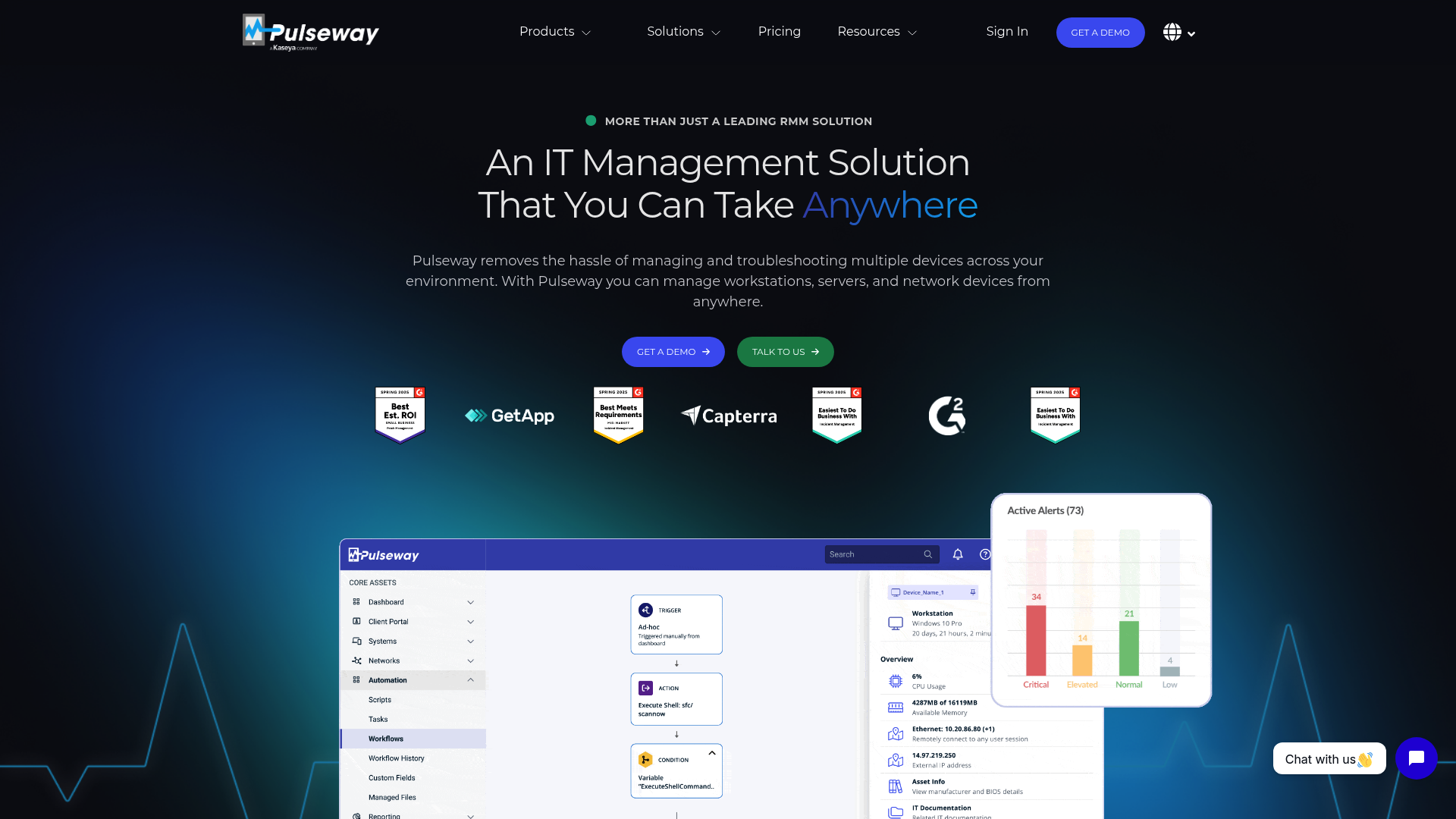
Pulseway was built with the mobile technician in mind. While most RMM tools have a "companion app," Pulseway has a full remediation platform that fits in your pocket. You can receive an alert on your phone, remote into the machine, and run a script to fix the issue before you even get back to your desk.
This mobile-first approach makes it the best choice for technicians who are constantly on the move or working in hybrid environments. It offers real-time actionable alerts that give you complete control over every type of endpoint, including Windows, Mac, and Linux systems.
Pros:
- Industry-leading mobile app with full remediation capabilities.
- Rapid setup and intuitive interface.
- Real-time performance monitoring and actionable alerts.
Cons:
- Pricing uses a per-device model which can get expensive as you scale.
- PSA integration is functional but not as deep as Syncro or Atera.
5. ConnectWise Automate
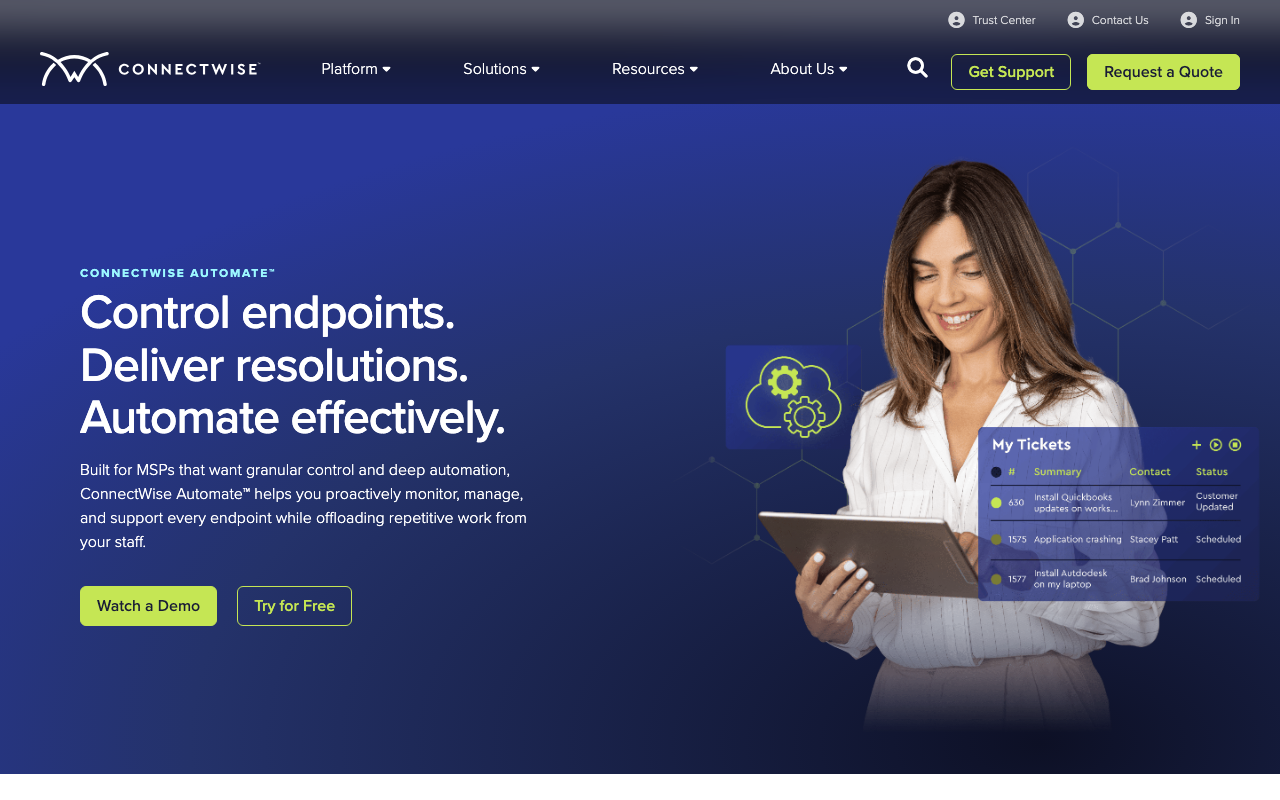
For large MSPs managing thousands of endpoints with complex requirements, ConnectWise Automate remains the heavyweight champion. Its scripting engine is unmatched in its ability to handle edge cases and automate deep system configurations that simpler tools can't touch.
However, that power comes with a price. The interface feels dated compared to NinjaOne, and the learning curve is steep. You'll likely need a dedicated administrator or significant training to get the most out of the platform. But if you need granular control over every aspect of your monitoring and remediation policies, Automate is the tool for the job.
Pros:
- Best-in-class scripting and automation depth.
- Massive integration marketplace.
- Offers an on-premise hosting option for high-compliance environments.
Cons:
- High learning curve requires dedicated time to master.
- Pricing can escalate quickly and often requires custom quotes.
6. N-able N-sight
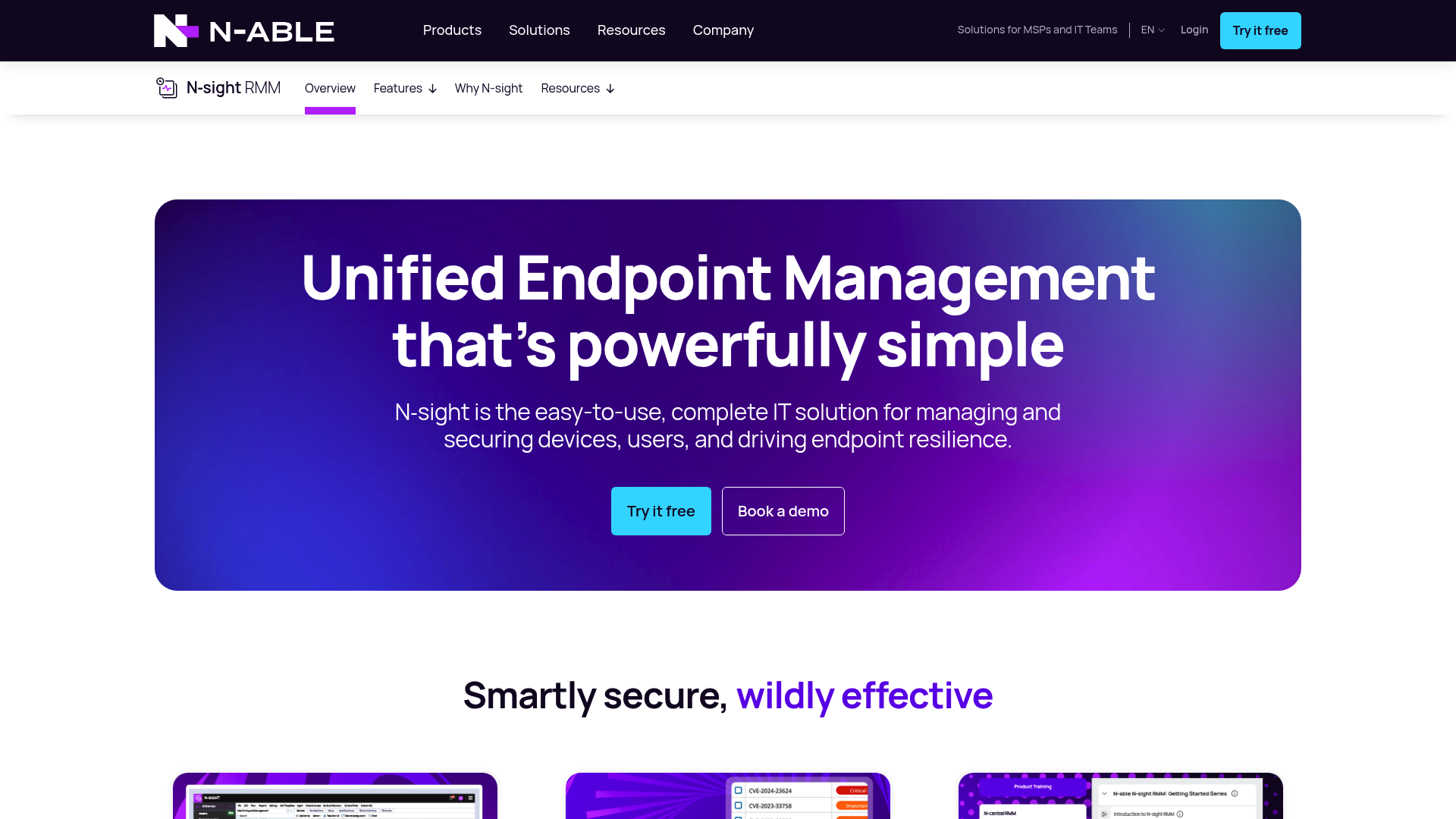
N-able N-sight is a security-focused RMM that emphasizes compliance and vulnerability management. It's particularly well-known for its "no-code" automation features, offering over 650 pre-configured scripts and a visual workflow builder.
The platform includes N-zo, an AI security and operations assistant designed to speed up helpdesk efficiency. If your business model centers on selling security services, N-sight's built-in EDR (Endpoint Detection and Response) and compliance reporting provide a strong foundation for your offerings.
Pros:
- Advanced security features including vulnerability scanning and EDR.
- No-code automation makes it easy to scale without automation specialists.
- Broad device discovery and asset management.
Cons:
- The interface can feel complex and cluttered to new users.
- Pricing increases significantly as you add more security modules.
7. SuperOps
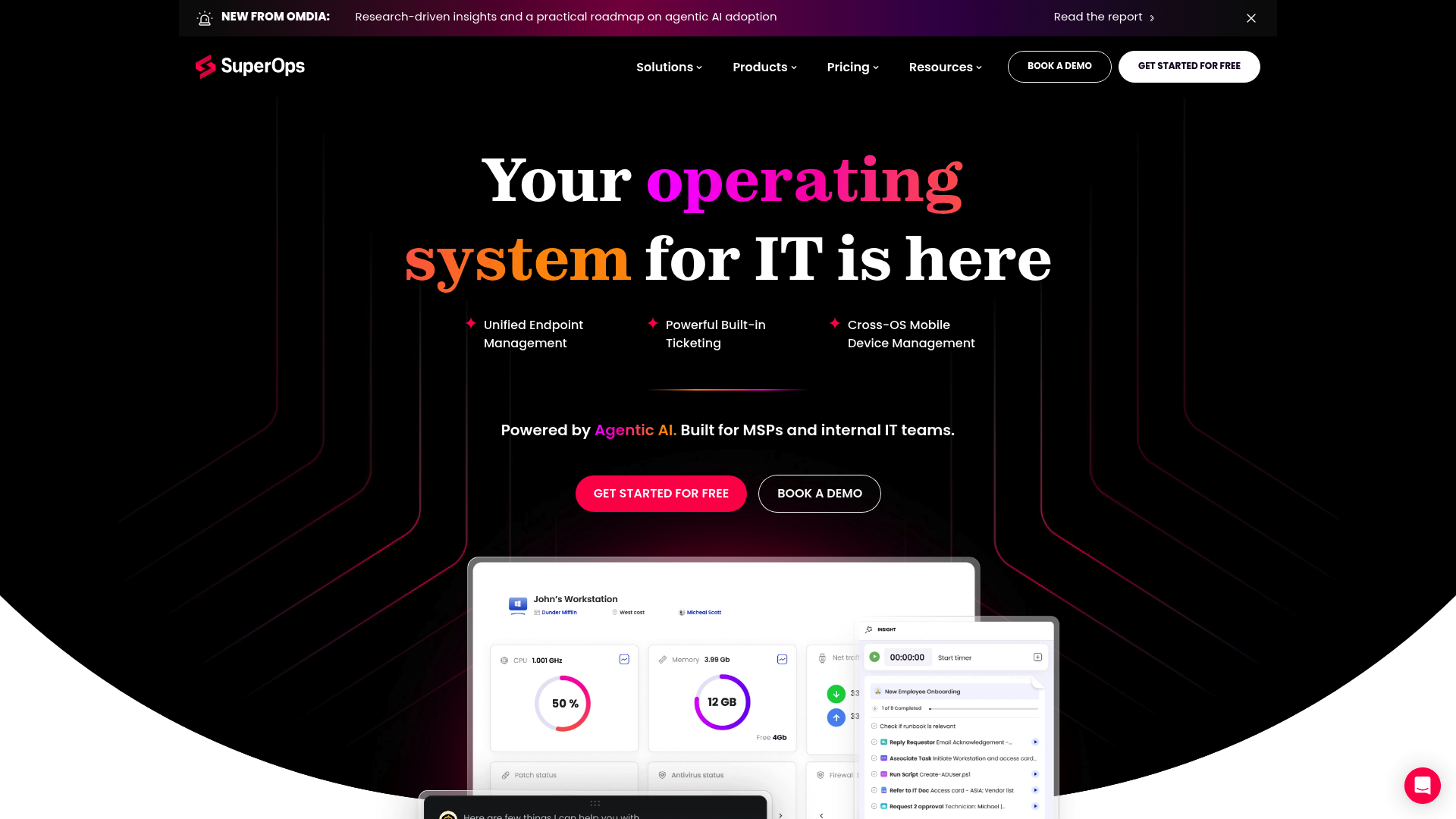
SuperOps is the new kid on the block, designed from the ground up to be an AI-native alternative to legacy RMMs. It offers a sleek, minimal interface that feels more like a modern SaaS app than a traditional IT tool.
Their ITSuite focuses on eliminating tool sprawl by unifying endpoints, service requests, and AI in one place. For smaller teams that value a modern user experience and want to avoid surprise costs, their transparent pricing and AI-assisted ticketing make it a strong contender.
| Plan | Price (Monthly) | Best For |
|---|---|---|
| Prime | $1.50/endpoint | Core IT management, min 100 endpoints |
| Prime Plus | $2.50/endpoint | Teams needing MDM for Apple/Android |
Pros:
- Sleek, modern UI that is easy to navigate.
- AI-native features built into the core platform.
- Transparent, budget-friendly pricing for smaller teams.
Cons:
- Younger platform with a smaller integration marketplace compared to established incumbents.
- Some advanced enterprise features are still in development.
Choosing the right tool for your IT workflow
Selecting a NinjaOne alternative isn't just about finding a cheaper tool; it's about finding the one that matches how your team actually works.
If you have a high ratio of endpoints to technicians, a per-technician model like Syncro or Atera is almost always the right move. You'll stop worrying about how many devices a client has and start focusing on how many people your team can support. Syncro is particularly strong if you want your billing and payments automated within the same dashboard, while Atera is the better choice if you want to lean heavily into AI-driven automation.
On the other hand, if you manage a small, highly specialized fleet, a per-device tool like Pulseway or Action1 might be more cost-effective. Pulseway is the clear winner if your technicians need to be able to fix anything from their phones, and Action1 is unbeatable if you simply want the fastest, most reliable patching platform on the market.
Before you migrate, we recommend starting with a small pilot. Deploy the agent to 10-20 varied devices, audit your existing scripts for compatibility, and test the PSA sync early in the process. Most modern tools can have you fully operational in less than two weeks if you're organized.
Rallied: The autonomous alternative to manual L1 labor
While the tools above are great for "managing" your IT environment, they still rely on your technicians to do the actual work. You're still paying your best people to reset passwords, unlock accounts, and update mailbox permissions.
At Rallied, we think your team's time is too valuable for that. We've built an autonomous AI technician that doesn't just "suggest" a fix; it actually executes it. We connect directly to your existing stack ConnectWise, Autotask, NinjaOne, or any of the alternatives listed above and start closing tickets by Friday.
Our AI technician handles the repetitive L1 labor that drains your margins. It resets passwords, revokes access for offboarding employees, and reclaims software licenses automatically. No Jinja coding, no complex runbook building, and zero administrative overhead. We're moving the MSP industry from hype to actual execution.
If you're tired of seeing your technicians drowning in basic requests, it's time to stop just "managing" and start automating the execution. Calculate your ROI to see how many hours your team could win back, or request a demo to see our AI technician in action. Because your best people shouldn't be resetting passwords.
Frequently Asked Questions
What are the best NinjaOne alternatives for small businesses?
Syncro and SuperOps are generally the best NinjaOne alternatives for smaller teams. They offer straightforward pricing and unified platforms that include RMM, PSA, and ticketing, which eliminates the need to manage multiple separate tools.
How does the pricing of these NinjaOne alternatives compare to per-device models?
Many NinjaOne alternatives like Atera and Syncro use a per-technician pricing model with unlimited endpoints. This is often more predictable for scaling businesses compared to the per-device model used by NinjaOne, which can become expensive as your endpoint count grows.
Can I migrate my existing scripts to a NinjaOne alternative?
Most PowerShell and Bash scripts used in NinjaOne can be migrated to alternatives with minimal changes. Tools like Syncro and Atera have large community script libraries that likely already have versions of the automations you use.
Which NinjaOne alternatives offer the best mobile management features?
Pulseway is widely considered the best of the NinjaOne alternatives for mobile management. It allows technicians to perform full system remediation and run scripts directly from a mobile app, rather than just receiving alerts.
Are there free NinjaOne alternatives available for small fleets?
Yes, Action1 is a great free option among NinjaOne alternatives, as it is free for the first 200 endpoints with no feature limitations. This makes it ideal for small businesses or labs that need robust patching and management.
Do any NinjaOne alternatives include built-in AI technicians?
Atera and SuperOps are the most AI-forward NinjaOne alternatives, with Atera offering a patented AI agent called Robin that can autonomously resolve many technical issues without human intervention.
