Password reset automation for MSPs, with the identity check built in
Password resets and lockouts land on your help desk every day, and each one still needs somebody to check who is asking. Rallied picks up the reset ticket in your PSA, confirms the employee with a push to their own phone, resets the password in the right customer tenant, and closes the ticket with the notes written. Each reset runs on its own or waits for a technician, and you choose which.
How it works
Your tech stops being the person who reads out a temporary password on the phone. Every check and every change is written on the ticket, so anyone can see who asked, how they were verified, and what Rallied did.
- Match the requester.
- Finds the customer tenant from the requester's email domain, then checks that the account exists, whether it is locked, and whether Microsoft has flagged it as risky.
- Verify the person.
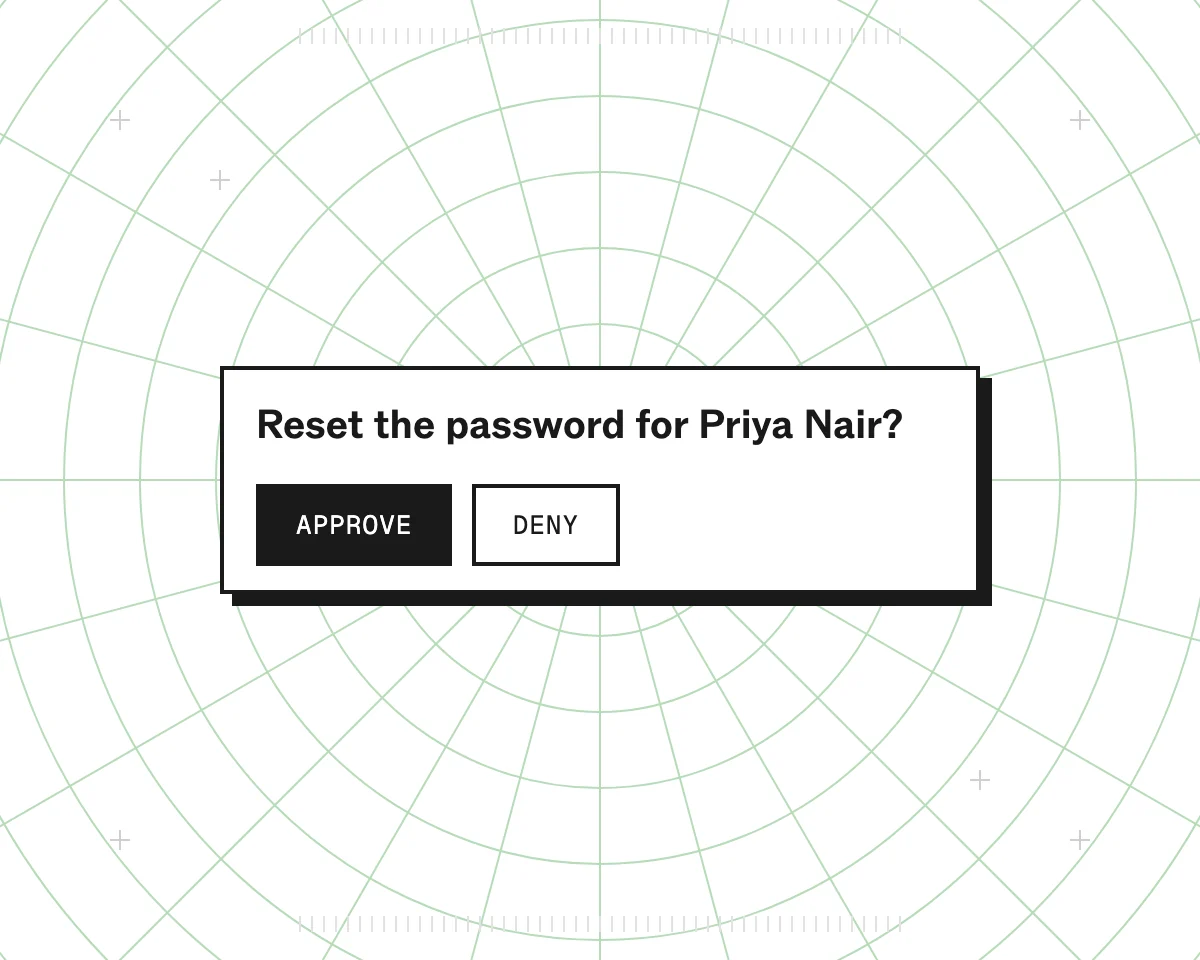
- Sends an MFA push to the authenticator the employee already carries. Nothing changes on the account until they approve it.
- Reset and sign out.
- Resets the password and revokes every open session, so a stolen token stops working along with the old password.
- Deliver and close.
- Sends the temporary password as a single-use link, tells the user what happened, writes the notes, and closes the ticket in your PSA.
An identity check on every reset
A caller who knows an employee's ID number and their manager's name gets through most help desk verification scripts, and both are easy to find. Rallied checks something a caller can't look up: whether the real employee approves a push on their own phone. The push goes through Traceless to the factor that person already has, Microsoft Authenticator or Duo Mobile, so a client base split across the two needs one integration.
For clients on Duo, Rallied can also send the Duo Push itself, through the Duo integration and your Duo MSP parent account. You turn it on client by client, and clients you leave off keep Traceless, if you use it.
Your approval settings and the identity check are two separate gates. A technician can approve the plan, and a denial, a failure, or no answer in time (five minutes on Traceless, about a minute on Duo Push) still stops the reset. The result goes on the ticket as an internal note, so whoever opens it later can see whether the person was verified.
The temporary password never sits in the ticket. It goes out as a One-Time Secret link that works once, and if the link can't be made, Rallied stops and hands delivery to a technician. For the attacks this guards against and how to tier checks by account risk, read our guide to help desk identity verification for MSPs.
Questions about password reset automation
How do you automate password reset tickets?
Connect your PSA and Microsoft 365 to Rallied. When a reset ticket arrives, Rallied matches the requester to their tenant, checks the account, verifies the person with an MFA push, resets the password, revokes open sessions, sends the temporary password as a one-time link, and closes the ticket with notes.
How does Rallied verify identity before resetting a password?
It sends a push to the employee's own phone: through Traceless to Microsoft Authenticator or Duo Mobile, or, for clients you turn Duo Push on for, straight from Rallied's Duo integration. The reset runs only after they approve it. A denial, a failure, or a push nobody answers stops the reset, even if a technician already approved the plan.
Where does the temporary password go?
Into a single-use One-Time Secret link, sent on the channel the ticket is already using, so the password never sits in the ticket or the chat log. The link lasts 24 hours by default. If the link can't be created, Rallied stops and asks a technician to deliver the password by hand.
Is self-service password reset enough on its own?
Self-service reset in Microsoft Entra covers users who enrolled their authentication methods in advance. Everyone else still emails or calls your help desk, and those are the tickets Rallied picks up, with the same identity check on each one.
Can Rallied reset passwords for clients on Google Workspace?
Yes. Connect that client's Google Workspace from its integrations in the Rallied dashboard, and the agent can reset passwords there and turn off 2-Step Verification when someone is locked out. Every change waits for your approval.
What if the employee lost the phone their MFA is on?
In Microsoft 365, Rallied can reset the user's MFA methods so they set them up again the next time they sign in. On Google Workspace, it can turn off 2-Step Verification for someone who's locked out. Both wait for your approval.
How much does automated password reset cost?
Rallied is $300 a month with 2,000 credits included. A completed reset changes your identity system, so it costs 3 credits. A reset stopped by a failed identity check is never charged.