6 best Rewst alternatives for MSP automation in 2026
If your MSP is buried in L1 tickets, you have probably looked at Rewst. It is a capable workflow automation platform built specifically for managed service providers, with 80+ integrations and prebuilt "Crates" to get you started. The challenge is that Rewst requires you to build and maintain workflows using a visual canvas (and sometimes Jinja templating). That takes time, expertise, and ongoing maintenance.
What are your options if you want MSP automation without the workflow overhead? We tested six Rewst alternatives ranging from AI agents that execute fixes to open-source platforms you host yourself.
What is Rewst and who is it for?
Rewst is a robotic process automation (RPA) platform built specifically for MSPs. It combines native multi-tenancy, a library of integrations with PSAs and RMMs, and an in-platform AI assistant called RoboRewsty that helps you build workflows.
The platform targets MSPs looking to automate repetitive IT tasks like user onboarding, password resets, and billing reconciliation. Customers report significant time savings (some claim 75-80 hours per week), but achieving those results requires building and maintaining workflows.
Rewst's visual workflow builder is powerful, but it comes with a learning curve. You need someone on your team who can think in workflows, understand API integrations, and maintain those automations as your stack evolves. For MSPs without dedicated automation engineers, this can be a barrier.
For a deeper dive into Rewst's pricing and features, see our Rewst pricing guide.
Top Rewst alternatives at a glance
| Tool | Best for | Pricing | Deployment |
|---|---|---|---|
| Rallied | MSPs wanting AI that executes without workflows | Contact sales | Cloud |
| Pia | AI-assisted ticket triage and response | Contact sales | Cloud |
| n8n | Technical teams wanting full control | Free (self-hosted) or $20-50/mo | Self-hosted or cloud |
| Microsoft Power Automate | Microsoft 365 shops | $15/user/month | Cloud |
| UiPath | Large MSPs needing enterprise RPA | $25+/month (Basic) | Cloud or on-prem |
| ThinkAutomation | On-premise deployment needs | $2,700/year | On-prem or private cloud |
The 6 best Rewst alternatives
1. Rallied
Most automation tools suggest actions or build workflows. We take a different approach: our AI technician actually executes the fix, notifies the user, and updates the ticket.
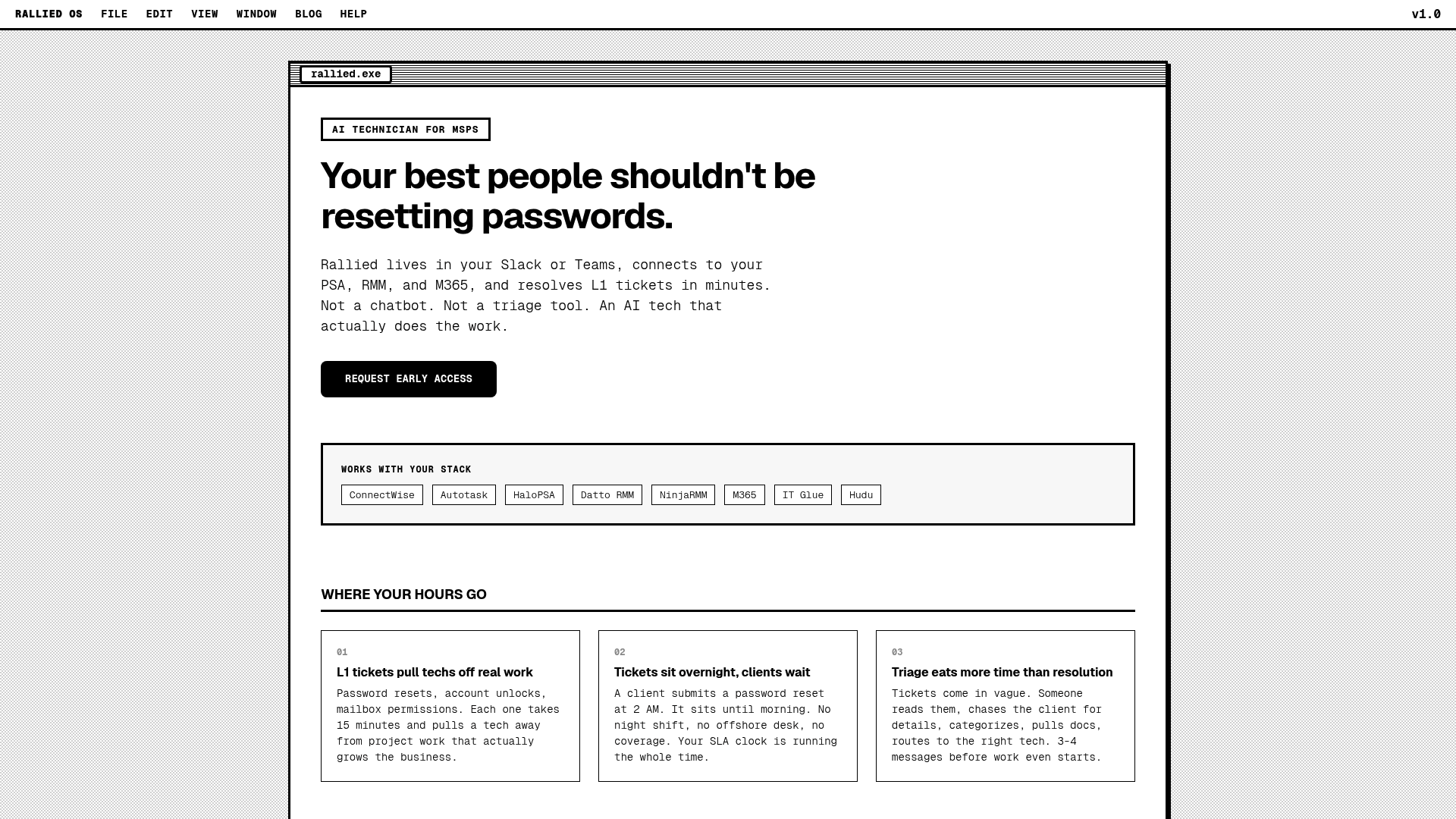
What it is: Rallied is an AI technician that connects to your entire MSP stack (PSA, RMM, identity) and resolves L1 tickets autonomously. Instead of building workflows, you connect your tools and our AI handles password resets, account unlocks, mailbox permissions, and group membership changes.
Key features:
- Password resets and account unlocks are executed automatically without technician intervention
- Mailbox permission and group membership changes are handled through natural language requests
- Procurement automation scrapes distributor portals like TD Synnex, Ingram Micro, and D&H to build quotes
- Triage and dispatch pulls documentation from IT Glue or Hudu and routes complex tickets to the right human technician
- Identity lifecycle management automates onboarding (M365 licensing, AD accounts, security groups) and offboarding (revoking access, reclaiming licenses)
Integrations: ConnectWise, Autotask, HaloPSA, NinjaOne, M365, Okta, IT Glue, and more.
Pricing: Contact for pricing.
| What we like | What to consider |
|---|---|
| Zero workflow building required | Less customizable for edge cases |
| Same-week deployment ("Running by Friday") | Newer entrant compared to established players |
| Actually executes fixes versus suggesting them |
Best for: MSPs that want true automation without hiring a full-time workflow engineer.
Learn more about how Rallied compares to other solutions on our alternatives page.
2. Pia
Pia focuses specifically on help desk automation for MSPs, using AI to triage tickets and draft responses.
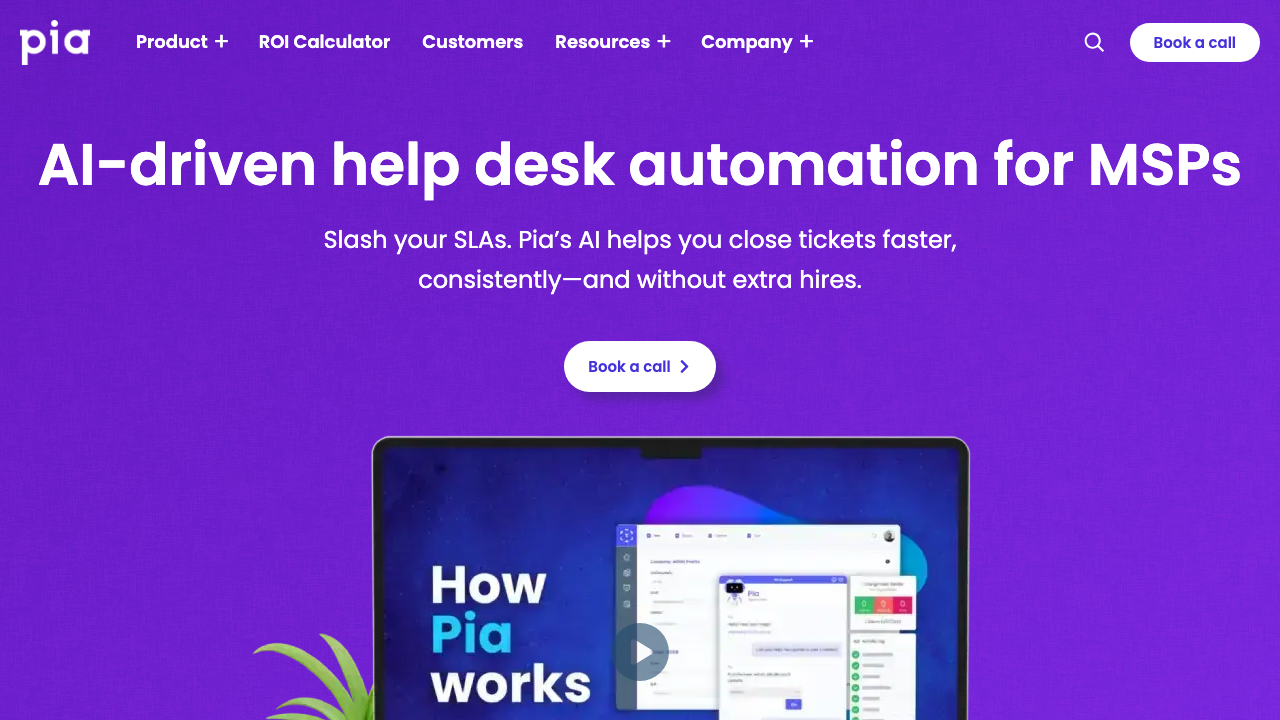
What it is: An AI-powered service delivery platform that reads and organizes service tickets, automates responses, and provides zero-touch automations through SmartForms.
Key features:
- AI-driven ticket triage automatically categorizes and routes tickets to the appropriate technician
- SmartForms let clients self-trigger automations without requiring technician input
- 60+ prebuilt automations handle common service desk tasks out of the box
- PowerShell-based custom automation builder allows technical teams to extend functionality
- Native ConnectWise integration keeps ticket data synchronized
Performance claims:
- Up to 90% reduction in ticket resolution time
- 3x more tickets closed per technician
- Up to 500 endpoints managed per technician (versus 250 standard)
- 60% of Tier 1/2 tickets automated
Pricing: Contact for pricing (not publicly disclosed).
| What we like | What to consider |
|---|---|
| Purpose-built for MSP help desks | Still requires workflow setup for custom automations |
| Strong ConnectWise integration | Pricing not transparent |
| Good for empowering junior techs |
Best for: MSPs that want AI-assisted ticket management but are okay with some workflow configuration.
For a detailed analysis, read our Pia AI review.
3. n8n
If you have technical resources and want complete control, n8n is the most flexible option.
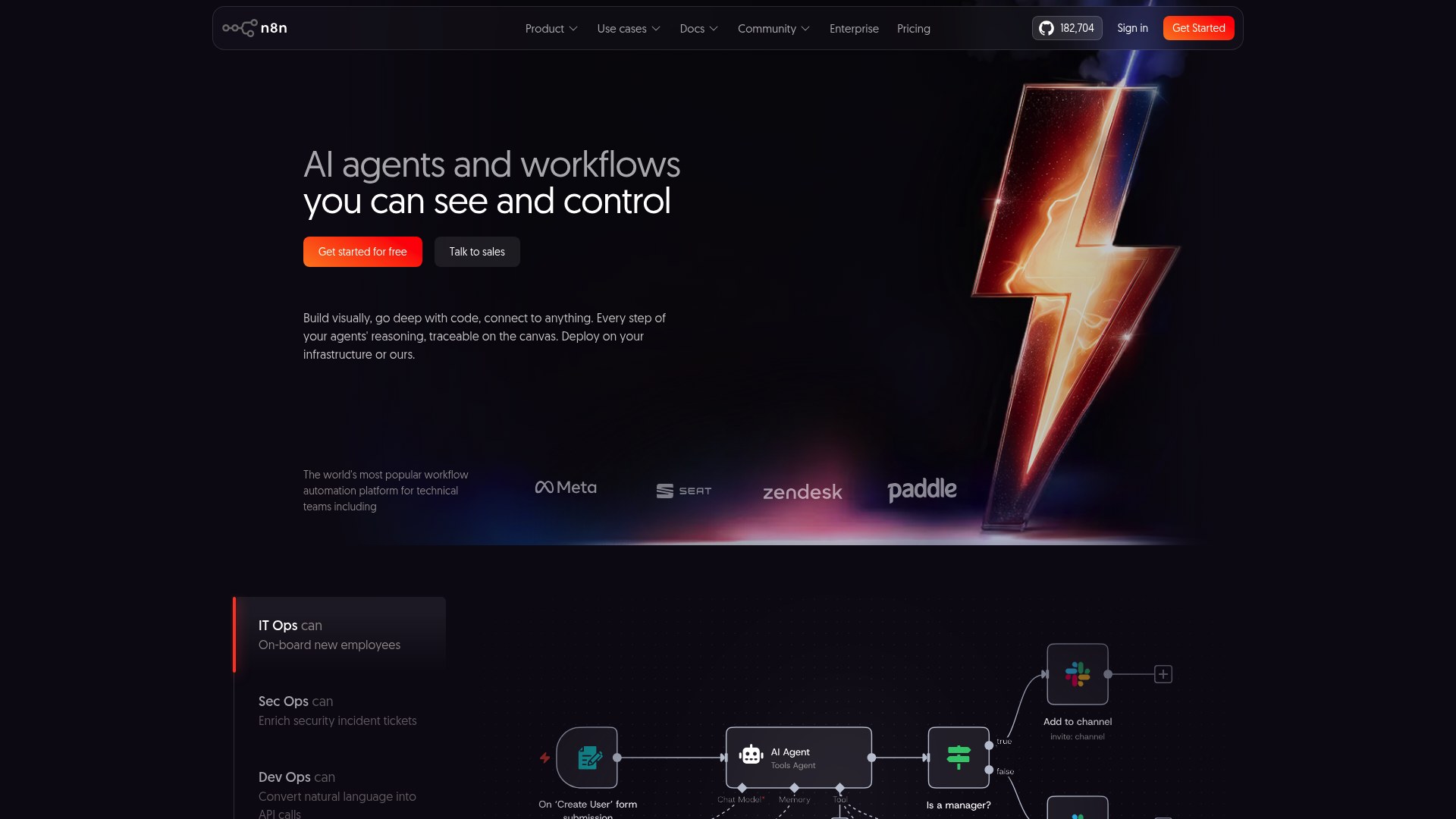
What it is: An open-source workflow automation platform with 400+ integrations. You can self-host it for free or use their cloud-hosted version.
Key features:
- Self-hosted option gives you full data control and keeps everything on your infrastructure
- 400+ native integrations connect to most business tools and APIs
- Code when you need it (JavaScript/Python), UI when you don't
- AI Workflow Builder provides assisted creation for complex automations
- Git-based version control tracks changes to workflows over time
- Fair-code license keeps it free to use with paid features for enterprise
Pricing:
| Plan | Annual Price | Features |
|---|---|---|
| Community (Self-hosted) | Free | Unlimited users, self-hosted |
| Starter | $20/month | 2.5K executions, 1 project |
| Pro | $50/month | Custom executions, 3 projects |
| Business | $800/month | 40K executions, SSO, Git integration |
| Enterprise | Custom | Unlimited projects, dedicated support |
n8n charges per workflow execution (complete run), not per step like Zapier.
| What we like | What to consider |
|---|---|
| Truly free self-hosted option | Requires technical expertise to deploy |
| Massive integration library | No MSP-specific templates |
| Full code flexibility | You build everything from scratch |
Best for: Technical MSPs with developers who want full control and don't mind building from scratch.
See our detailed comparison of Rewst versus n8n to understand which fits your needs.
4. Microsoft Power Automate
If you are already invested in Microsoft 365, Power Automate is the logical choice.
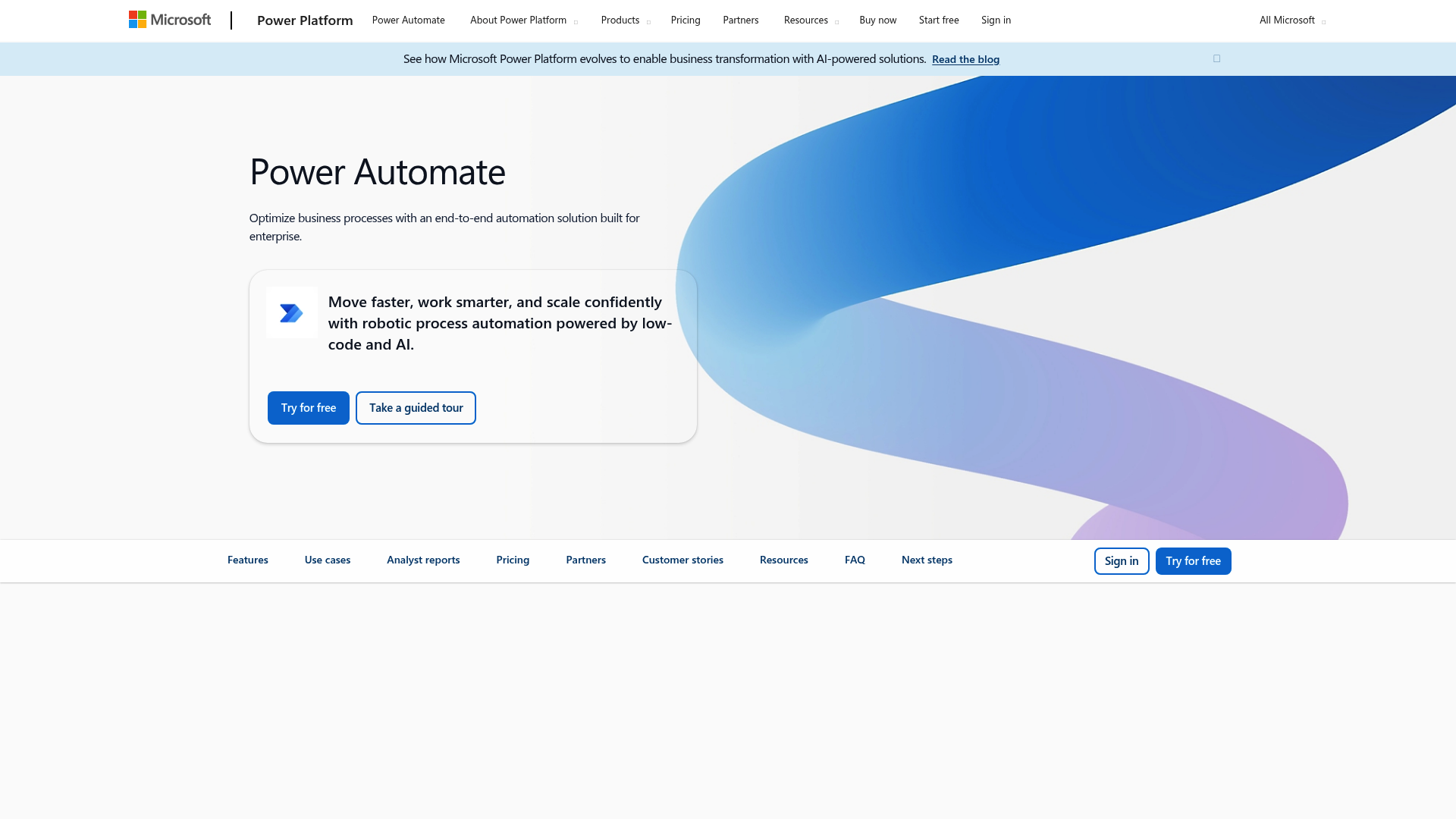
What it is: Microsoft's cloud-based workflow automation platform with 900+ connectors and deep integration with the Microsoft ecosystem.
Key features:
- 900+ connectors including Microsoft 365, Azure, and third-party tools
- Cloud flows (DPA) handle cloud-based automation across services
- Desktop flows (RPA) automate on-premise applications and legacy software
- AI Builder adds document processing and prediction capabilities
- Process mining discovers optimization opportunities by analyzing how work gets done
Pricing:
| Plan | Price | Features |
|---|---|---|
| Free Trial | Free | 30-day trial with standard connectors |
| Power Automate Premium | $15/user/month | Cloud flows, attended RPA, 50 MB process mining |
| Power Automate Process | $150/bot/month | Unattended RPA, bot automation |
| Power Automate Hosted Process | $215/bot/month | Unattended RPA + Microsoft-hosted VM |
| What we like | What to consider |
|---|---|
| Seamless Microsoft 365 integration | Per-user pricing adds up for teams |
| Enterprise-grade security and compliance | Limited MSP-specific features |
| Large connector ecosystem | Can be complex for simple use cases |
Best for: MSPs already deep in the Microsoft ecosystem who want enterprise backing.
5. UiPath
UiPath is the market leader in enterprise RPA. If you need the most mature platform with extensive capabilities, this is it.
What it is: An enterprise RPA and agentic automation platform that handles everything from simple task automation to complex AI-powered processes.
Key features:
- Attended and unattended robots handle both human-triggered and fully automated scenarios
- AI Center integrates ML models into automation workflows
- Document understanding and processing extracts data from forms and documents
- Process orchestration with BPMN manages complex business processes
- Self-healing automations (Healing Agent) fix broken UI selectors automatically
- Process mining and task mining identify automation opportunities
- Test automation via Test Cloud validates application changes
Pricing:
| Plan | Starting Price | Best For |
|---|---|---|
| Basic | $25/month | Individuals and small teams |
| Standard | Contact sales | Enterprises building automation programs |
| Enterprise | Contact sales | Company-wide automation with advanced governance |
Note: Robot licenses (attended/unattended) are additional costs.
| What we like | What to consider |
|---|---|
| Most mature RPA platform | Expensive for smaller MSPs |
| Extensive AI and document capabilities | Steep learning curve |
| Self-healing automations reduce maintenance | Overkill for simple L1 ticket automation |
Best for: Large MSPs with complex automation needs and dedicated technical teams.
6. ThinkAutomation
Founded in 2003 by Parker Software, ThinkAutomation offers transparent pricing and on-premise deployment.
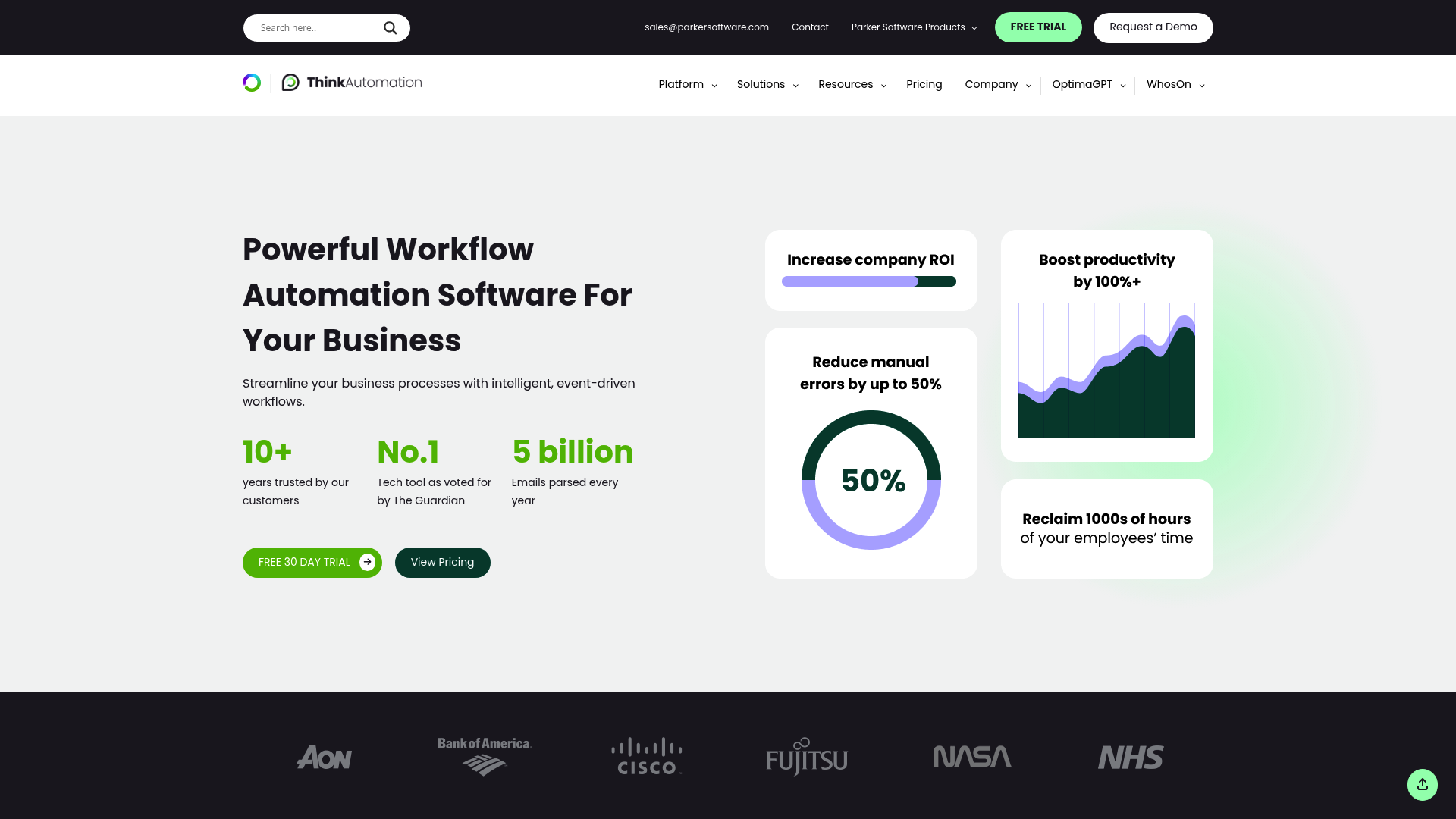
What it is: A business process automation platform that processes messages (email, database changes, files, API calls) and triggers automated workflows.
Key features:
- Email processing handles Office 365, Gmail, Exchange, and IMAP/POP3
- Database change triggers execute workflows when records are added or modified
- File monitoring detects and processes new or changed files
- 130+ automation actions cover most common business processes
- Built-in AI powers chatbots and document processing
- Vector database enables semantic search across documents
- C# and VB.NET scripting (Professional+) allows custom logic
Pricing:
| Plan | Annual Price | Key Limits |
|---|---|---|
| Community | Free | 10 message sources, 250 messages/day |
| Starter | ~$900/year | 10 sources, 500 messages/day |
| Standard | $2,700/year | Unlimited sources and messages |
| Professional | ~$5,400/year | Unlimited + custom scripting |
| Enterprise | Custom | Multi-tenant, high availability |
| What we like | What to consider |
|---|---|
| Transparent, fixed pricing | Interface feels dated compared to newer tools |
| On-premise deployment option | Smaller integration ecosystem |
| No per-automation fees | Limited cloud-native features |
Best for: MSPs that want on-premise deployment with predictable costs.
Feature comparison table
| Tool | Pricing | Deployment | Best use case | Setup complexity | AI capabilities |
|---|---|---|---|---|---|
| Rallied | Contact sales | Cloud | Executing L1 tickets without workflows | Low | AI technician that executes fixes |
| Pia | Contact sales | Cloud | AI-assisted ticket triage | Medium | Ticket classification, SmartForms |
| n8n | Free-$800/mo | Self-hosted/Cloud | Technical teams wanting control | High | AI Workflow Builder |
| Power Automate | $15/user/mo | Cloud | Microsoft 365 shops | Medium | AI Builder, document processing |
| UiPath | $25+/mo | Cloud/On-prem | Enterprise RPA needs | High | Agentic automation, document AI |
| ThinkAutomation | $2,700/year | On-prem/Private | Fixed pricing, on-prem needs | Medium | Built-in AI, chatbots |
How to choose the right Rewst alternative
Choose Rallied if: You want AI that executes fixes without building workflows. We handle password resets, account unlocks, and other L1 tasks autonomously.
Choose Pia if: You need AI-assisted ticket management with strong ConnectWise integration.
Choose n8n if: Budget is tight, you have technical resources, and you want full control over your automation infrastructure.
Choose Power Automate if: You are already using Microsoft 365 and want deep integration with your existing stack.
Choose UiPath if: You need enterprise-grade RPA capabilities and have the budget and technical team to support it.
Choose ThinkAutomation if: You want on-premise deployment with transparent, fixed pricing.
Getting started with MSP automation
Start with an audit of your repetitive tasks. Which tickets consume most of your technicians' time? Password resets, account unlocks, and mailbox permission changes are usually the low-hanging fruit.
Next, match tool complexity to your team's capabilities. If you don't have dedicated automation engineers, avoid platforms that require extensive workflow building. The best tool is the one your team will actually use.
Finally, consider integration requirements. Your automation tool needs to connect seamlessly with your PSA, RMM, and identity providers. If it doesn't integrate with your stack, it doesn't matter how powerful the features are.
If you are tired of building workflows and want an AI technician that actually executes fixes, check out Rallied. We connect to your stack and start resolving tickets without months of setup. You can also calculate your ROI to see how much you could save.
Frequently Asked Questions
Which Rewst alternative is best for small MSPs without automation engineers?
For small MSPs without dedicated automation staff, look at Rallied or Pia. Both are purpose-built for MSPs and don't require workflow engineering expertise.
Are there any free Rewst alternatives?
n8n offers a completely free self-hosted version. ThinkAutomation also has a free Community edition with limited message processing. Both require technical setup but have no licensing costs.
Do any Rewst alternatives execute fixes rather than just building workflows?
Yes. Rallied is specifically designed to execute fixes (password resets, account unlocks, etc.) rather than just building workflows that suggest actions.
Which alternative has the best PSA integrations?
Rewst and Pia both have strong PSA integrations. For broader integration ecosystems, Microsoft Power Automate (900+ connectors) and n8n (400+ integrations) offer the most flexibility.
Is UiPath overkill for MSP automation?
For many MSPs, yes. UiPath is designed for enterprise RPA with complex use cases. If you just need to automate L1 tickets, simpler tools like Rallied or Pia are more appropriate.
Can I self-host any of these alternatives?
Yes. n8n, ThinkAutomation, and UiPath all offer on-premise or self-hosted deployment options. Rallied, Pia, and Power Automate are cloud-only.
