NinjaOne vs LogMeIn: An MSP's Honest Breakdown (2026)
If you've been doing MSP work for more than five minutes, you've had an opinion about LogMeIn forced on you - usually by a $700 renewal surprise showing up in your inbox with a cheerful subject line. That history matters when you're comparing these two platforms, because one of them is carrying that luggage into every evaluation.
This breakdown covers NinjaOne and LogMeIn Resolve (the RMM/UEM product - not Rescue, their enterprise remote support tool, which is a different beast for a different use case). We're going feature by feature, pricing by pricing, and real user by real user. The goal isn't to pick a winner for you - it's to give you the signal you need to decide for yourself.
The quick version for busy people
NinjaOne is the market leader on review volume (5,030 G2 reviews, 4.7/5), has the better UI, and gets teams live in under a week. Its Achilles heel is pricing - the per-device model stings at smaller endpoint counts, and several power features sit behind higher tiers.
LogMeIn Resolve has a genuine entry-level offer ($29/month for 25 endpoints) and a cleaner single-pane pitch for teams wanting remote access + basic RMM without separate tools. The baggage from a decade of LogMeIn price hikes still dogs its brand, and its G2 footprint (469 reviews, 4.3/5) is a tenth the size of NinjaOne's.
Neither platform will pick up the phone and fix the password reset that just came in at 8 PM. More on that at the end.
What each product actually is
NinjaOne
NinjaOne is a unified IT operations platform built for MSPs and internal IT teams. The core is RMM - remote monitoring and management, patch management, alerting, scripting - layered with backup, endpoint security, ITSM ticketing, and IT documentation. It's endpoint-first and it shows in the interface: everything flows from device management outward.
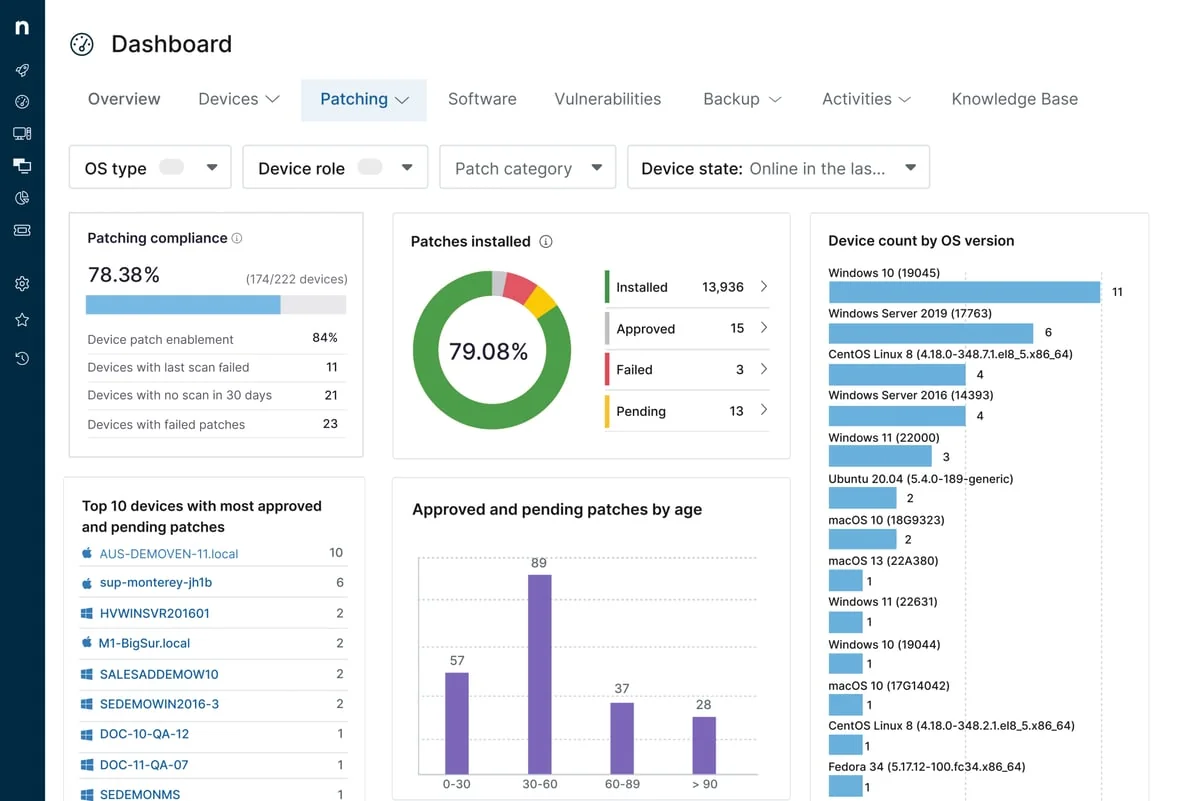
The platform covers Windows, Mac, Linux, and network devices. Its big selling point, beyond feature breadth, is speed of deployment - NinjaOne claims most teams are fully operational in under a week, and the G2 data backs this up with an ease of setup score of 9.1 out of 10.
LogMeIn Resolve
Resolve is the rebrand of GoTo Resolve (itself the successor to LogMeIn Central), now living under the LogMeIn product umbrella after the GoTo/LogMeIn brand separation in recent years. If you've lost track of who owns what across the GoTo/LogMeIn family, you're not alone - the brand reshuffling is a real thing.
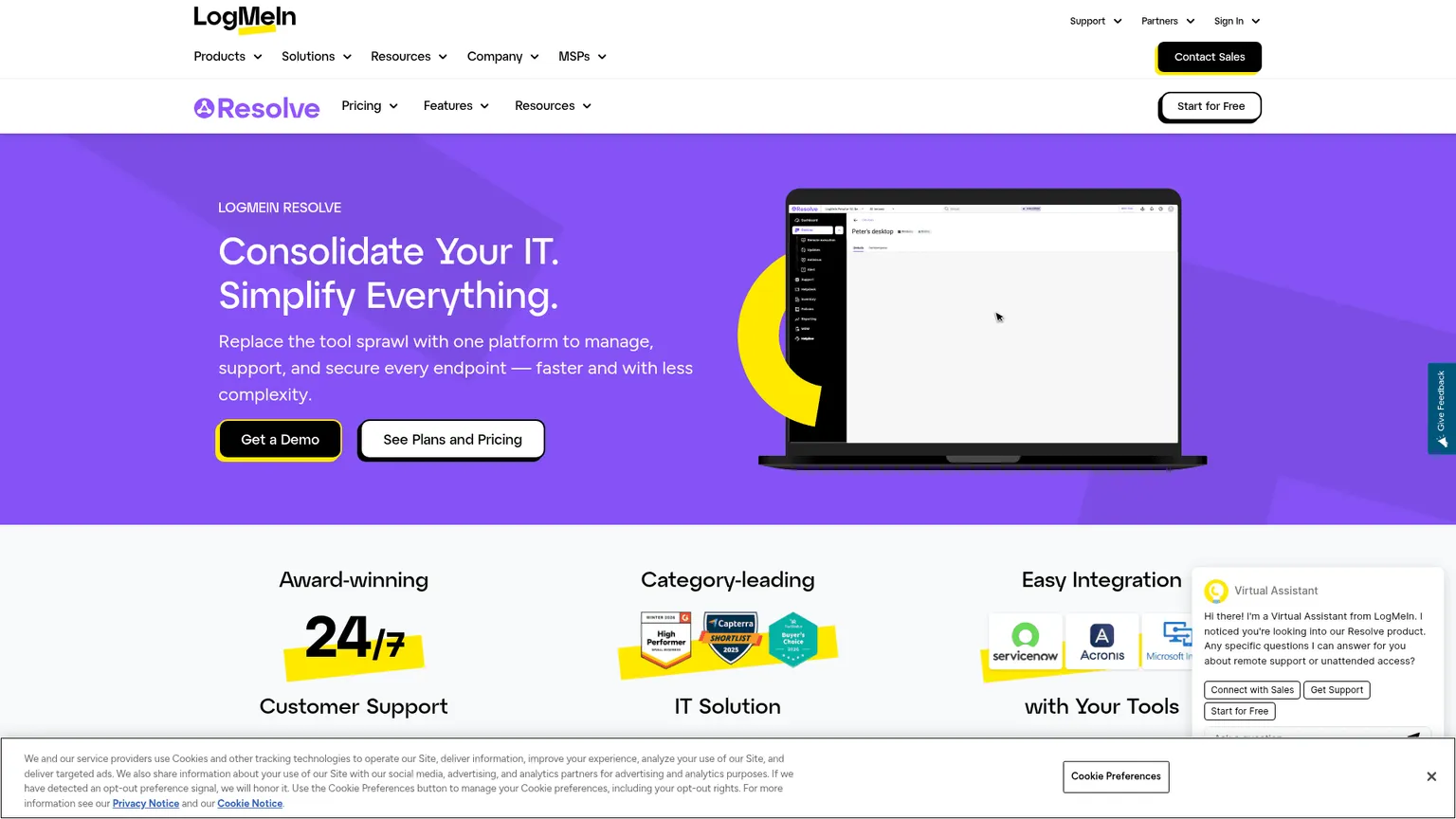
Resolve positions itself as an all-in-one UEM (Unified Endpoint Management) platform: unattended remote access, patch management, RMM monitoring, mobile device management, IT asset management, and a built-in ticketing/helpdesk. The GoPilot AI features (ticket summaries, script generation in PowerShell, Shell, JS, and Python) are available on higher tiers.
Note: LogMeIn Rescue - the enterprise remote support tool used by Lenovo and Asurion - is a completely different product with different pricing and a different target customer. If you're comparing Rescue to NinjaOne, you're comparing a specialized remote support tool to a full RMM suite. Resolve is the right product to compare.
How the market sees them
This is the part that matters most, because review volume at scale is hard to fake.
| Metric | NinjaOne | LogMeIn Resolve |
|---|---|---|
| G2 Rating | 4.7/5 | 4.3/5 |
| G2 Reviews | 5,030+ | 469 |
| Ease of Setup (G2) | 9.1/10 | - |
| Quality of Support (G2) | 9.1/10 | - |
| Product Direction (G2) | 9.7/10 | 8.0/10 |
| G2 Badge | Leader Summer 2026 | - |
A 10x review gap isn't just popularity - it's a signal of which platform MSPs are actively recommending to each other. NinjaOne's product direction score of 9.7 vs LogMeIn's 8.0 is also meaningful: it tells you which platform's users believe in where the product is headed.
Feature comparison
Remote monitoring and management (RMM)
Both platforms cover the fundamentals: agent-based monitoring, alerting thresholds, remote script execution, and Windows/Mac support.
NinjaOne goes deeper here - NinjaOne's RMM includes Linux coverage, SNMP network device monitoring, and a scripting library with PowerShell, Python, Bash, and batch script support. Automation policies and condition-based workflows are a core part of the product, not an add-on.
LogMeIn Resolve's RMM monitoring, alerting, and antivirus are on higher tiers - Starter gets unattended remote access and basic tooling, but patch management and RMM monitoring require Essentials or above (pricing by quote).
Patch management
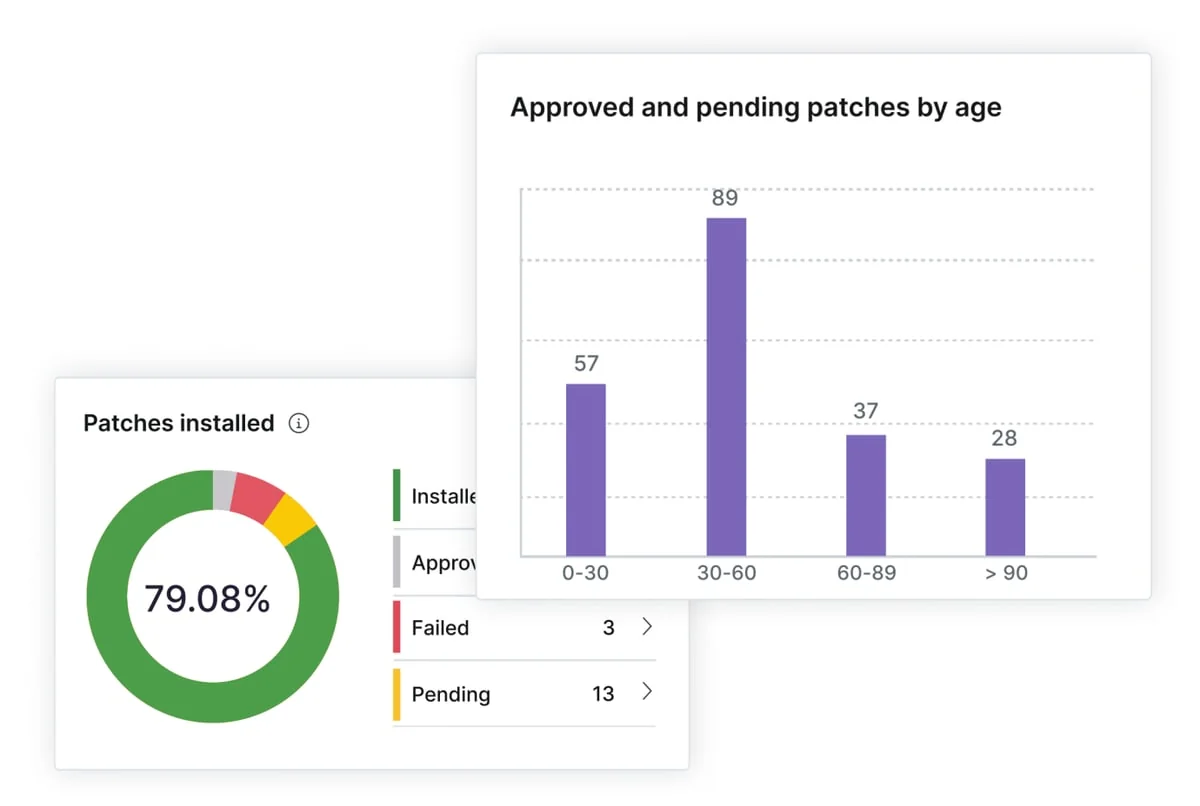
This is NinjaOne's strongest card. Patch management is available on all plans, covers OS patches and third-party applications, and the interface for building patch policies is one of the better-regarded ones in the market.
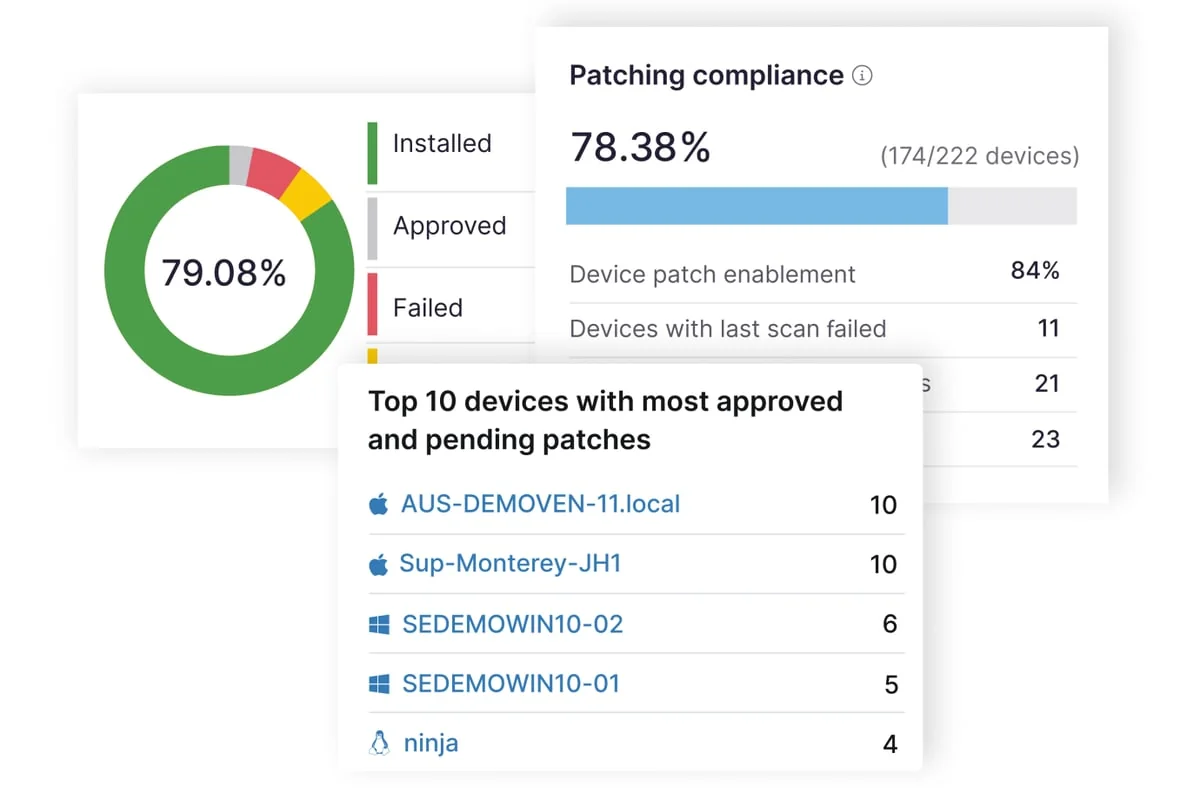
Reddit's r/msp community consistently cites NinjaOne's patch management as the standout feature, with multiple threads specifically calling it out as the reason they stayed after evaluating alternatives.
LogMeIn Resolve includes patch management on mid-tier plans, but the specifics of what's covered require a sales conversation since those tiers don't have public pricing.
Remote access
LogMeIn has genuine depth here - this is their oldest capability and it shows. Unattended remote access (Windows, Mac, Android) is included even on the Starter plan, and the session tools are mature.
NinjaOne's remote access is capable and tightly integrated into the workflow, but a frequently-cited G2 criticism is that multi-user sessions are one at a time - a limitation that matters on busier teams sharing access to the same device.
Endpoint management
NinjaOne's endpoint management is where the platform's breadth shows - hardware/software inventory, license compliance, endpoint security with antivirus and vulnerability scanning, and backup all live in one interface.
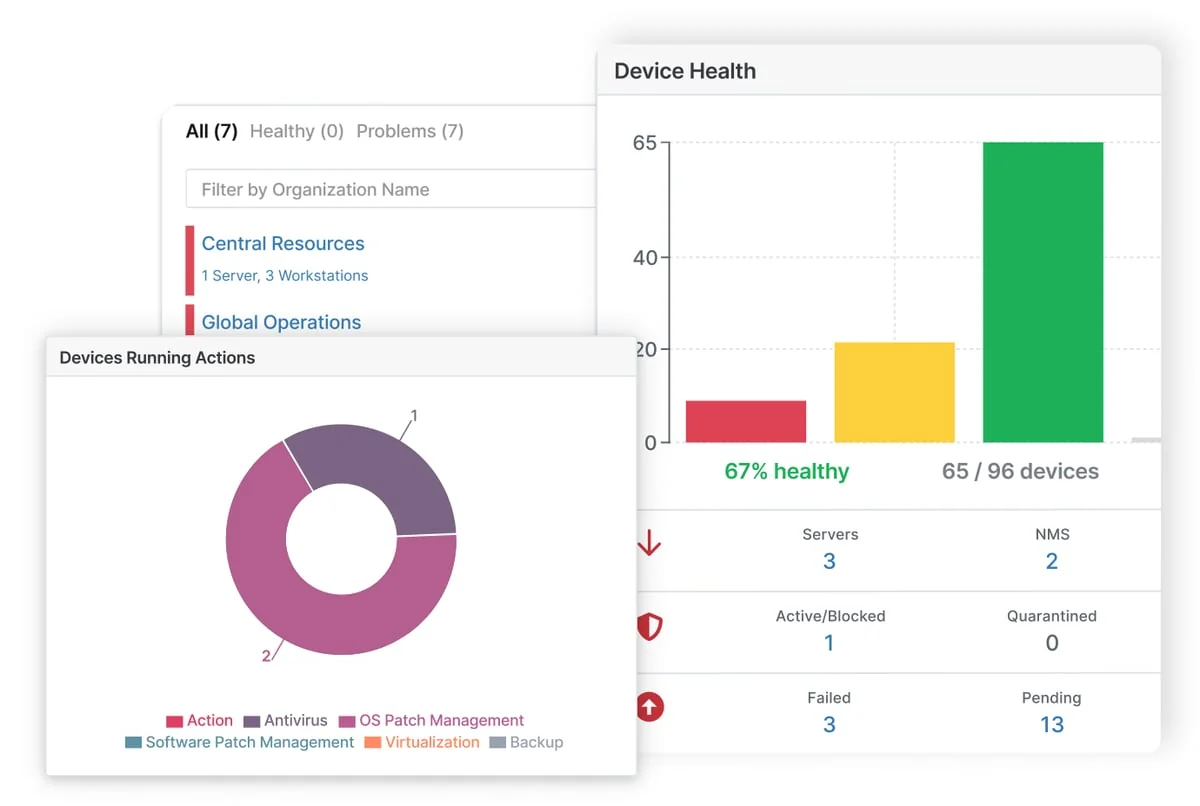
One important caveat: vulnerability scanning on NinjaOne is paywalled behind higher tiers - a point that surfaces repeatedly in negative G2 reviews, with users describing it as a feature that should be baseline.
LogMeIn Resolve's UEM approach includes Mobile Device Management (company device compliance) as a named feature, which NinjaOne handles differently through its endpoint management layer.
Helpdesk and ticketing
Both platforms include helpdesk/ticketing. NinjaOne's ITSM module has ticket management, a customer portal, and integration with the rest of the platform. LogMeIn Resolve's service management includes ticketing, a knowledge base, and problem management - with GoPilot AI adding ticket summaries and observations on higher tiers.
Neither platform's ticketing is what a dedicated helpdesk like Zendesk or Freshdesk is, but both offer enough for teams that don't want a separate tool.
Pricing: the number that ends arguments
NinjaOne
Per-device pricing, not publicly listed - you need a quote. Based on market data, ranges roughly from $1.50 to $3.75 per device per month depending on endpoint count (more devices = lower per-device rate). Free implementation, free unlimited support, and a 14-day trial with no credit card.
The community math on r/msp is less flattering: "Formula 1 pricing for stock car performance" shows up in multiple threads, with some users reporting NinjaOne prices at 2-3x alternatives like Atera or Syncro at equivalent endpoint counts.
Note: NinjaOne requires a 60-day cancellation notice - a term worth knowing before you sign.
LogMeIn Resolve
Endpoint-based pricing with a public Starter tier:
| Plan | Monthly | Annual | Minimum |
|---|---|---|---|
| Starter | $29/month | $23/month (save 21%) | 25 endpoints |
| Essentials | Quote | Quote | Quote |
| Advanced | Quote | Quote | Quote |
| Ultimate | Quote | Quote | Quote |
Starter includes unattended remote access, terminal access, background file manager, screen blanking, AI-enhanced knowledge base, and unlimited agents. It's a genuine entry point for small shops.
The catch: patch management, RMM monitoring, MDM, ticketing, and automation all require Essentials or above - and those require a sales call to price. Free trial available, no credit card required.
What MSPs actually say
On NinjaOne
The positive side from r/msp is consistent: fast deployment, strong patch management, support that actually answers. The negative side is equally consistent - pricing complaints dominate, and the vulnerability scanning paywall is a recurring frustration.
A representative negative take: "Got quoted 2-3x what Syncro costs for essentially the same feature set. The UI is nicer but not 3x nicer."
On G2, the top complaint categories for NinjaOne are missing or limited features (792+ mentions) and pricing (450+ mentions) - not bugs, not support failures. The product works; the question is whether it's worth what they charge.
On LogMeIn Resolve
The brand trust problem is real and documented. Multiple r/msp threads from the last decade cite dramatic price hikes - one titled "HUGE increase in LogMeIn Central Pricing" has 20+ comments, and the original LogMeIn Central price hike era is frequently invoked as a cautionary tale even in 2025/2026 threads.
Current sentiment on GoTo Resolve / LogMeIn Resolve is more measured - "It's expensive but has been a solid solution that I can depend on" captures the general vibe. That's not a ringing endorsement. The platform is seen as capable for SMBs or shops that want remote support and basic RMM without adding a separate tool, but not the default choice for MSPs who need deep automation or scripting.
One thread compared dealing with their sales team to "working with Kaseya or a LogMeIn sales rep" - not a comparison you want in your evaluation notes.
Where each wins
Pick NinjaOne if:
- Review volume and market validation matters to your vendor selection process
- You need deep patch management and RMM as the core of your stack
- You want transparent, well-documented feature sets with a strong support SLA
- Your endpoint count is high enough that per-device pricing makes sense
Pick LogMeIn Resolve if:
- You need a genuine entry-level price point with transparent public pricing
- Remote access is the primary use case and RMM is secondary
- You're a smaller shop that wants one tool covering remote support + basic management
- You're willing to get past the brand baggage and evaluate the current product on its own merits
Neither is right if:
- You're still burning 50-100 hours a month having technicians resolve L1 tickets manually
- Your RMM tells you a password reset came in but someone still has to execute it
- You've evaluated every platform on this list and still haven't solved ticket volume
The gap both platforms leave open
Here's the thing neither NinjaOne nor LogMeIn Resolve solves: your RMM monitors the environment and your technicians still do the work.
A NinjaOne alert fires when a user locks their account. Your RMM logged it, maybe created a ticket, maybe sent a Slack message. Then a person has to unlock the account. At $100-150/hour fully-loaded technician cost, that's a $10-15 task that happened manually because no one in the room had permission to flip the switch automatically.
Password resets alone account for roughly 18% of L1 ticket volume. Account unlocks, permission changes, onboarding steps, offboarding checklists - these are the tickets your technicians handle on autopilot, the ones nobody counts because they're "just part of the job."
That's where Rallied sits. Not as an RMM replacement - Rallied connects to your existing PSA, RMM, M365, and identity stack (Entra ID, Okta, JumpCloud, Google Workspace) and handles the tickets autonomously. Password reset comes in, Rallied executes the reset, closes the ticket, logs it. No technician in the loop, no context switching, no 11 PM interruption.
The math typically shakes out to 50-100 hours of L1 grunt work eliminated per month - $7K-$15K/month in tech time freed up to work on actual problems. Same-week deployment, no dedicated admin tax to get running.
NinjaOne and LogMeIn Resolve are where you monitor and manage your environment. Rallied is what handles the work your environment generates. They're complementary, not competing - but only one of them is actually closing tickets while you sleep.
Try Rallied
If you're comparing RMM platforms and still spending hours on L1 ticket volume, talk to the Rallied team about what autonomous ticket resolution looks like in your stack. 14-day trial, connects to your existing tools, no rip-and-replace required.