How to unlock an account in Active Directory (MSP guide 2026)

TL;DR
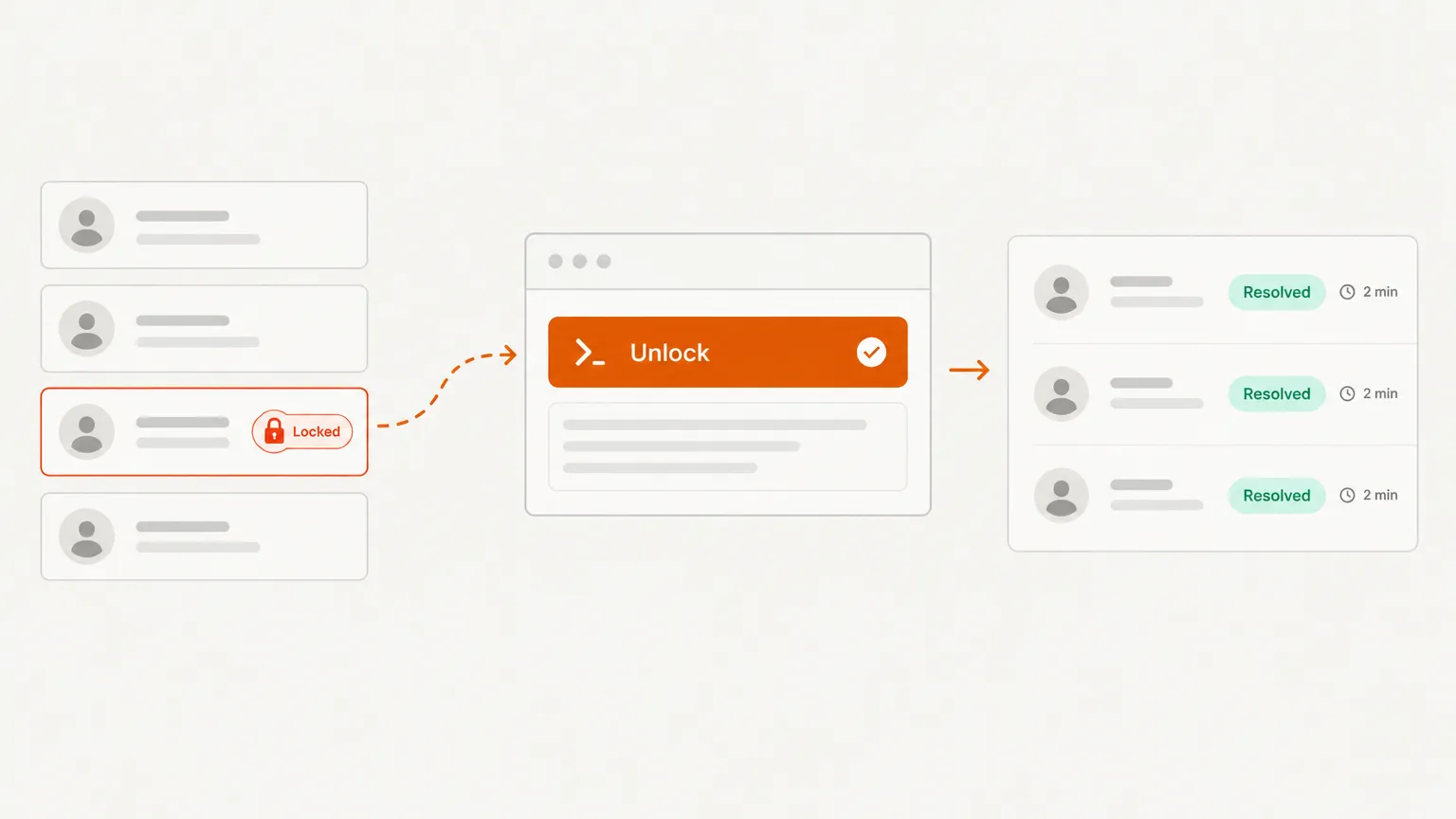
To unlock a locked Active Directory account, run Unlock-ADAccount -Identity <username> on a domain controller or a machine with the RSAT ActiveDirectory module. It takes seconds. The part that actually saves your week is then finding what keeps sending bad passwords, usually by reading event 4740 on the PDC emulator. Unlock the account, then fix the source.
What you need before you start
- Rights to unlock accounts in the domain. A helpdesk role delegated over the user's OU is enough for most MSPs.
- The ActiveDirectory PowerShell module. It ships with the RSAT tools on Windows clients and with the AD DS role on servers.
- The user's SAM account name, UPN, or distinguished name. Any of them works as the identity.
Step 1: Confirm the account is actually locked
Lockouts are not always what the user describes. "I can't log in" could be a locked account, an expired password, or a wrong domain. Check first:
Get-ADUser -Identity jsmith -Properties LockedOut, BadLogonCount, LastBadPasswordAttempt | Select-Object Name, LockedOut, BadLogonCount, LastBadPasswordAttempt
If LockedOut is True, you have a lockout. If it is False, stop here and look at the password, the expiry date, or the logon workstation instead.
Step 2: Unlock the account
Unlock-ADAccount -Identity jsmith
The cmdlet "restores Active Directory Domain Services (AD DS) access for an account that is locked," and it accepts a SAM name, UPN, distinguished name, GUID, or SID, per Microsoft's Unlock-ADAccount documentation. It does not change the password. Ask the user to try signing in again.
If you prefer the GUI, open Active Directory Users and Computers, find the user, and use the Unlock Account option in the Account tab. Same result, slower when you have a queue.
Step 3: Find out what locked it
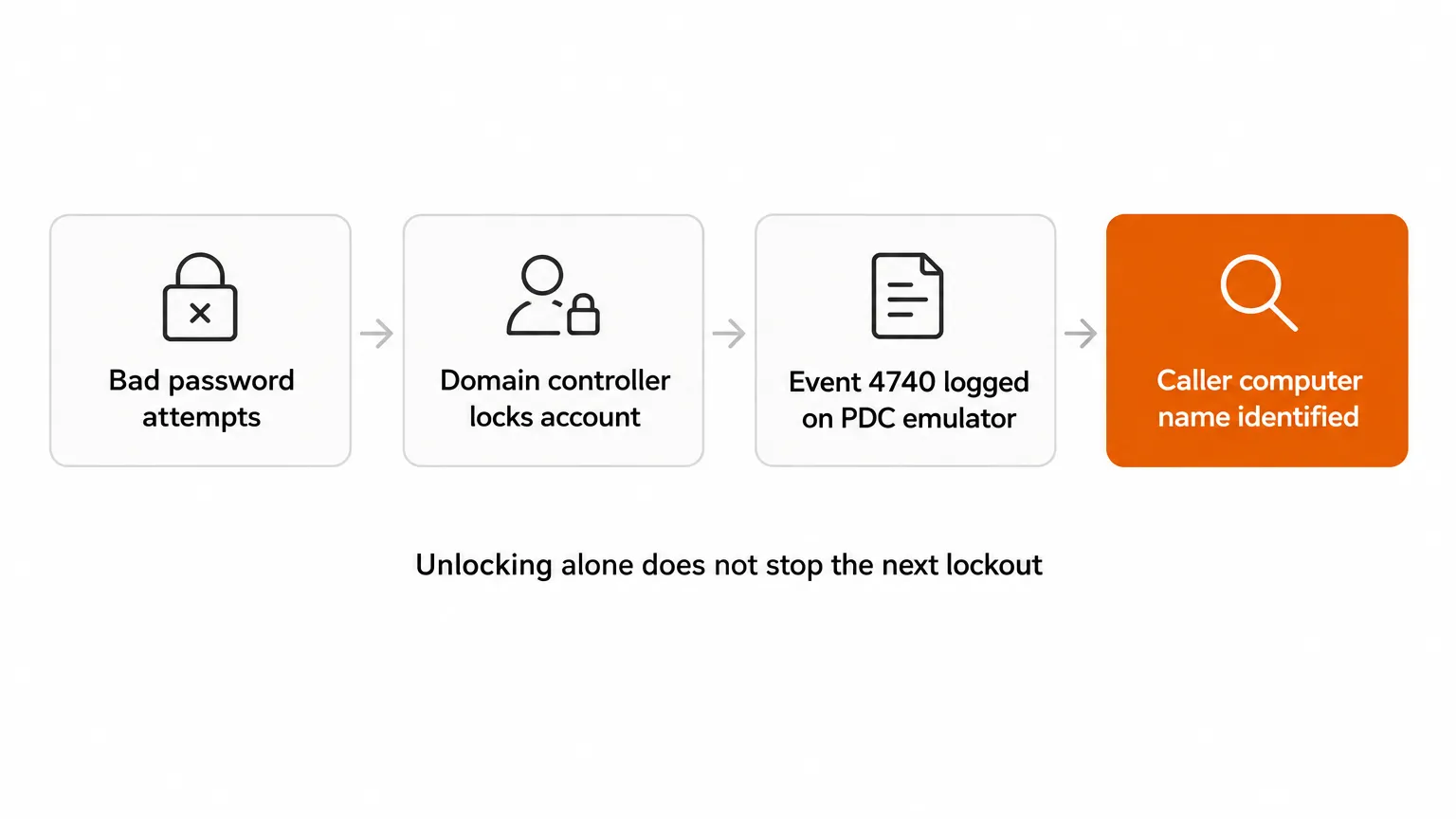
This is the step most MSPs skip, and it is the reason the same user calls back on Thursday. Lockouts come from a handful of places: a saved password in a mapped drive, a scheduled task running under the user's account, a service with stale credentials, or a phone or tablet that keeps retrying email.
Start with event 4740 on the PDC emulator, because that is where lockouts are recorded. The Reddit thread below captures the logic that works in practice:
"Event ID 4740 is the result of failed logon attempts. So, look for the preceding failed logon attempts - often (but not always) those will have..."
Source: r/activedirectory, "Account lockouts: Event ID 4740" (search snippet, not fetched in full)
Filter the Security log for 4740 and 4625 around the lockout time. The 4740 event names the account and the computer that caused the lockout. That computer is your starting point. For a broader walk-through of the event trail, Lepide's account lockout guide covers the common triggers.
Step 4: Decide between a single unlock and a bulk job
For one user, Unlock-ADAccount is the whole job. For several, you will want to see the list first:
Search-ADAccount -LockedOut | Select-Object Name, SamAccountName, LastLogonDate
Review the list before you pipe anything into Unlock-ADAccount. A pile of lockouts at 2am can be a brute-force attempt, and unlocking those blindly hands the attacker another round of guesses.
Step 5: Fix the source and close the ticket
Once you know the computer, fix it. Update the saved credential, remove the stale mapped drive, or change the service account password. Then confirm the lockout count stays at zero over the next few hours:
Get-ADUser -Identity jsmith -Properties LockedOut, BadLogonCount | Select-Object Name, LockedOut, BadLogonCount
Write the root cause in the ticket. The next tech will thank you.
Common mistakes
- Unlocking without tracing. The account unlocks, the source keeps running, and you are back in the same queue by lunch.
- Assuming a reset is needed.
Unlock-ADAccountdoes not change the password. Resetting it without a reason can break a working device that still has the right password saved. - Blind bulk unlocks. Run
Search-ADAccount -LockedOutfirst and look at the list. - Chasing the wrong domain controller. Lockouts are recorded on the PDC emulator, not necessarily on the DC the user logged into.
Where Rallied fits
Unlocking an account is a good first job to automate, and it is only one of the routine tickets an MSP burns hours on. Rallied is an AI technician that works those L1 and L2 tickets inside your PSA, checking live state across the stack and doing the approved work, including password resets and onboarding or offboarding. The pitch in one line: Rallied fixes the ticket instead of summarizing it. Start at rallied.ai, or see how the pricing works before you commit.
Watch the Rallied product page capture
Try Rallied for routine AD tickets
Rallied works the repeat tickets, password resets, account unlocks, and access changes, inside your PSA, so your techs stay on the hard problems. The honest limit: it is built for MSPs running a PSA and RMM stack, not for a single internal IT desk without a ticket queue. If your lockouts are a daily grind, see how it connects to your stack.
For the wider picture, read IT Help Desk Procedures.
Frequently Asked Questions
Can I unlock an Active Directory account without PowerShell?
Yes. The Active Directory Users and Computers console has an Unlock Account option on the user's properties. PowerShell is faster when you are working through several tickets or scripting the fix.
Does unlocking an account reset the password?
No. Unlock-ADAccount only restores access for a locked account. If the user forgot the password, reset it separately before they sign in.
Why does an account keep locking out after I unlock it?
Something is still sending the old password, such as a mapped drive, a scheduled task, a service, or a phone that has not synced. Find the source with event 4740 on the PDC emulator, then fix that device.
Is it safe to unlock every locked account at once?
Not without checking. Many lockouts are a brute-force signal, so review the list before you run a bulk unlock.
Where does an MSP usually lose time on lockouts?
Repeat tickets for the same user. Unlocking takes a minute. Chasing the same device every week is what eats the hours, which is why automating the first touch with a tool like Rallied is worth a look.